Fixing Macintosh SE FDHD

This is Professor omzn, specializing in vintage Mac restoration.

Even when left unpowered and merely displayed, my old Macs continue to steadily deteriorate.

Last December, when I powered up my Macintosh SE FDHD after a long absence, it spat out an error screen during boot. The hard drive was making abnormal noises… Has it finally gone…?
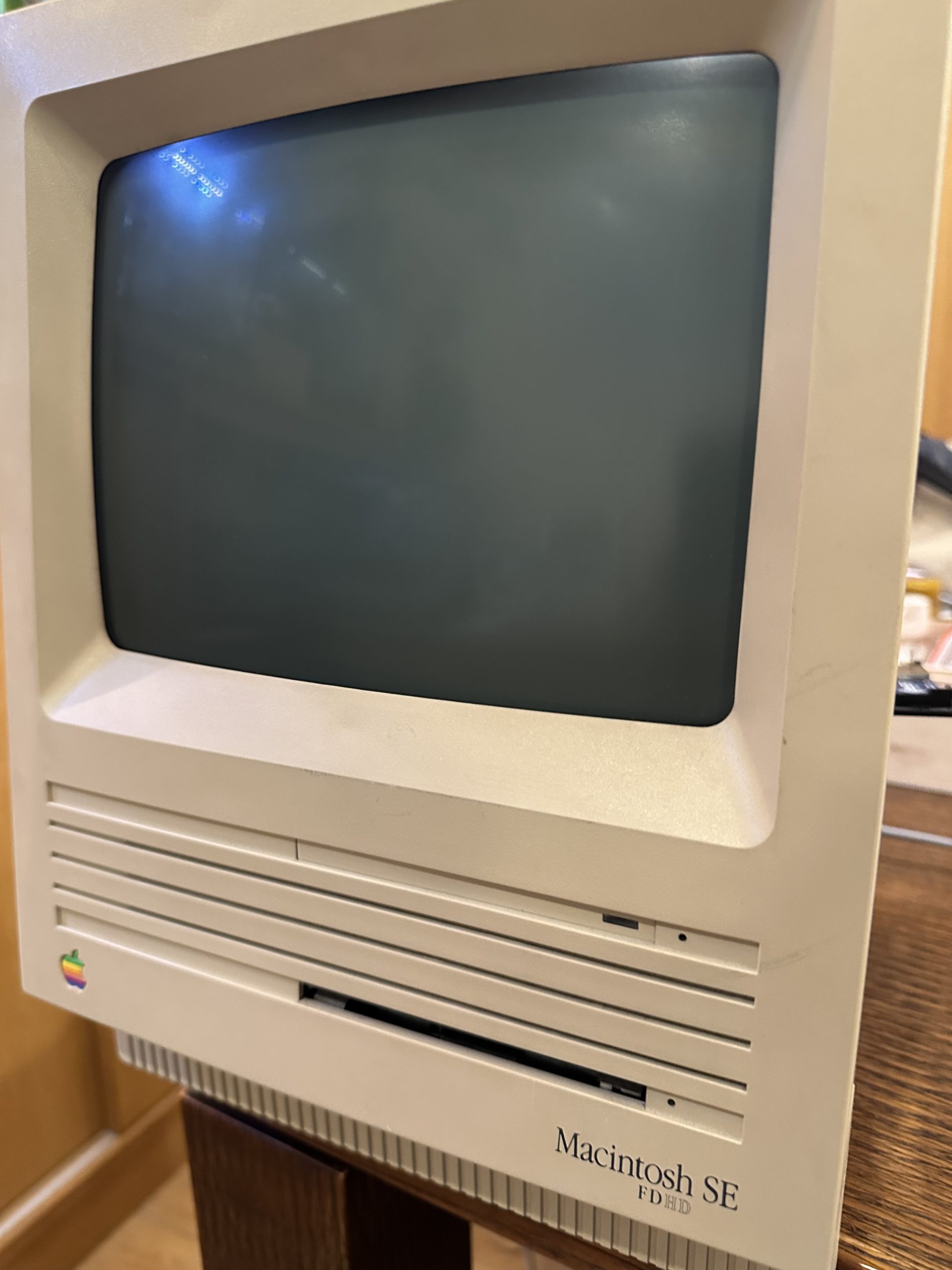
Basic specifications of the Macintosh SE FDHD:

  • Launched: August 1989
  • CPU: Motorola 68000 @ 8 MHz
  • Memory: 4 MB
  • HDD: 20 MB SCSI
  • FDD: 1.4 MB

The 68000 was a CPU that competed directly with Intel’s 80286 in its era.
From a modern perspective, the CPU is roughly 1,000 times more powerful, memory capacity is 1,000 times greater, and HDD storage capacity has increased by 100,000 to 1,000,000 times…

For reference, the Macintosh SE was released in March 1987 with only a floppy drive. The OS was even booted directly from this floppy drive.
The SE FDHD introduced an HDD expansion option – a name that shows absolutely zero sense of design sensibility. Later models like the SE/30, which featured a 68030 CPU, became massively successful.

Older Mac models (pre-Power Mac G3) used SCSI hard drives.
SCSI was a convenient standard that could accommodate up to seven devices on a single bus, but eventually faded in favor of cheaper IDE (ATA) connections. Moving on, I began disassembling the SE to extract the HDD.

Opening the back required a long-handled Torx bit, which took me several days to acquire.
After removing the screws, I found that a tool called a “Mac opener” would make removing the back panel easier, but after brief research, I discovered it wasn’t available for sale, so I settled for opening it with a flathead screwdriver.

The exposed CRT tube gives me quite a fright.

The CRT’s display settings can be adjusted from the side. The focus was slightly blurry, and the image was shrinking vertically and horizontally – with some adjustment, the picture became crystal clear.

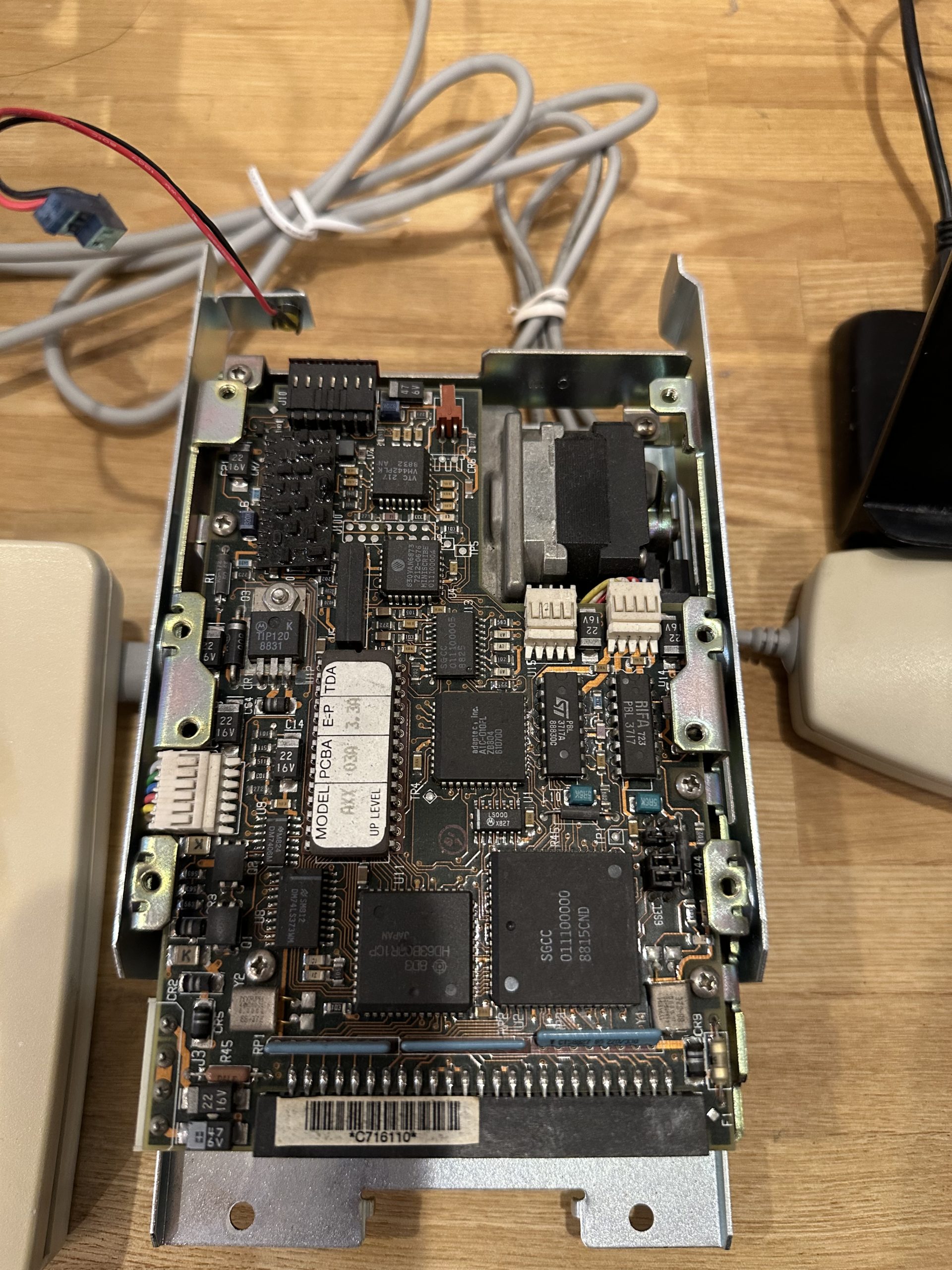
The HDD has been successfully removed. What a massive unit… What exactly is that stepping motor-like component?
As already shown in the second image, the BlueSCSI device serves as a replacement for the SCSI HDD. Presumably, the embedded Raspberry Pi Pico handles SCSI protocol emulation here.
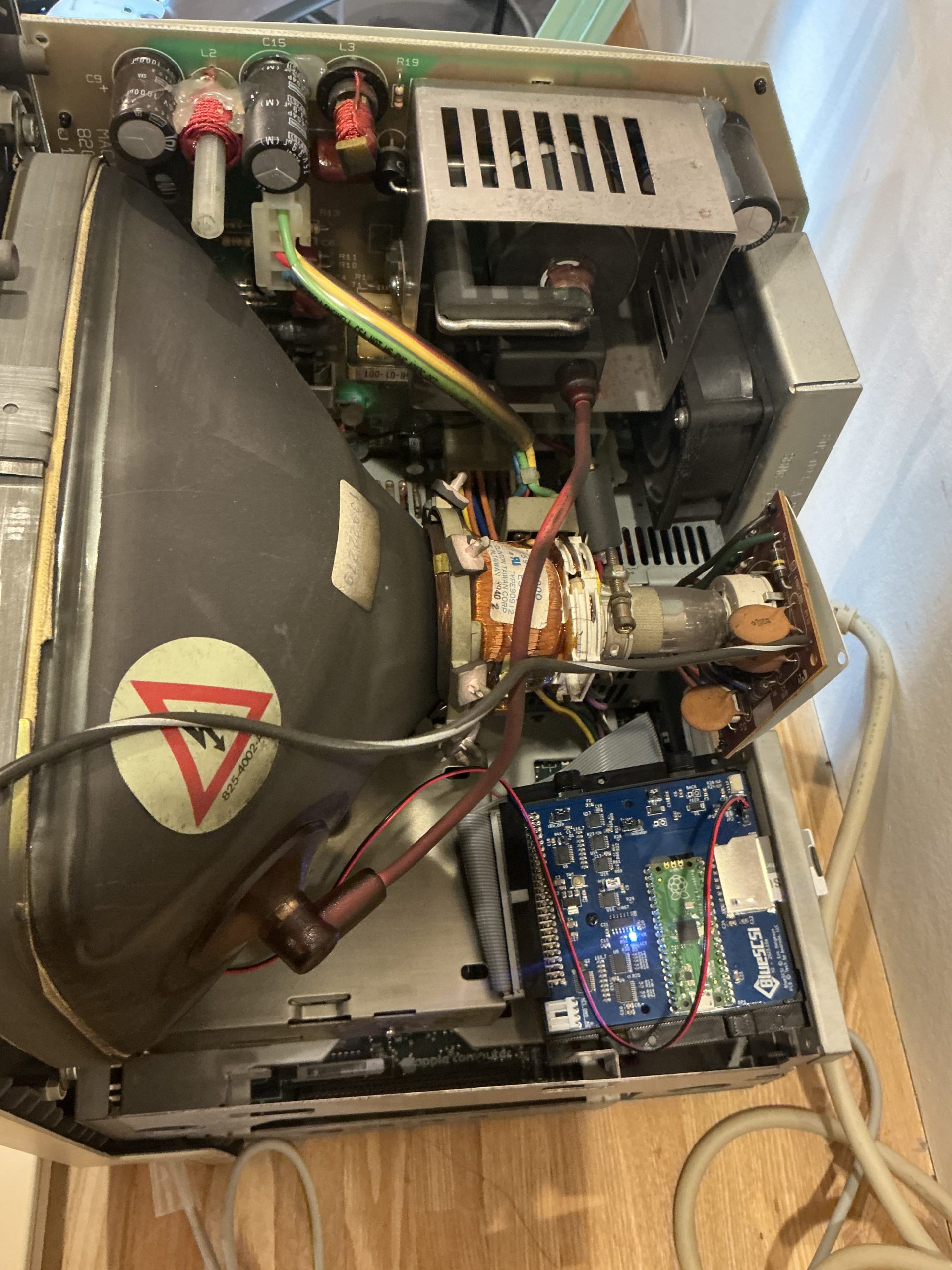
What’s truly impressive about this product is that it doesn’t simply convert the SD card into SCSI itself, but rather converts the disk image stored on the SD card to SCSI format. Since the disk images are compatible with Mac emulators like BasiliskII and SheepShaver, you can copy emulator-generated disks and mount them on the actual hardware. The SD card can contain multiple disk images, allowing you to present multiple drives as if they were connected via SCSI bus. Since this functionality is possible, there’s no point without enabling SD card access. I created a bracket for SD card access in the SE’s rear expansion slot.

The most challenging part is creating the boot drive, but BlueSCSI makes this process significantly easier.

First, I set up a SheepShaver (PowerPC emulator) on my MacBook Pro to create a MacOS 9-compatible environment.
I prepared both the 漢字Talk 7.1 installation media and a disk image for installation. The installation disk image requires incorporating an SCSI driver, so I created it using Disk Jockey app.
Once ready, I launched the 漢字Talk installer from MacOS 9 and had it install onto an empty drive. After unmounting the disk image, I copied it to the SD card and booted it on the physical Macintosh SE.

Pong!

From conventional thinking, numerous strange phenomena occur – why does the 680×0-specific installer run under PowerPC-based MacOS 9? Why does a raw disk copy function as a boot drive without any consideration for bootloaders or such…?

But when it comes to Macs…

that explains everything.

See you!
Collecting and operating Classic Macintosh computers

Collecting and operating Classic Macintosh computers

Hello, I’m Professor omzn (specializing in vintage Mac collecting).

While I’ve made vintage Mac collecting my profession, I’ve been particularly active in the past year.

Recently, I realized that just collecting Apple-related keyboards and mice alone has accumulated quite a collection – and I’ve essentially acquired every type of mouse available.

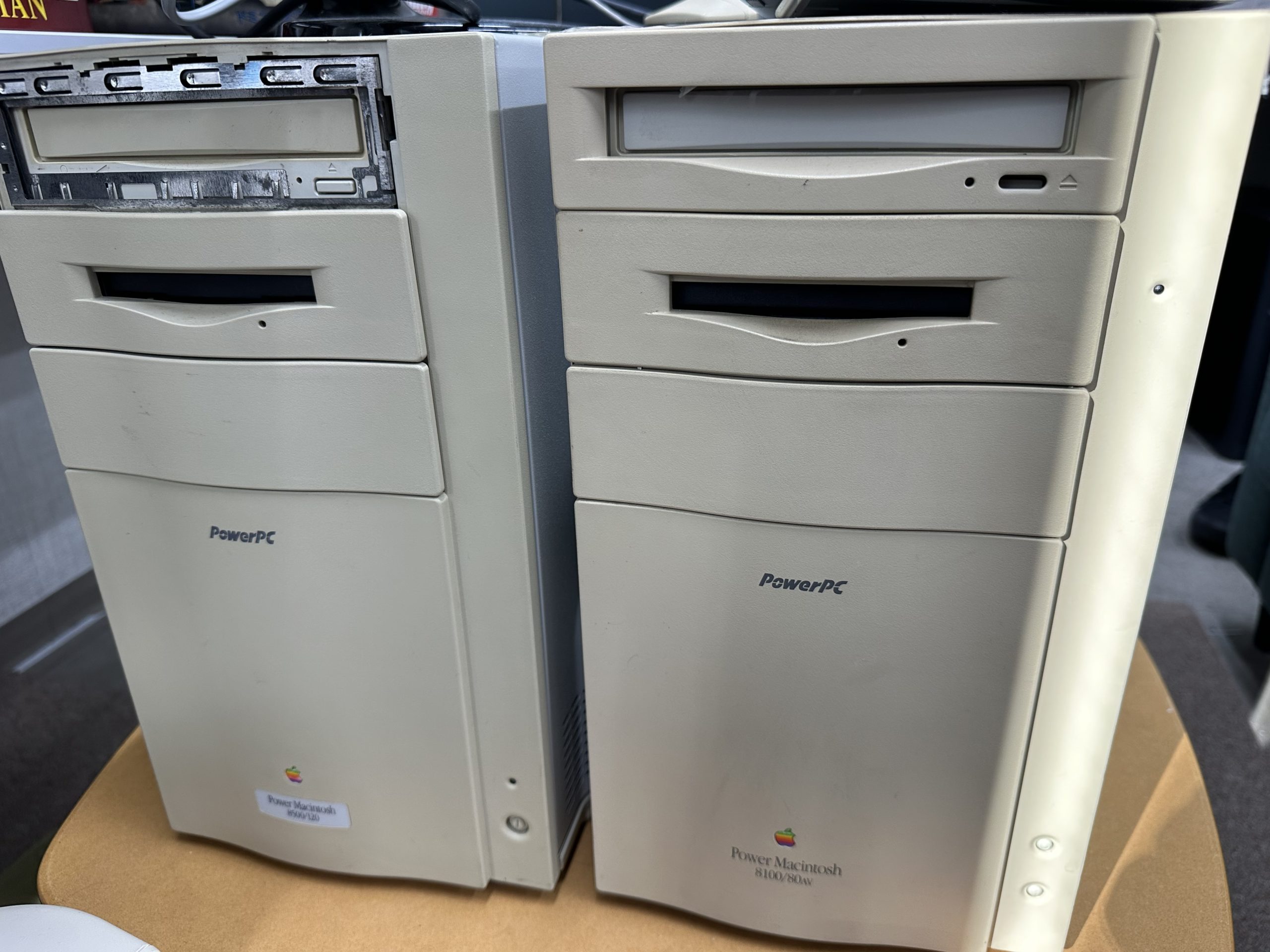
A Power Macintosh 8500 that was rescued from a junkyard, along with my previously stored Power Macintosh 8100/80AV.
The 8500 booted up, but after opening the case to add memory, it stopped functioning completely 😭. The 8100, on the other hand, displays a cruel error message indicating a logic board failure when powered on.

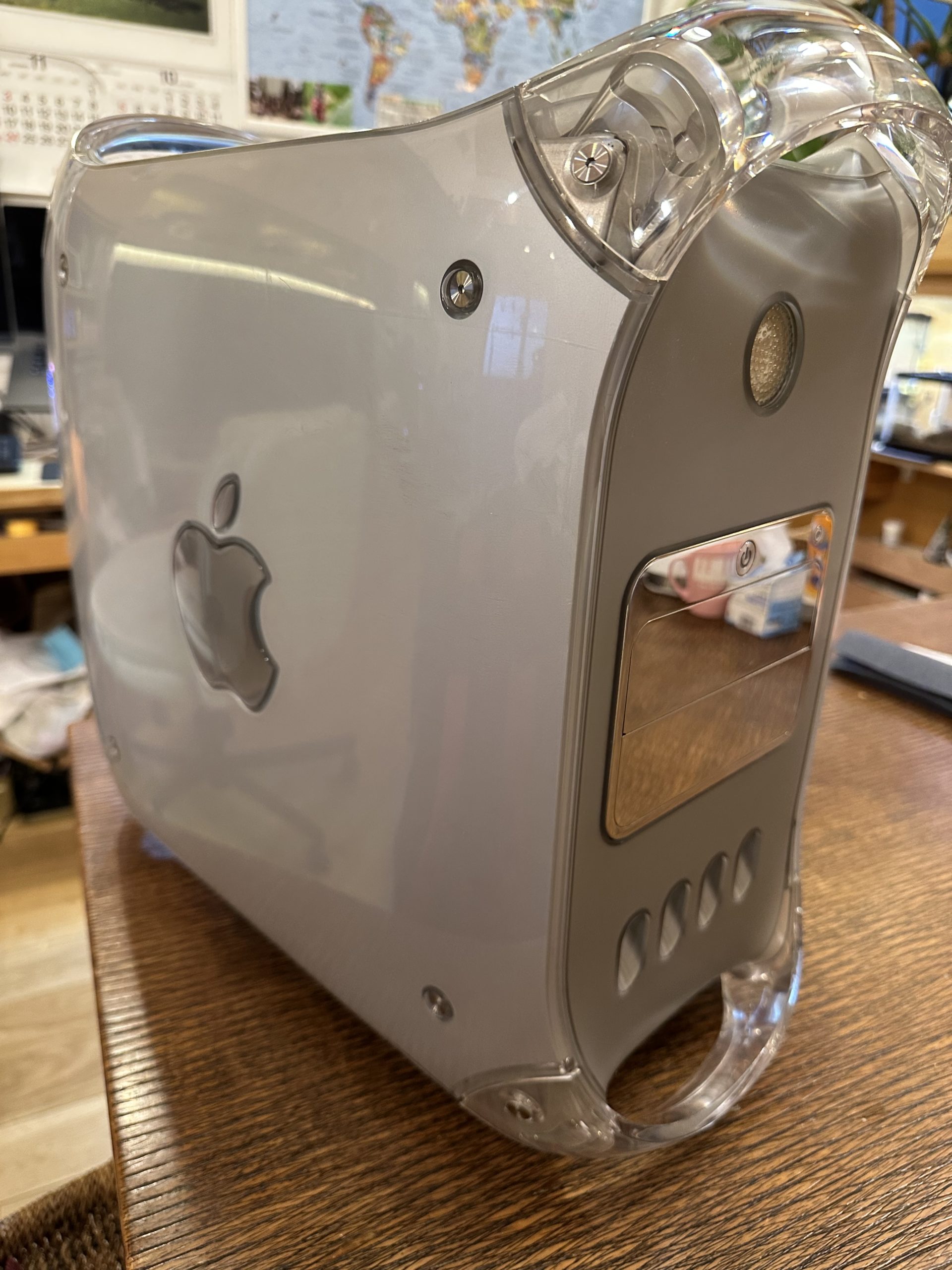
I’ve acquired a Power Mac G4 with the “Mirrored Driver Doors” design – priced at just ¥3,000 at Hard Off despite being marked as junk. Although the HDD had been removed, it still came with 2GB of memory. When I installed a SATA SSD via ATAPI conversion, it successfully booted. It runs up to Mac OS X 10.5.

The Power Mac G4 has a notorious reputation for being extremely loud – it’s genuinely quite noisy even when just running. At this era of Macs, you either made design choices that compromised performance or performance choices that compromised design.

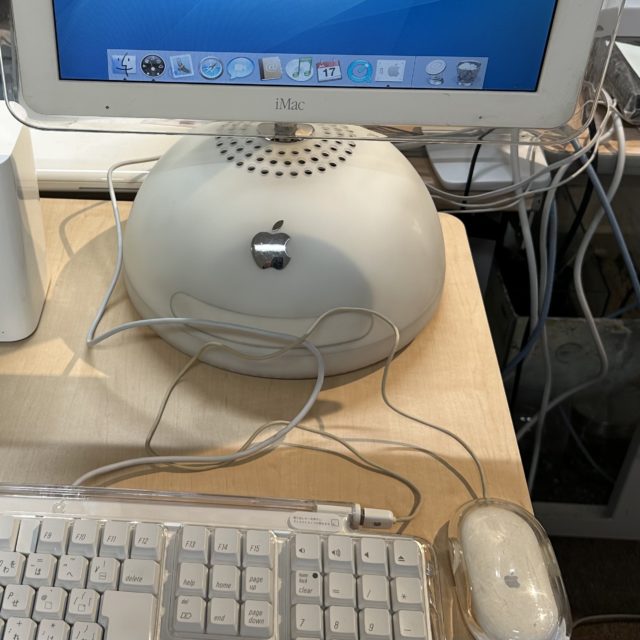
I couldn’t resist and ended up getting an iMac G4 as well – priced at ¥10,000 on Yahoo Auctions. This bargain price was incredible for a completely functional unit.

The iMac G4 represents Apple’s attempt to rebrand after their failed G4 cube design. It addresses all the shortcomings of the G4 cube and achieves remarkably high levels of perfection as a compact all-in-one system. The adorable daifuku-inspired form factor doesn’t hurt either.

Here’s my own mini Macintosh Classic clone – built from scratch. Inside contains a Raspberry Pi 5 running SheepShaver, a PowerPC emulator, which allows MacOS 9 to boot. The original keyboard can be used through a homemade ADB-USB converter.

At our Soflab, the current hot game to play on these vintage Macs is “Same Game”!

There’s so much more I could mention, but I’ll stop here for now…

(日本語) 今年1年のそふらぼ教授部屋

Sorry, this entry is only available in 日本語.

ヤモリ教授omznです.

ことしのomzn周辺で起こった話をつらつらと.

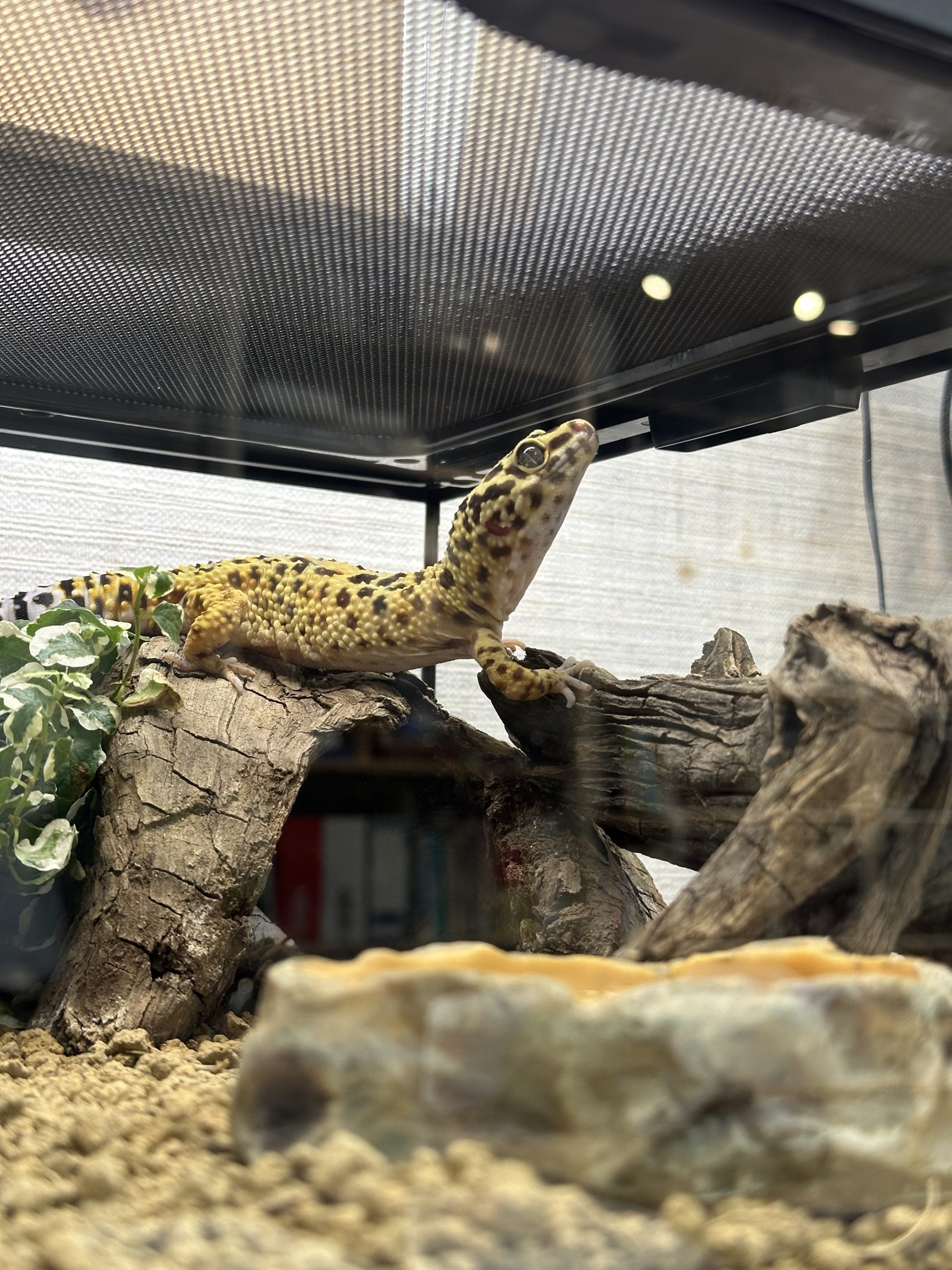
今年のレオパケージ

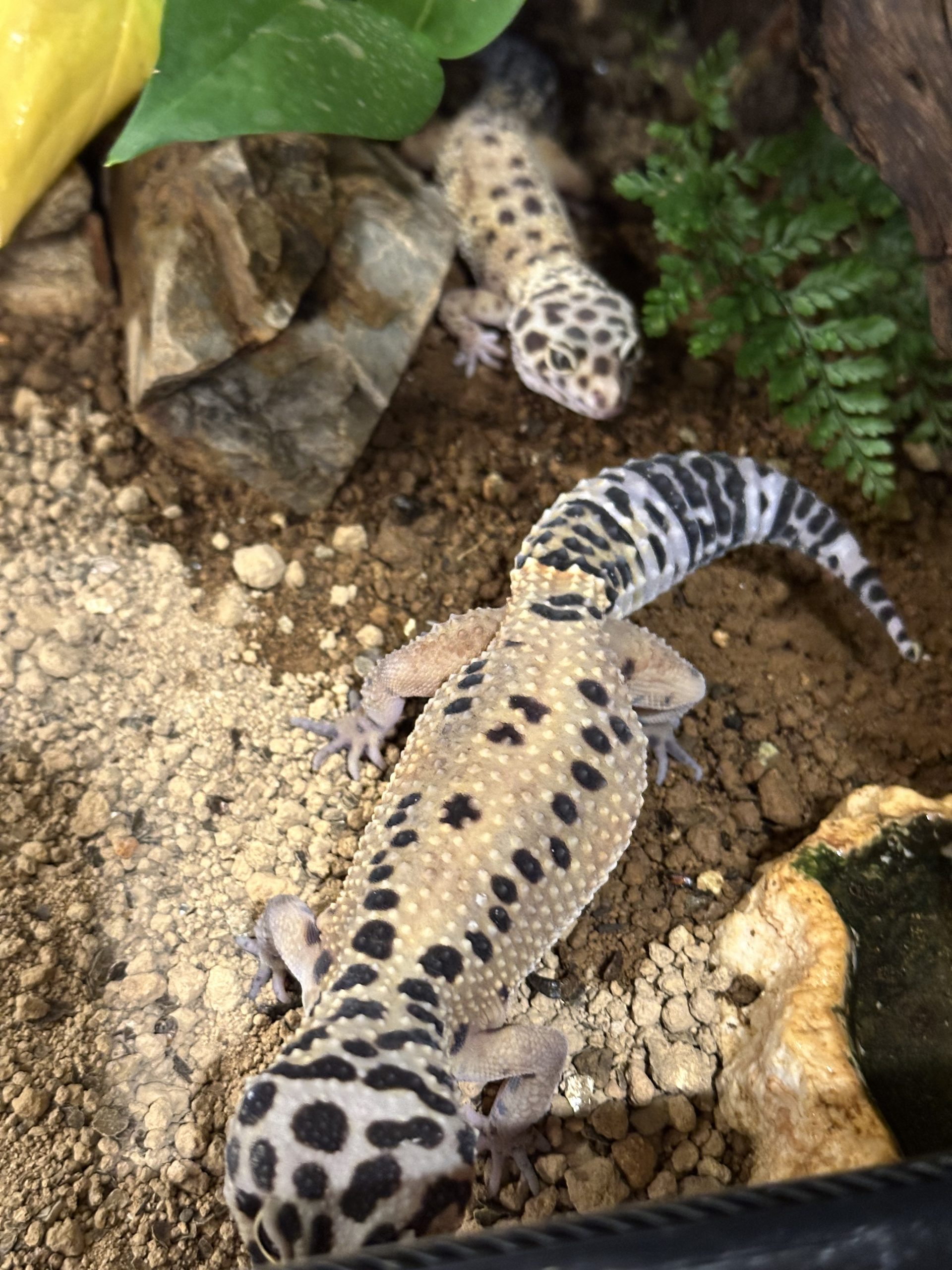
昨年生まれた3匹がどんどん成長していきました.

  • Groot → 95g
  • Good → 54g
  • Star → 50g

親世代もだいたい50g前後なので,そのあたりが標準体重なのでしょうが,Grootだけ突出してでかいです.
一応,レオパには「ジャイアント」という品種があって,90〜120gになるらしいのですが,こいつだけジャイアントの遺伝子が発現してるのかなと思うぐらいでかい...エサも他の子の2倍ぐらい食べます.


なお,全員メスだと思い込んで同居させていたのですが,Starはオスだったことが発覚しました.
気づいたときには,Goodのお腹が大きくなってきてしまい,現在,絶賛孵卵中です.

Star君は単独で隔離され,そのあおりで,親世代のVee君がそふらぼに連れてこられる羽目になりました.

現在,自宅に3ケージ,らぼに1ケージの4ケージ態勢です.

エサ

今年から,今まで手を出さなかったエサ,「デュビア」にチャレンジしています.
デュビアってのは学名の一部なんですが,和名は「アルゼンチンモリゴキブリ」です.
環境に漏出すると大変な感が漂いますね.

しかし,フタホシコオロギに比べて利点が多いのです.

  • 草食性なので臭くない
  • 共食いしない
  • 鳴かない
  • 耐久性が強い
  • 育ちが遅い

怖い点としては以下.

  • Gである
  • 成虫は5cm越えに成長し,圧が強い

繁殖も簡単っぽいので,何匹か成虫を残して育ててみようと思っています.

あくあたん

あくあたん水槽システムにとっては,今年は激動の年になりました.
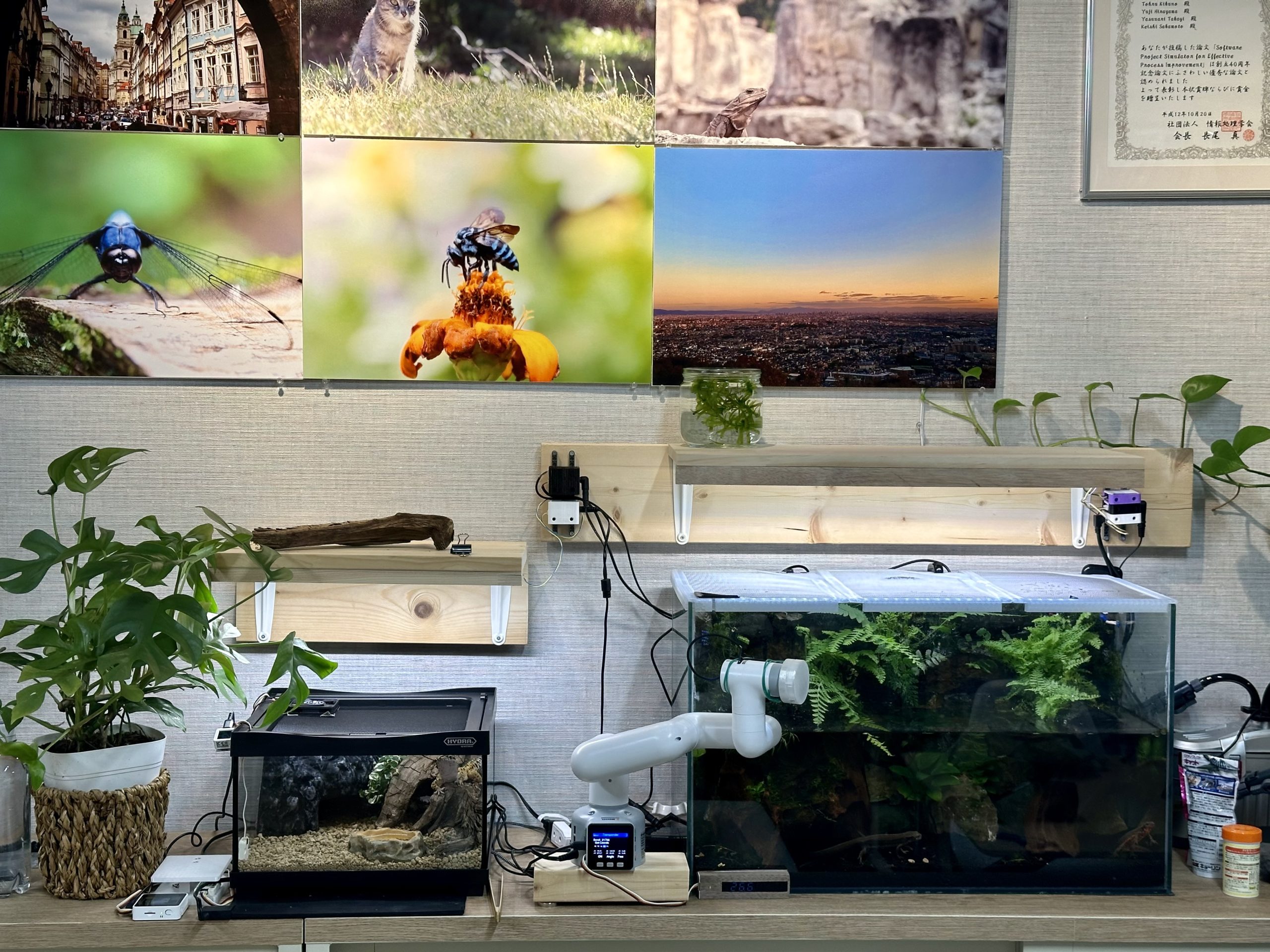
部屋の改修に伴って,これまでの水槽を全て撤去し,全く新しく水槽を1つ作ってやることに.

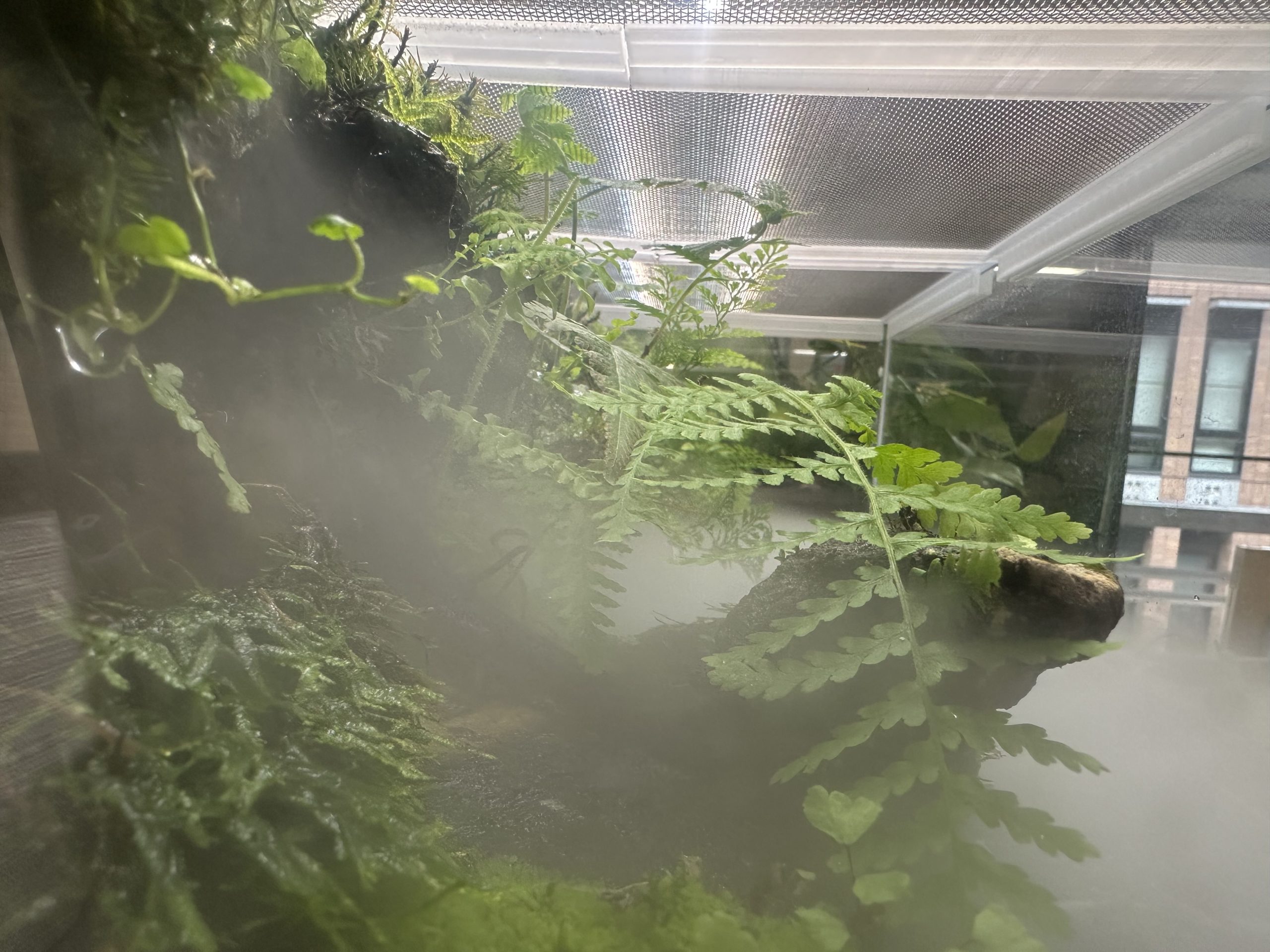
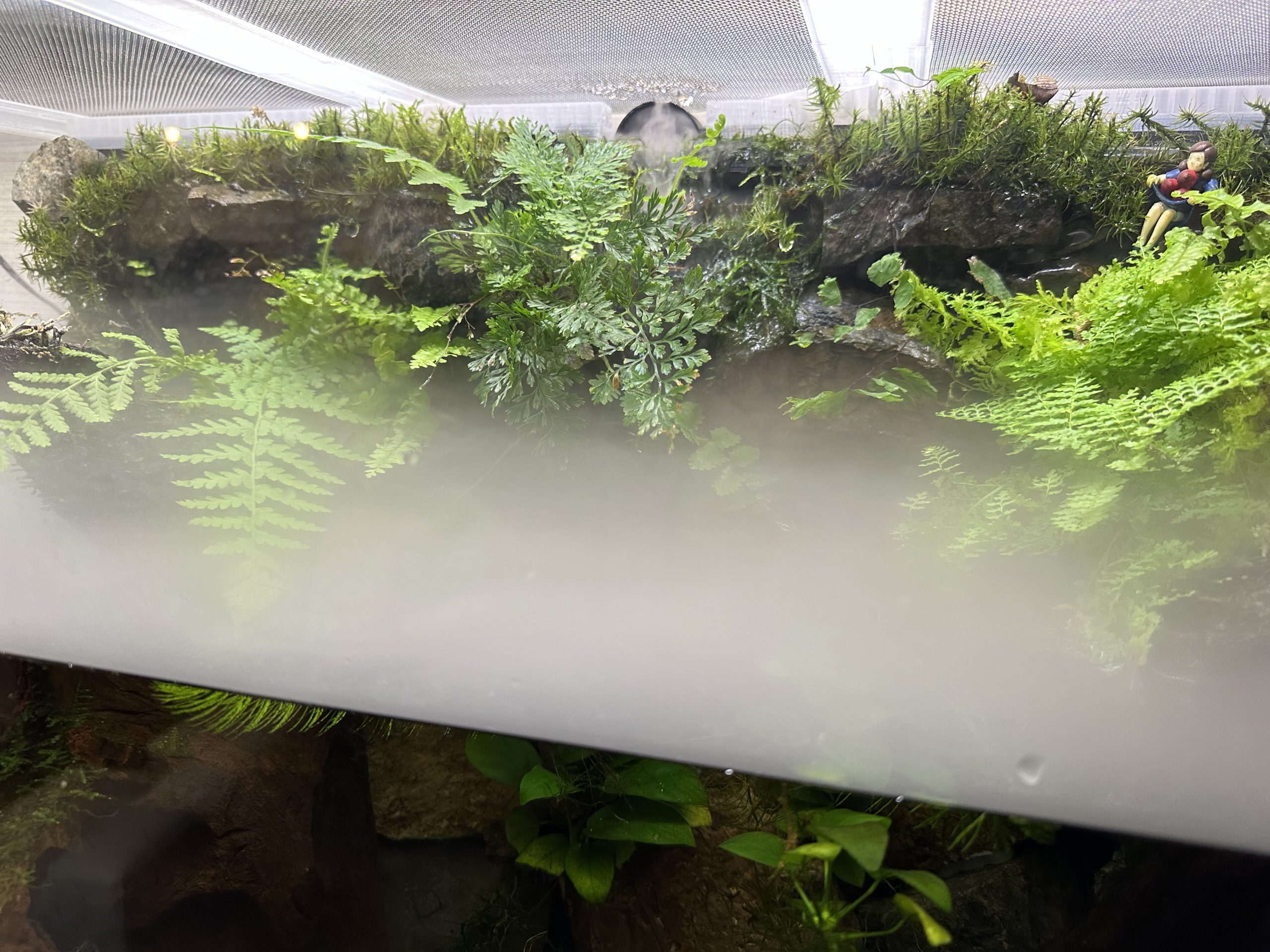
新水槽には霧発生装置から定期的に霧が出ます.

カメラ移動はロボットアームに任せることになり,謎感とレゴ感が減ったのはちょっと悲しいです.

Mac博物館

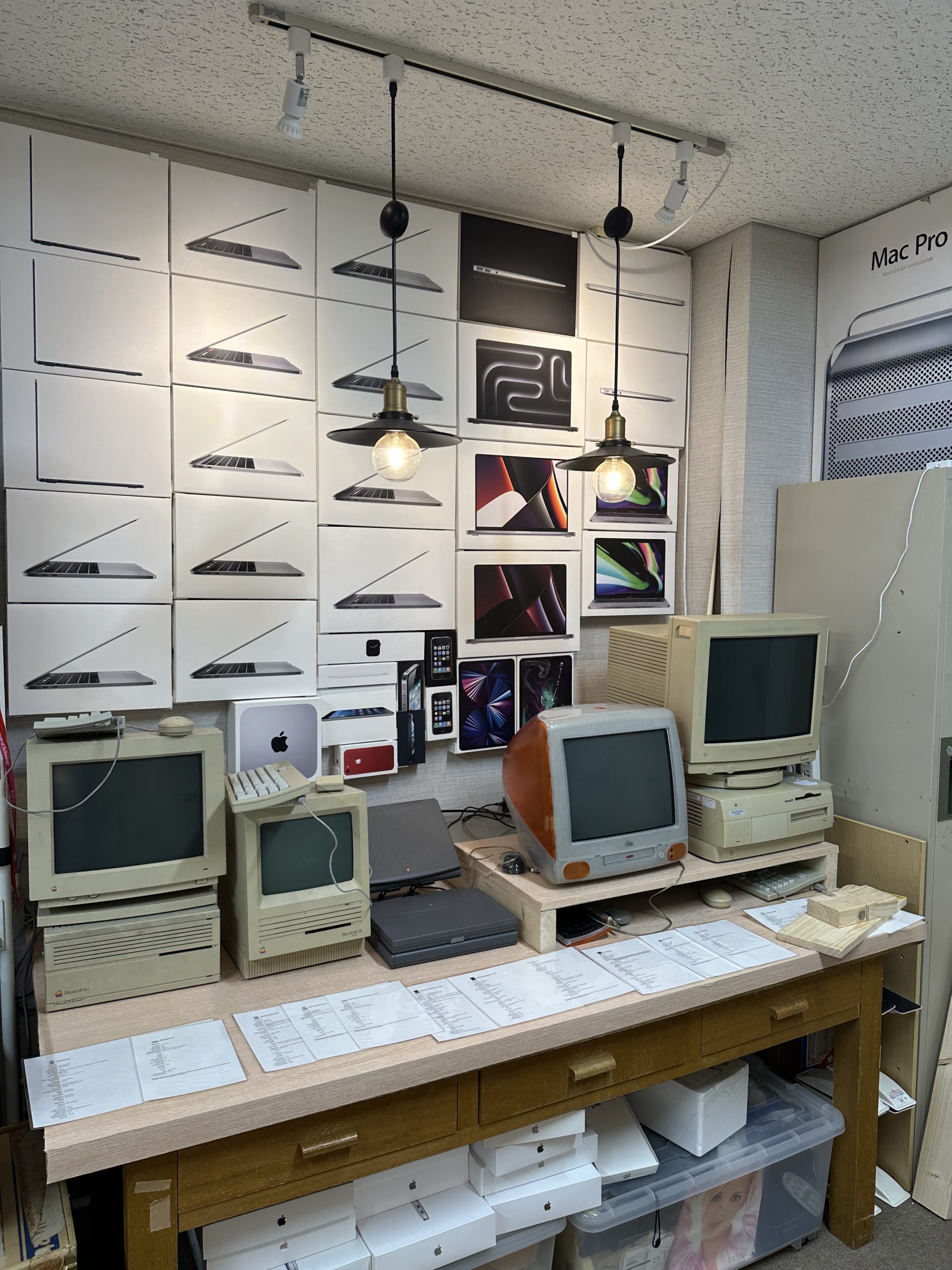
念願のMac博物館も開設しました.みんな可動実機です.

そふらぼに連れてこられたVee君

まとめ

時間が無かったので,今年はこれぐらいで.

みなさんHappy Merry Holidays and Happy New Year!

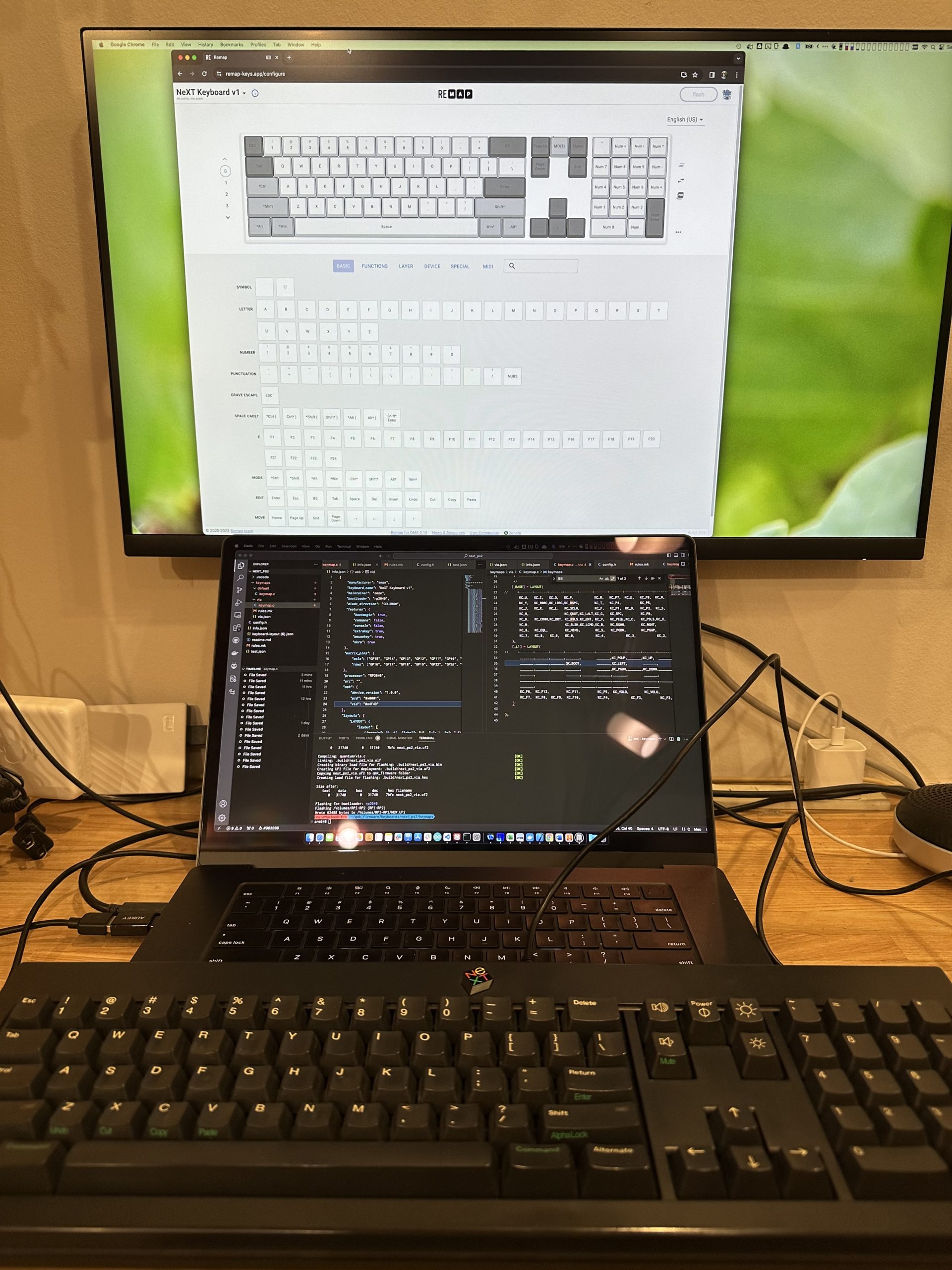
The swamp of a modified keyboard (Reiwa NeXT keyboard V2)

The swamp of a modified keyboard (Reiwa NeXT keyboard V2)

This article is the 22nd day of the advent calendar of Studio Aquatan 2023.

Hi, this is Prof. omzn (keyboard modification studies).
This is a continuation from a week ago.

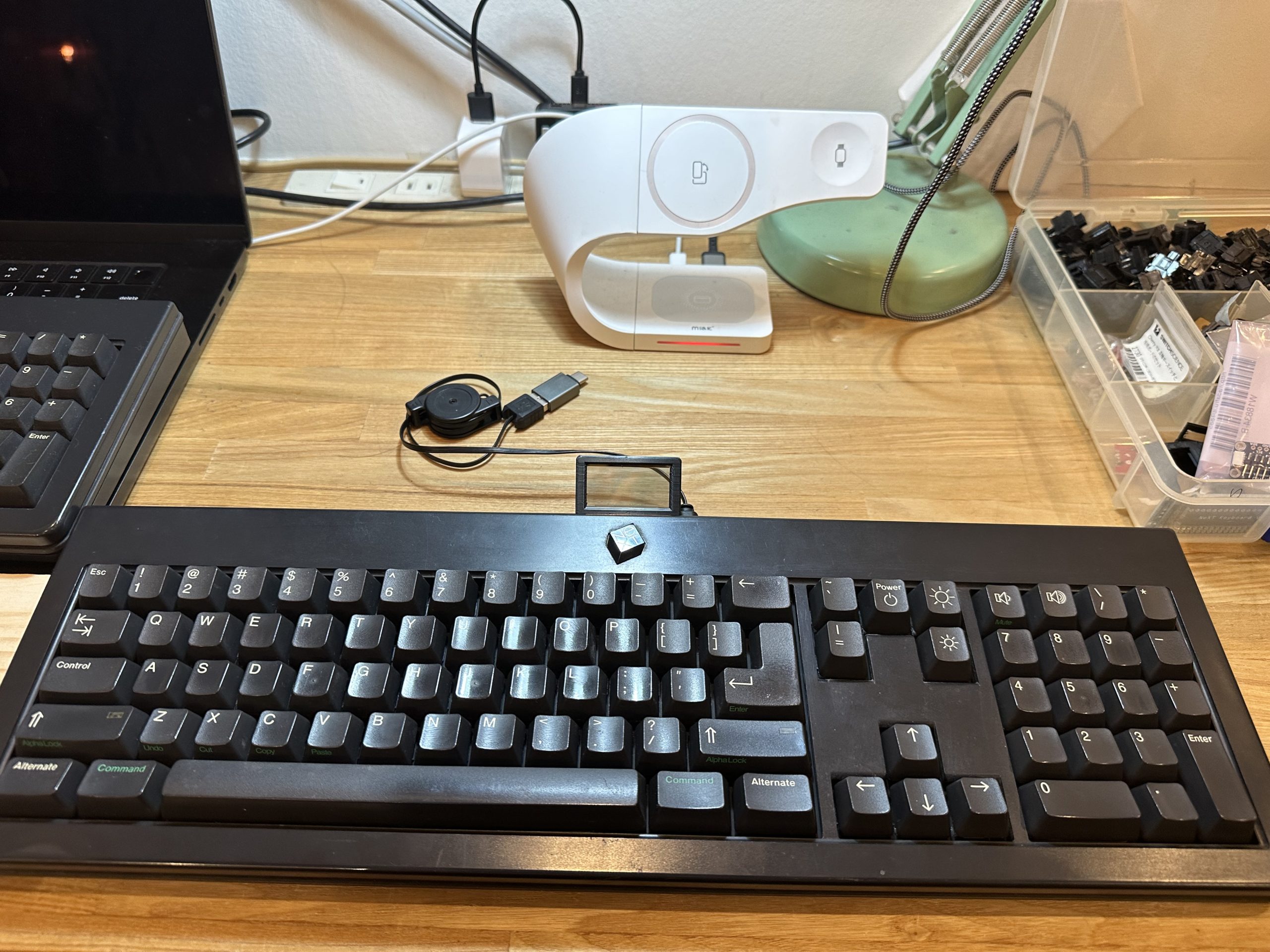
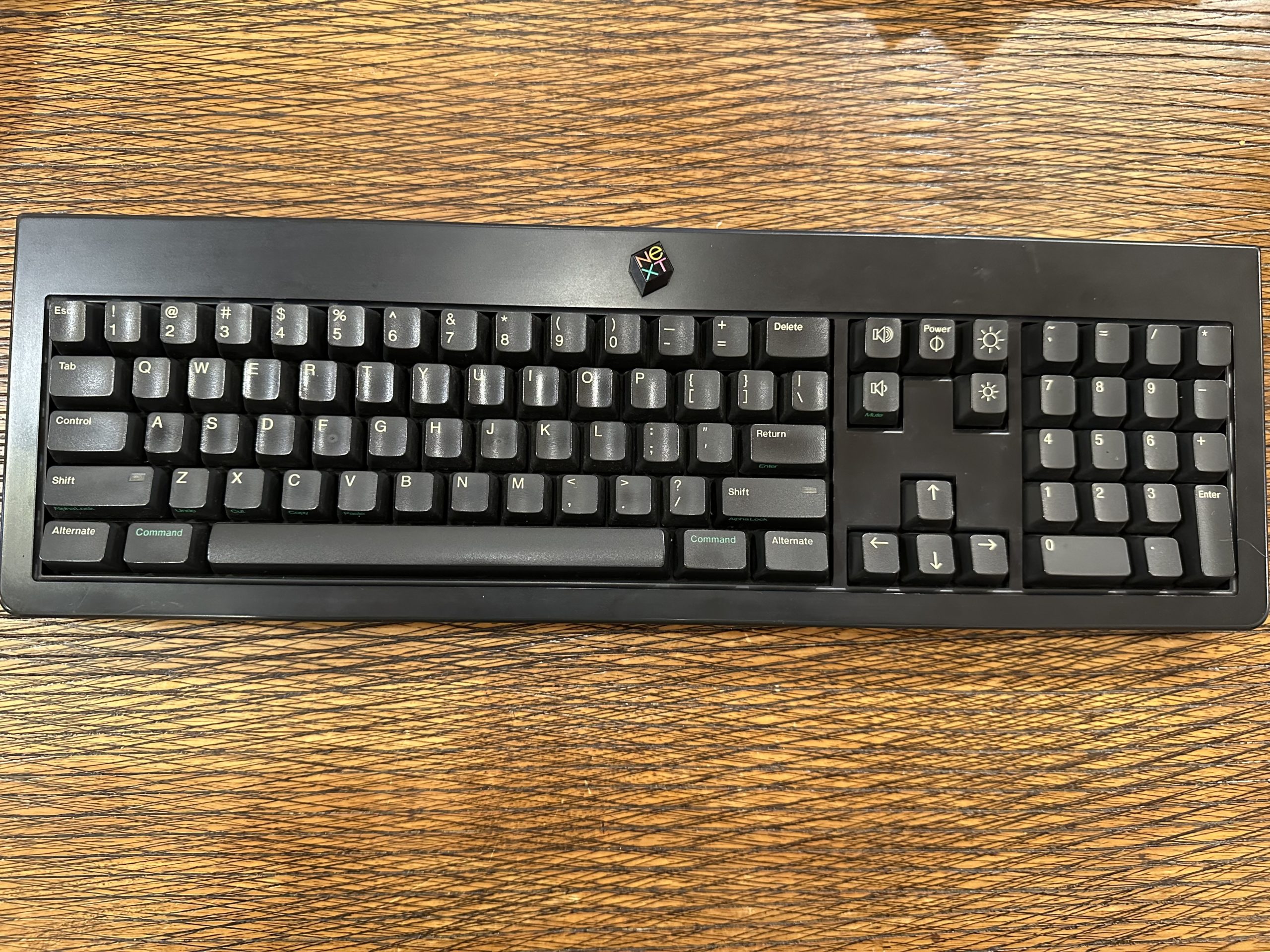
Reiwa NeXT keyboard V2

Actually, I have an unmodified NeXT keyboard, but this one is junk and does not work even if it works.
I decided to modify this one, too.

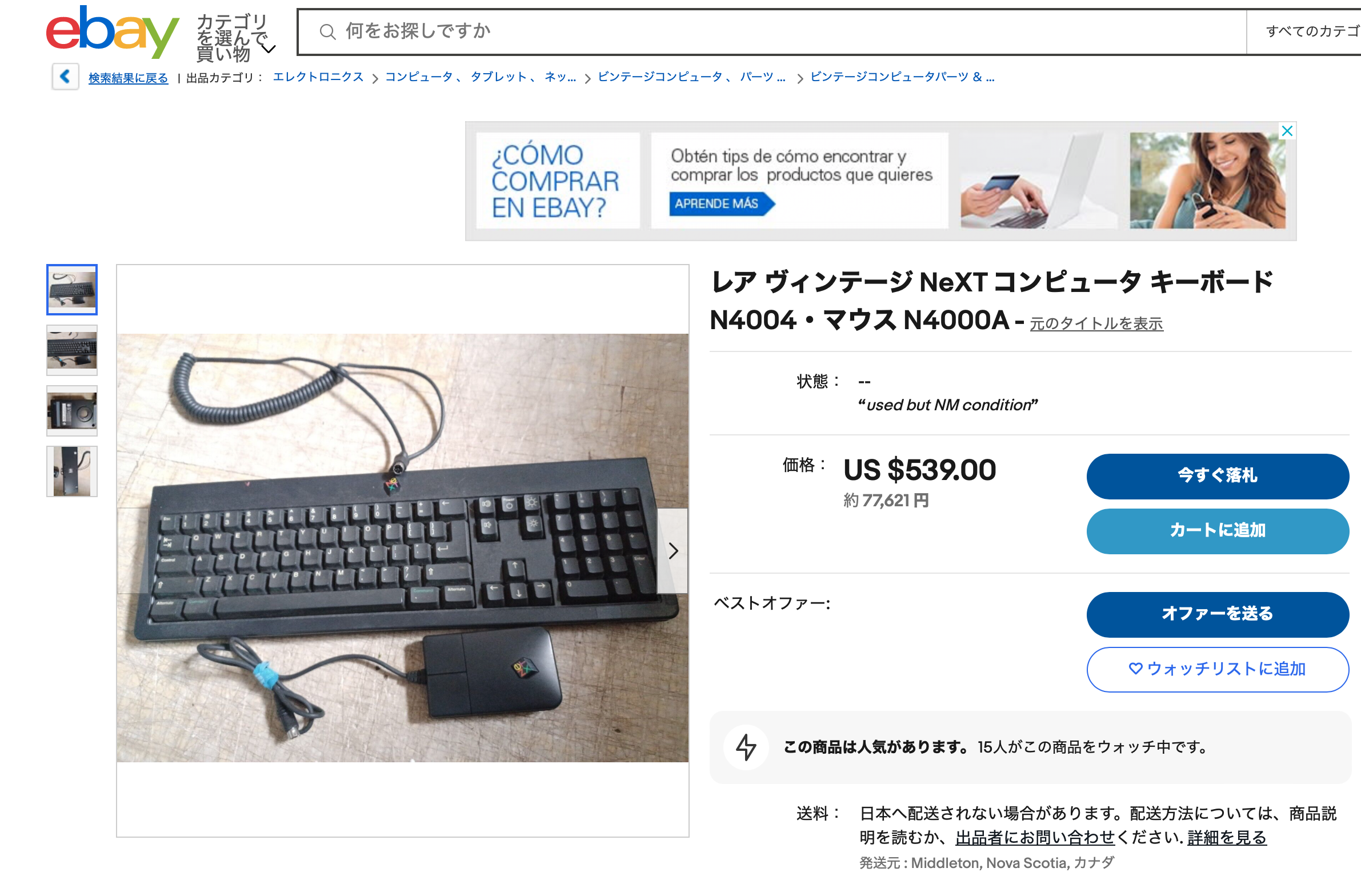
The eBay price of the NeXT keyboard as of December 2023 is as shown below.

I’m so nervous about wasting it…

Now, we will realize the following three points.

  • No pattern cutting
  • Change the physical keys to compatible ones
  • Make them light up

Key layout

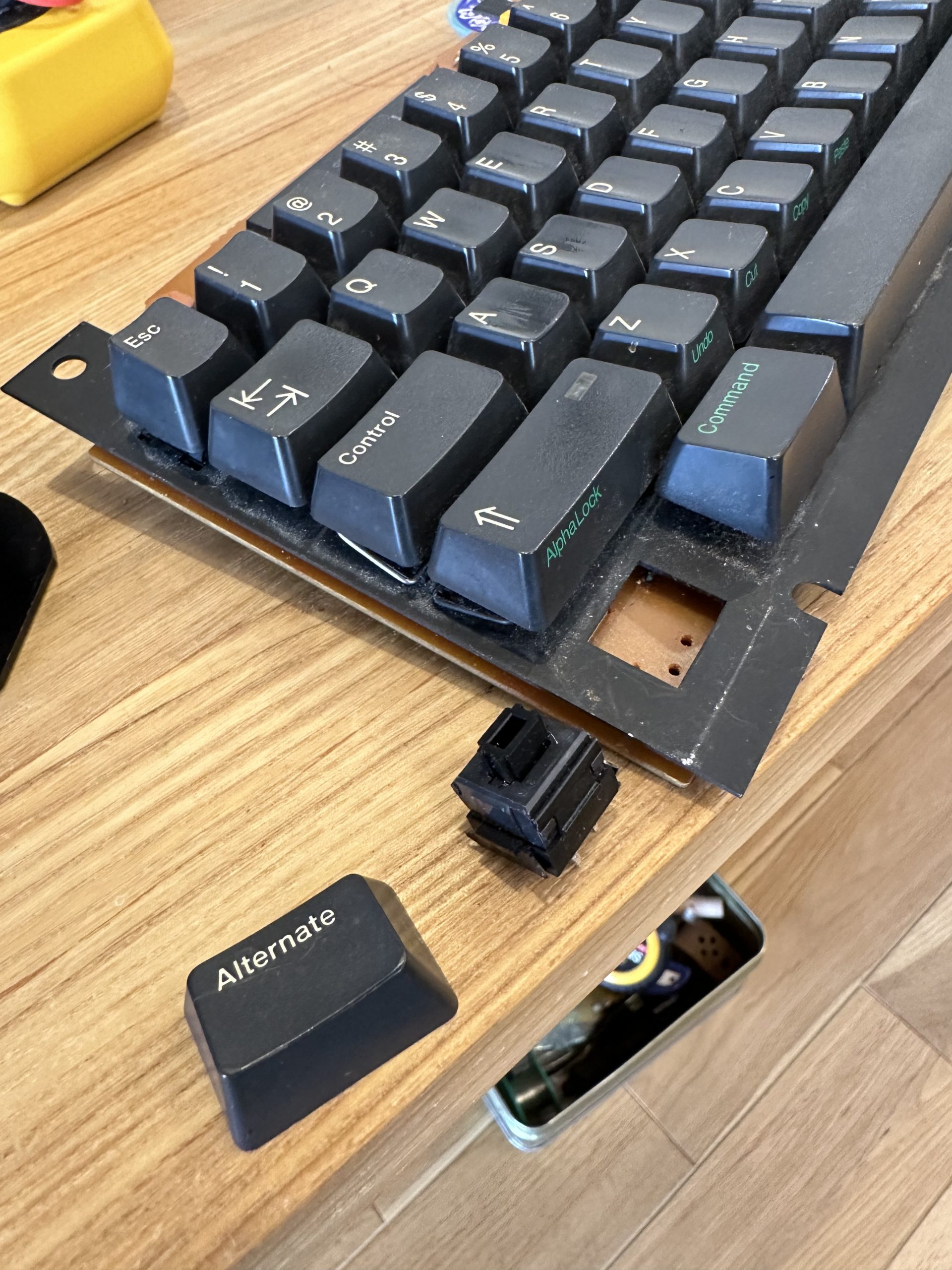
Similar to V1, but the Return key is inverted L-shaped, and the backslash key is pushed out to the numeric keypad.
The backslash key is pushed out to the numeric keypad.
The engraving looks like old Macintosh.

Physical keys

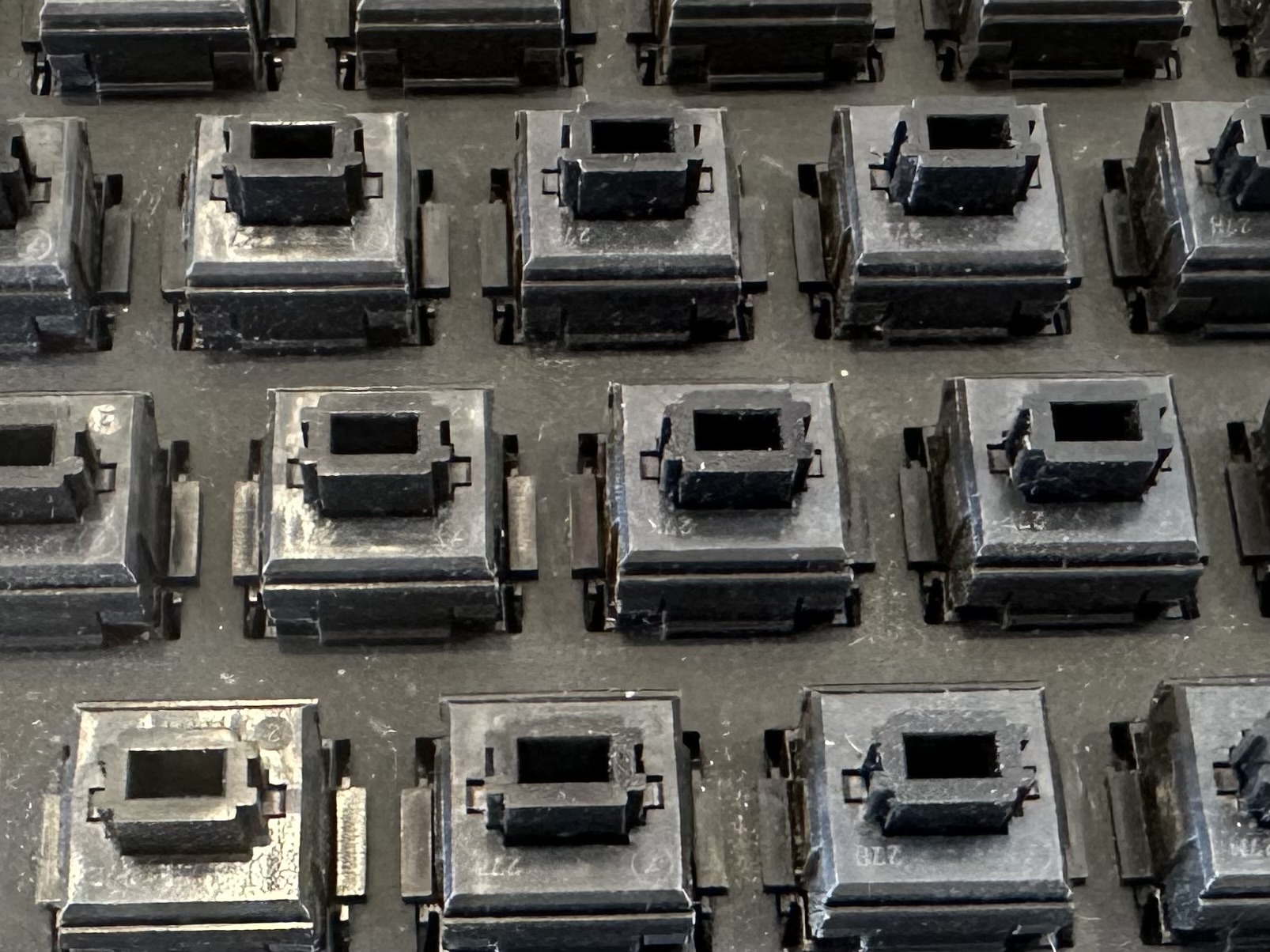
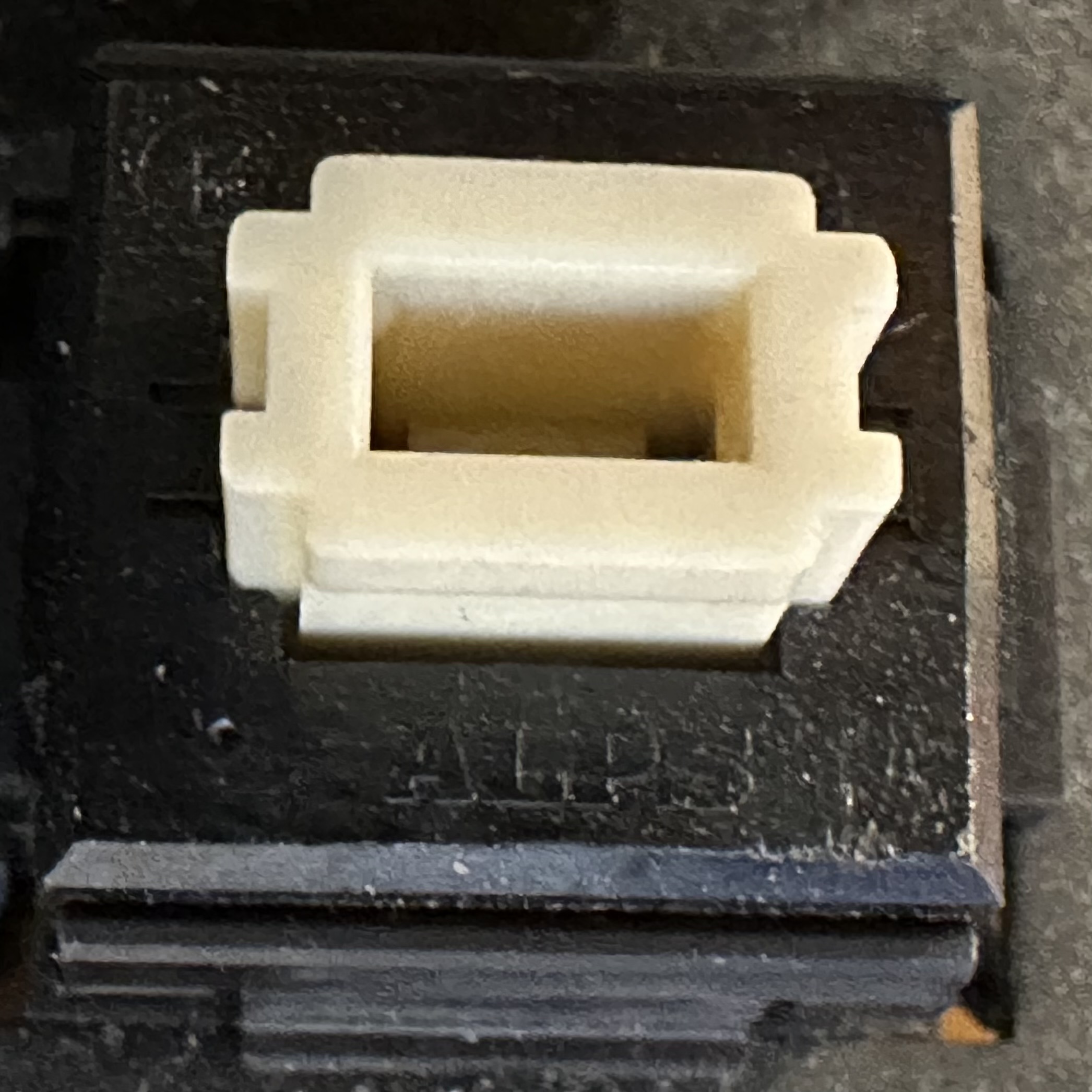
This keyboard uses ALPS black keys.
The ALPS axis is no longer manufactured by ALPS Electric.

Key Matrix Analysis

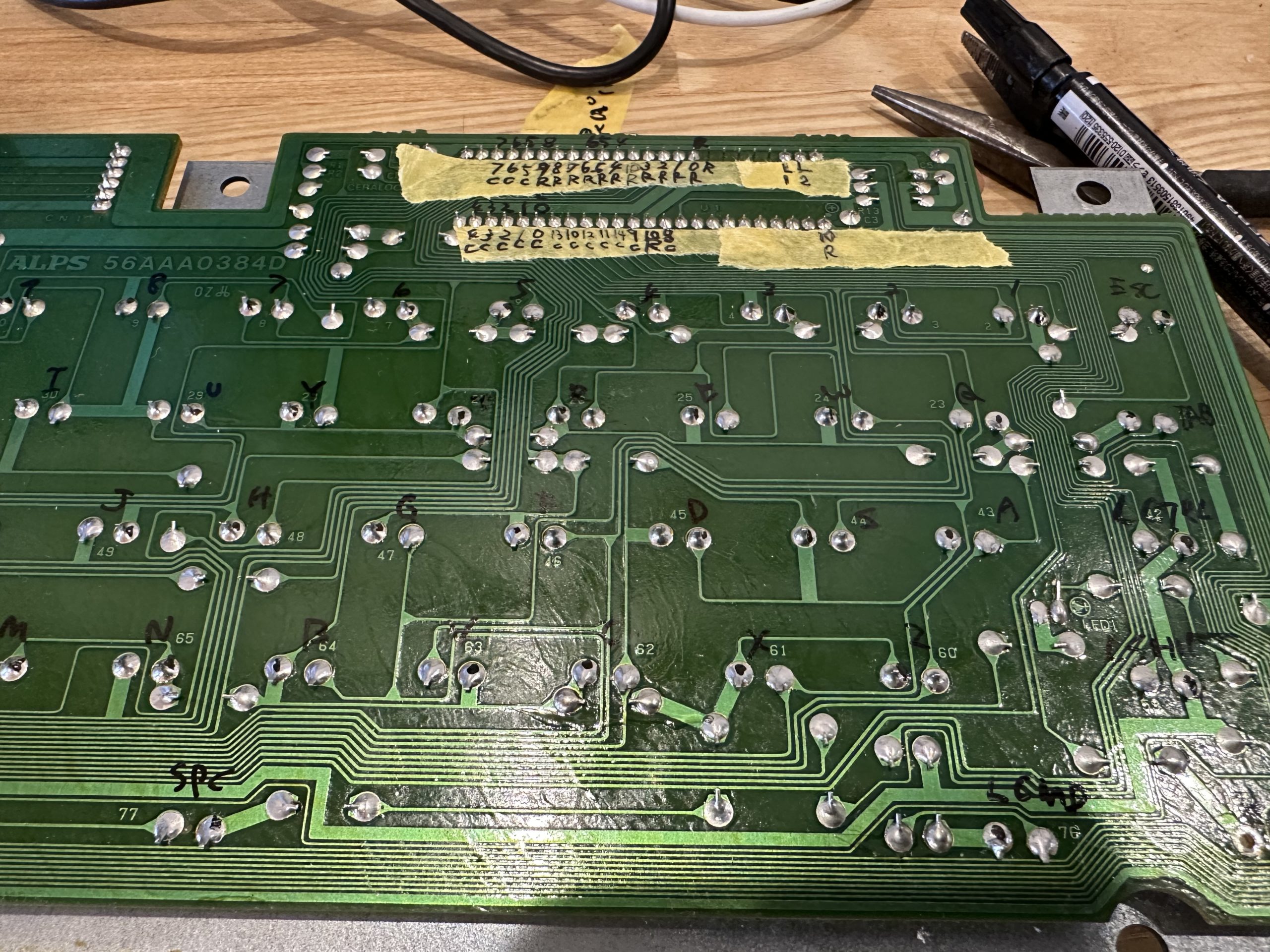
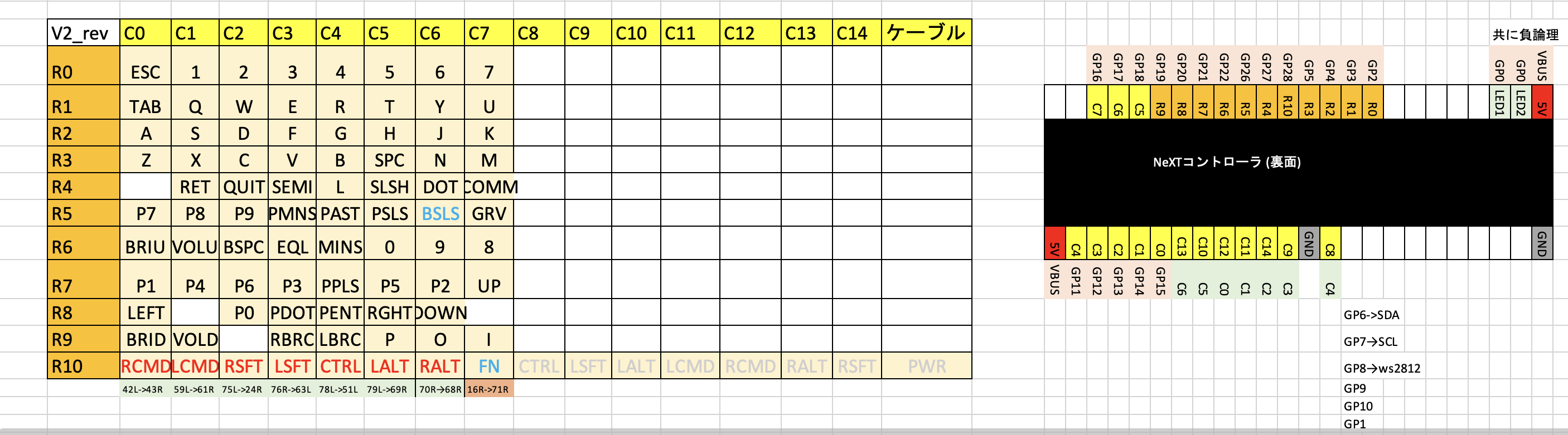
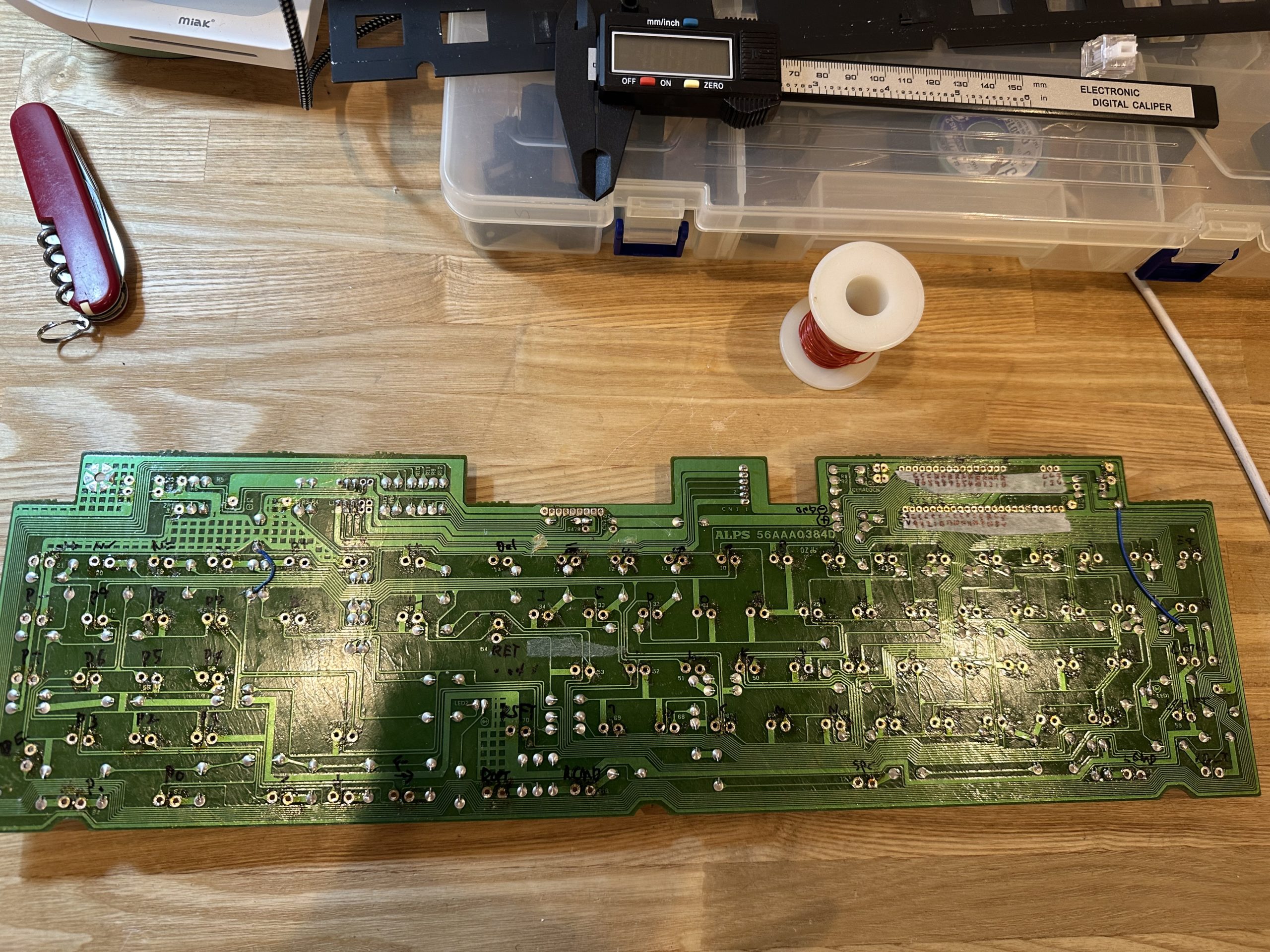
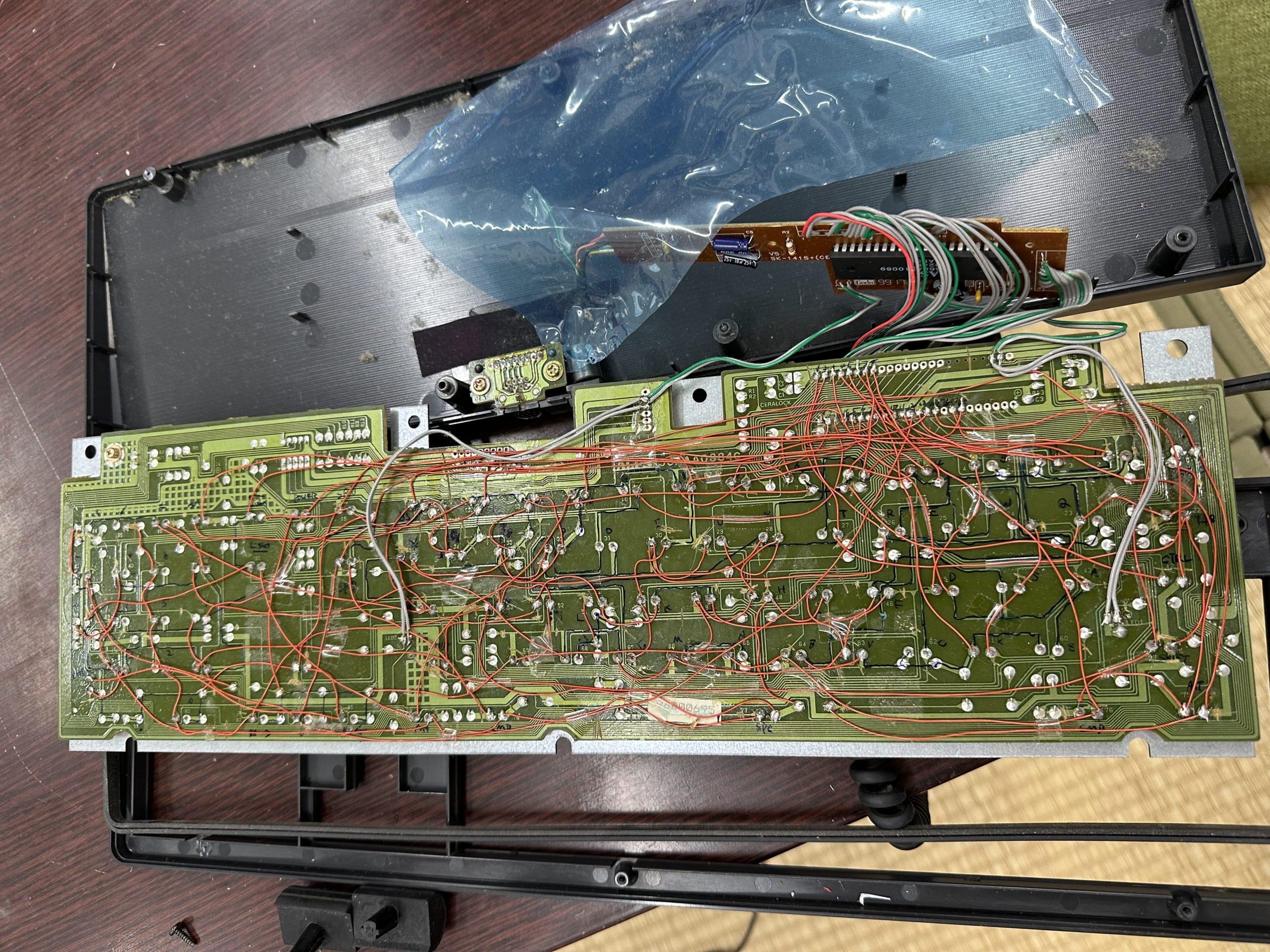
The matrix pattern of the original NeXT keyboard is analyzed. With a tester in hand, we follow the pattern on the back side.
This time, I will make the keyboard without cutting the pattern. We will also make a board on which Pi Pico will be placed, and fit it into the place where the original controller was removed.

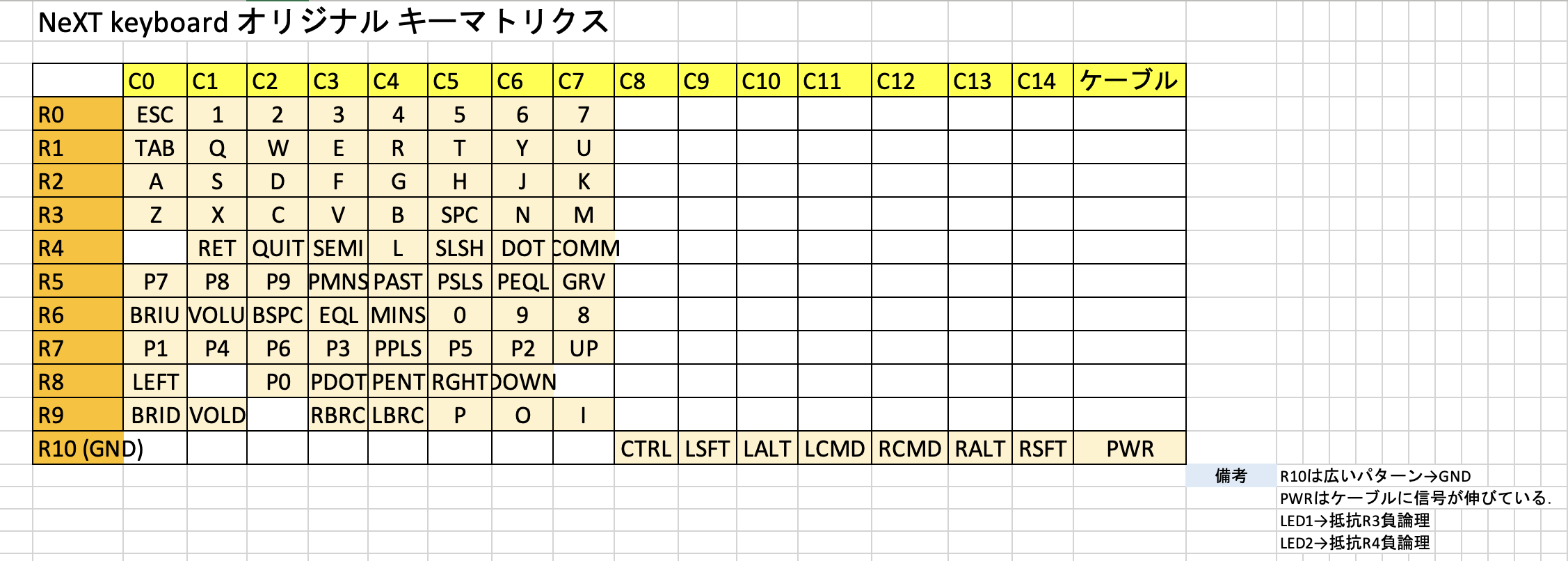
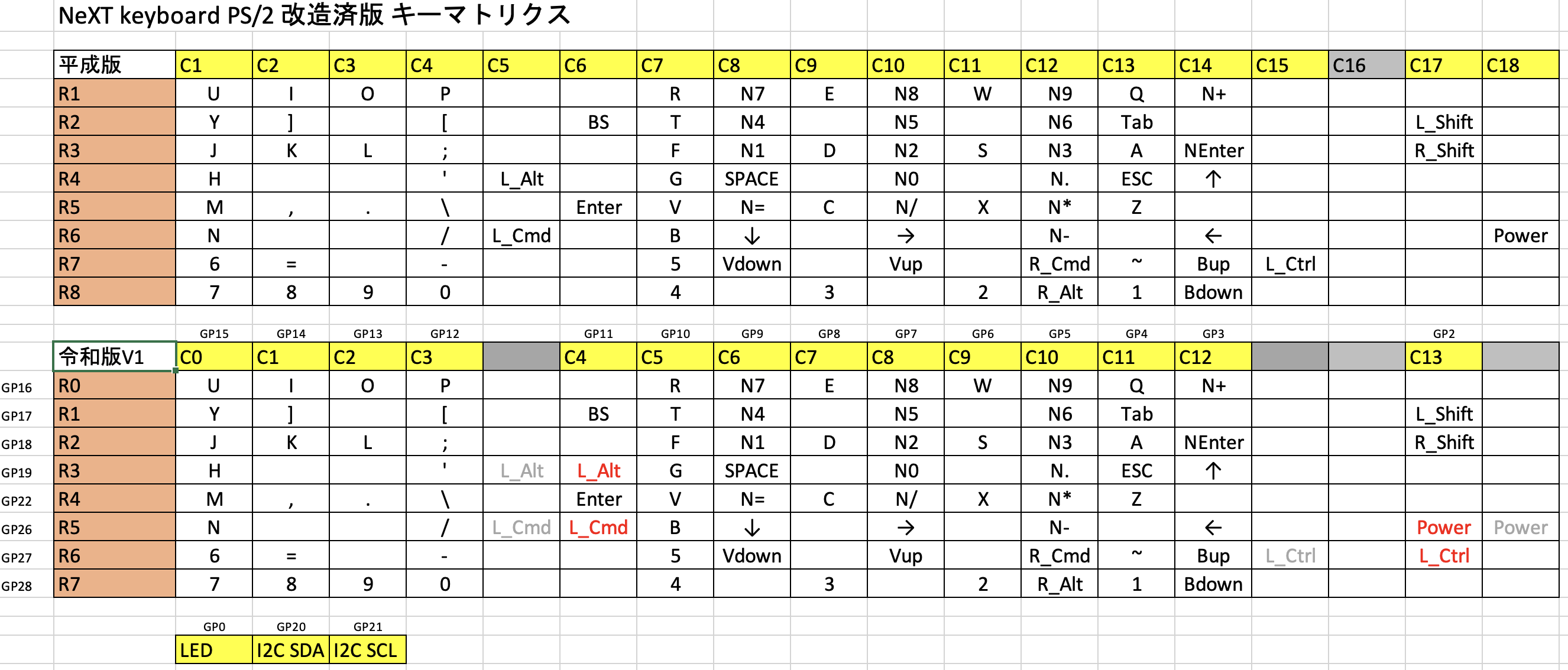
The following figure shows the result of the analysis.

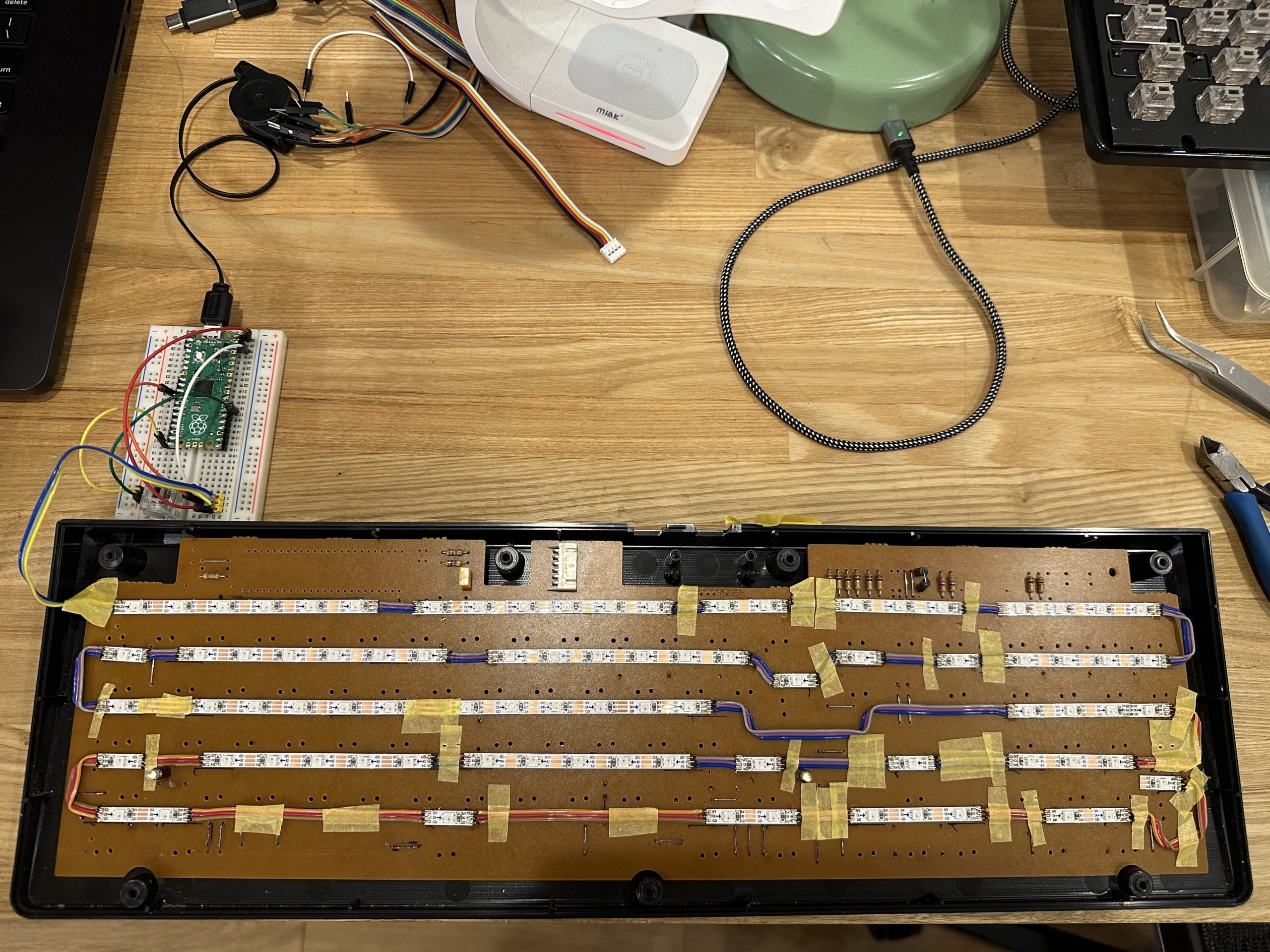
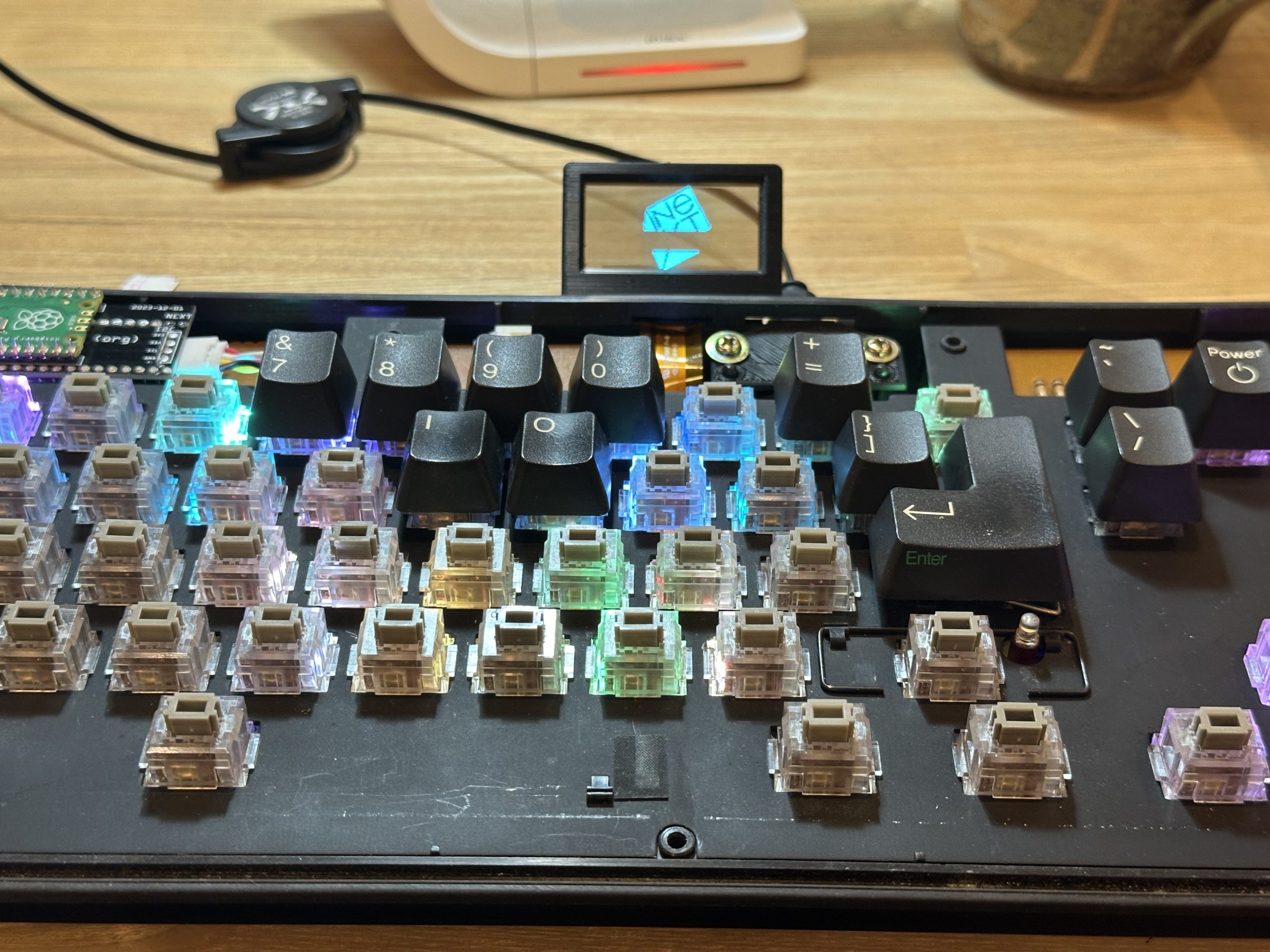
The keys close to each other are compactly arranged, and the matrix looks like it could fit in an 8×10… but only the modifier keys are sticking out. What’s this? If you look closely, you can see that the line marked R10 is GND. So, these keys are not matrix keys, but direct keys.

Since we are not using a microcontroller with that many pins, we integrate the modifier keys into the matrix by following the GND pattern and removing the jumper from GND to make it a single bus.
The final matrix is as follows. The modifier is integrated in the rows and columns for the convenience of the Pi Pico board.

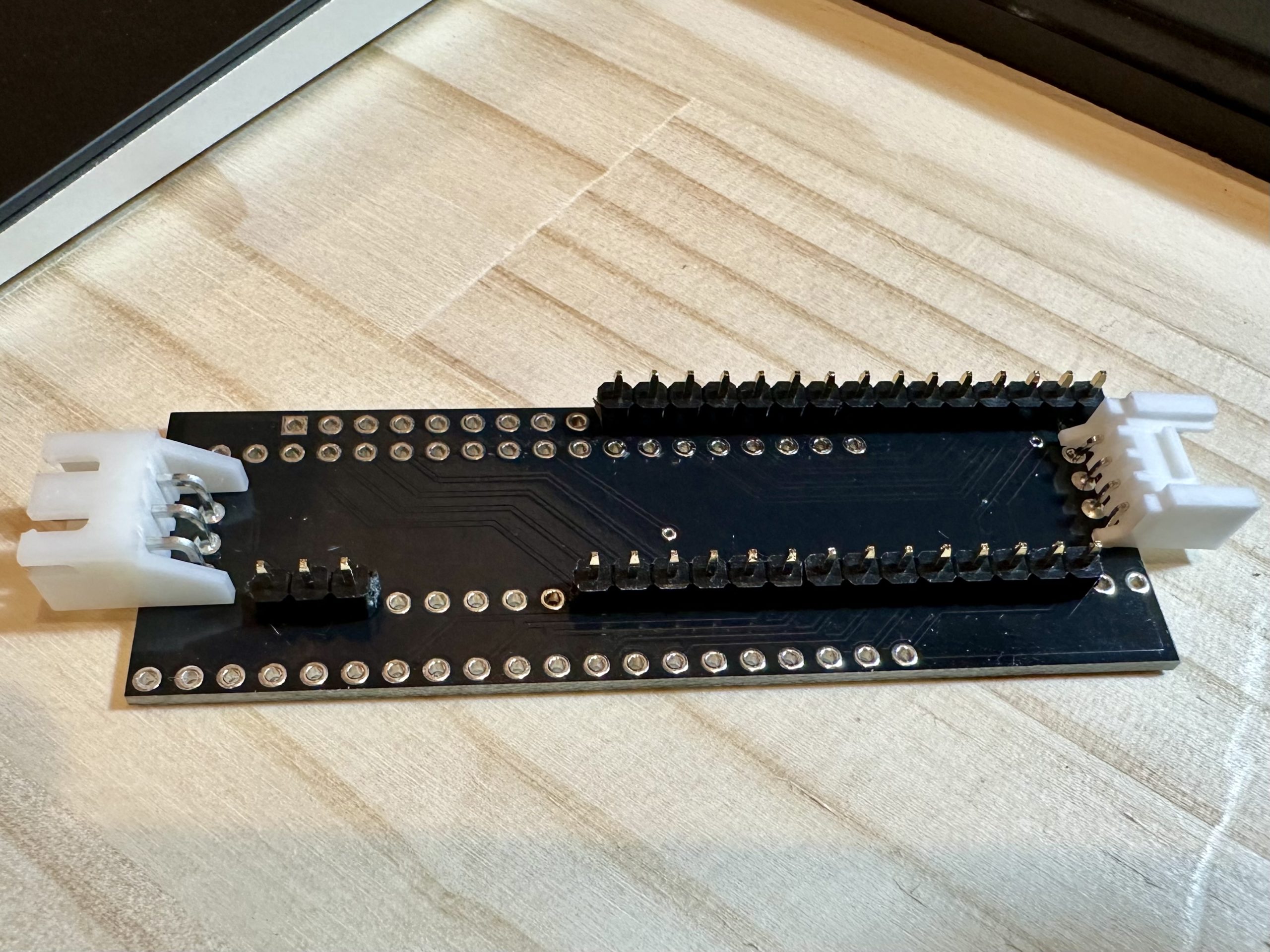
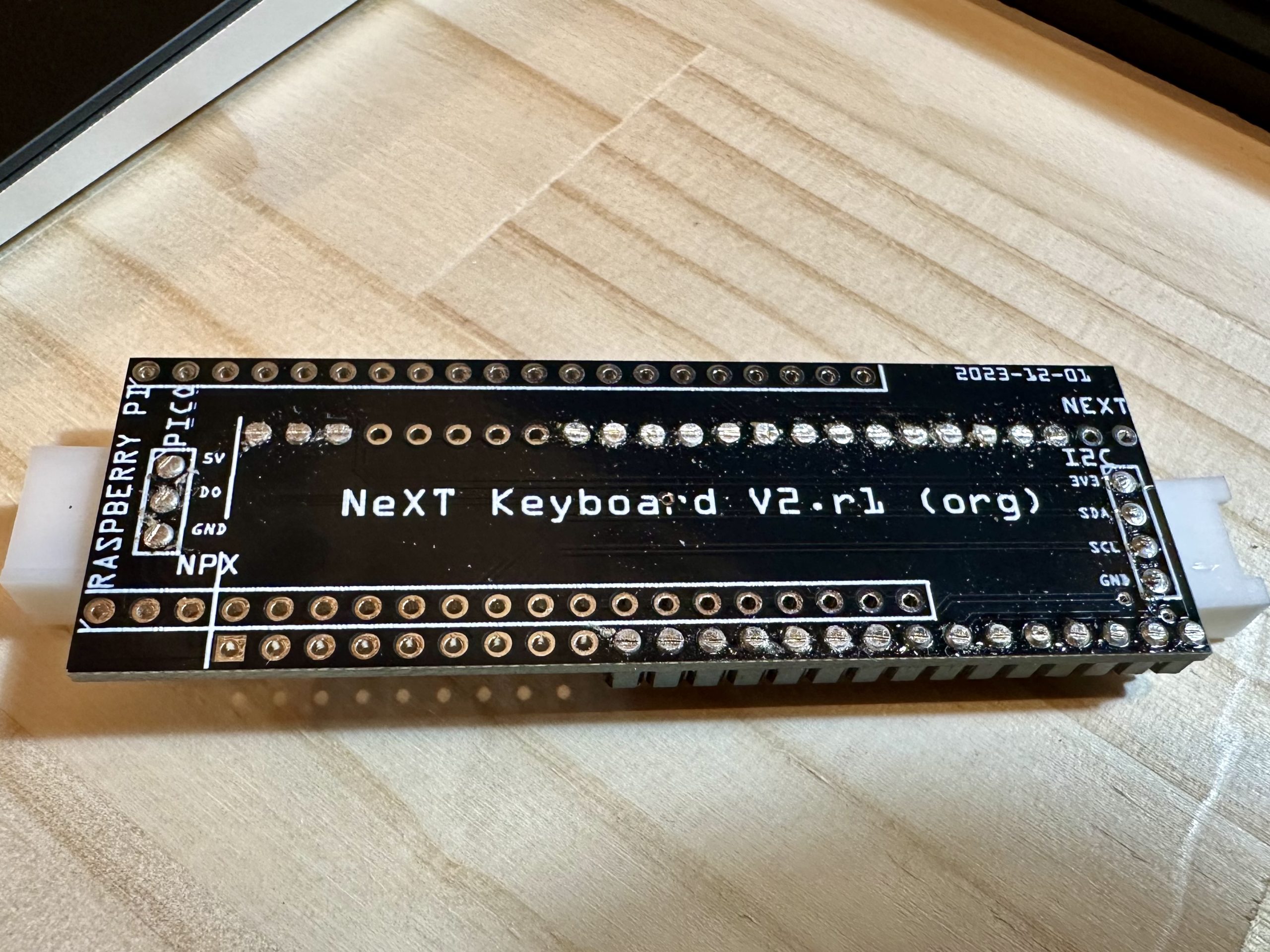
We will make a board to convert this matrix to Pi Pico. This is very convenient because the modifier keys can be integrated only on this board.


After designing the board, I ordered it from Elecrow. The cost of the board is $1.00. Shipping is about $15 and it takes less than a week. I decided that it would be better to solve the problem with money than to try hard to arrange the line where the bug would enter.

Mounting

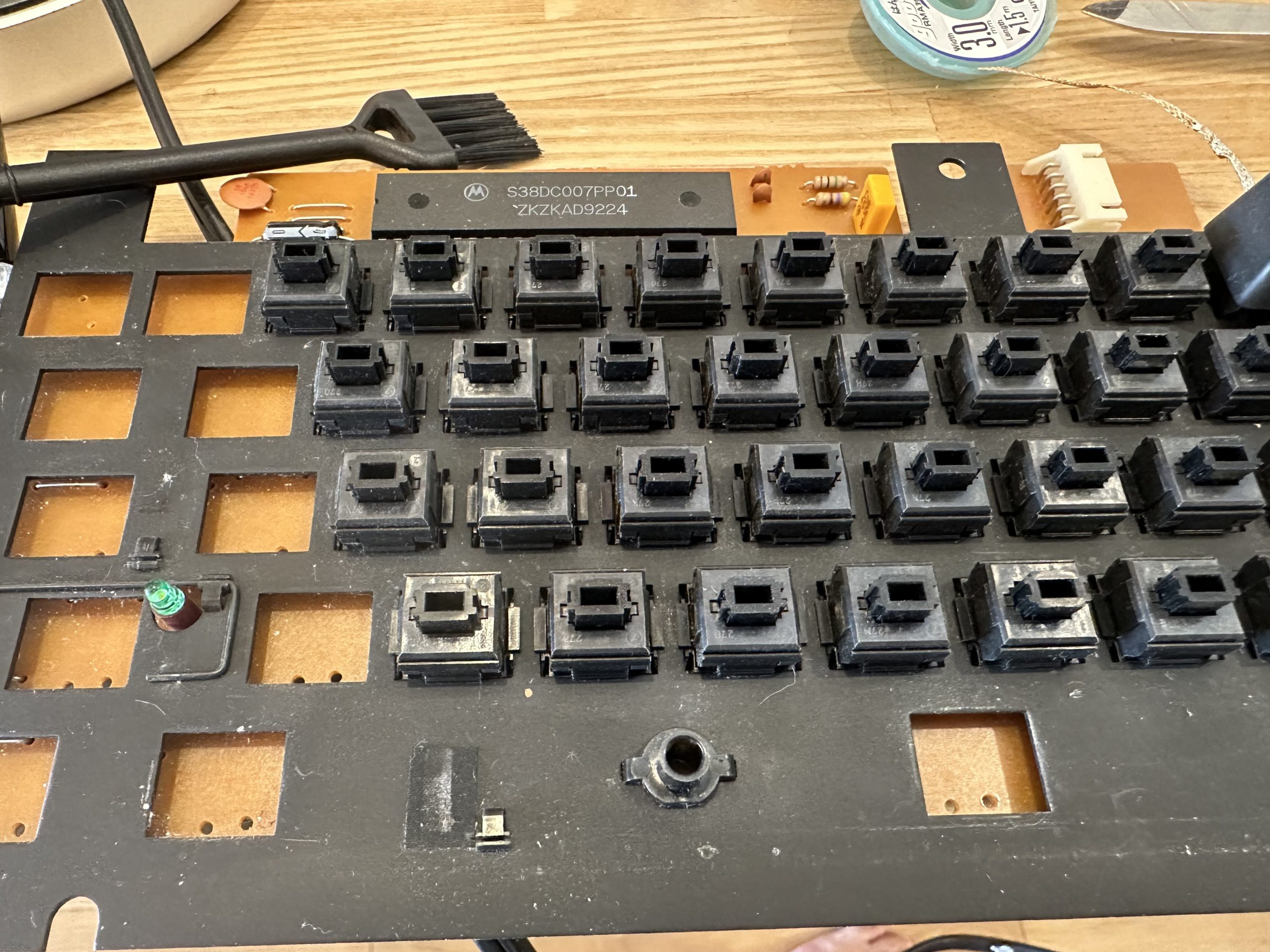
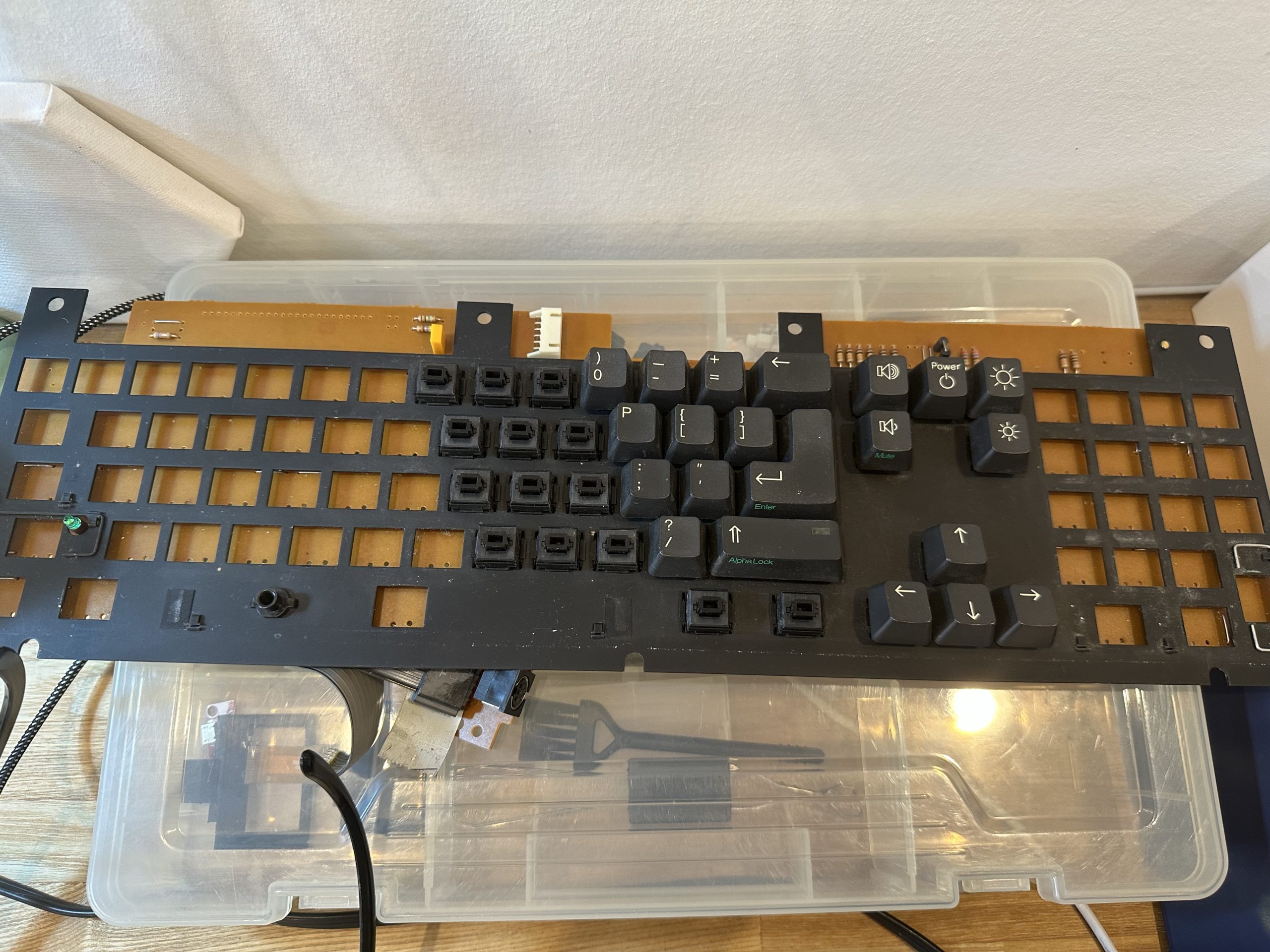
I looked around for a way to make the LEDs glow from behind the keys, but in the end I decided to replace all the switches.

The board has a single-sided pattern, so it is easy to remove the solder.
However, the copper foil pattern itself is brittle and easily peels off since it is an old board.
With great care, we removed the solder and the switches.

Remove…

Remove…

Remove…

Voila!

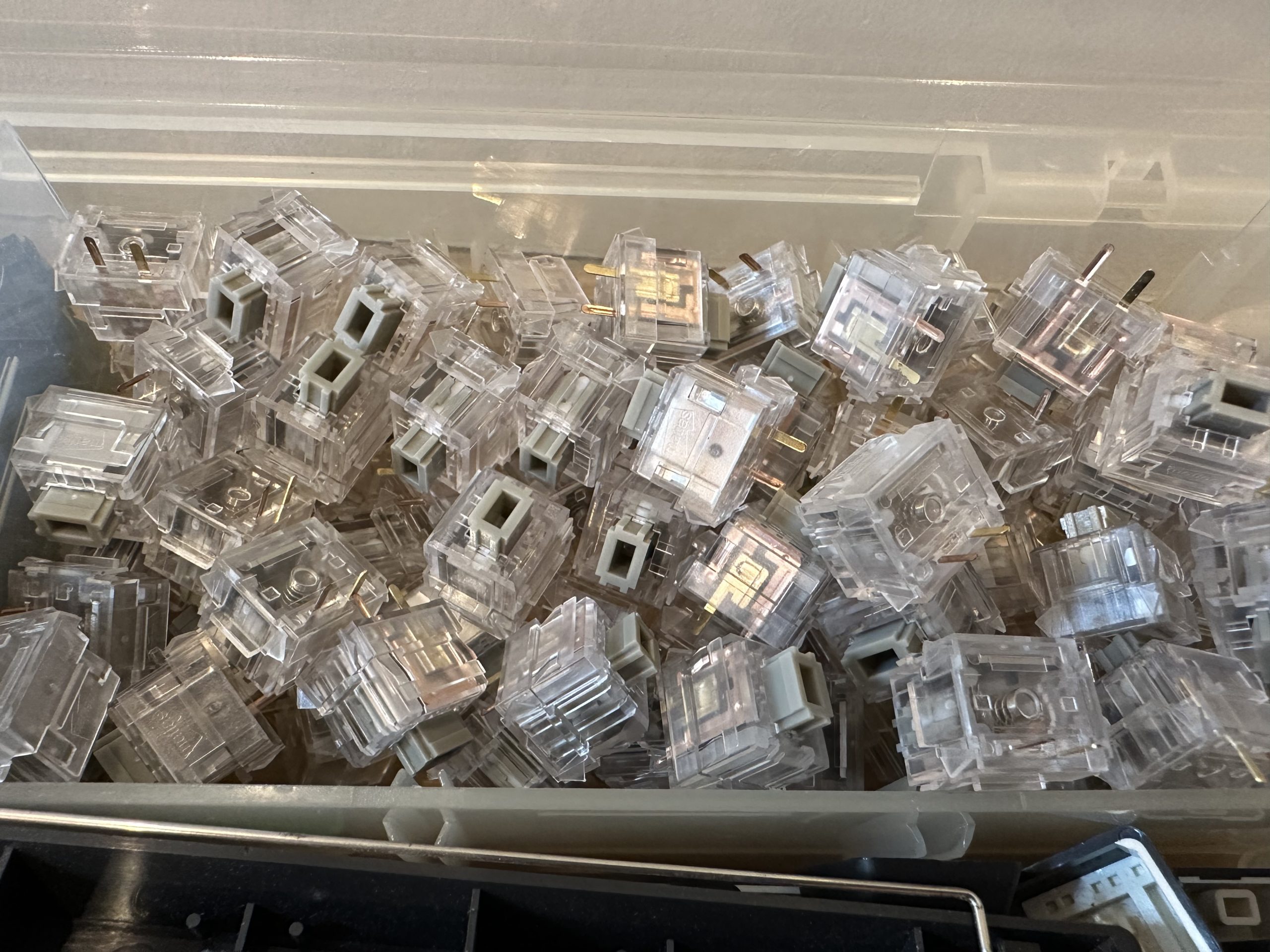
I got Matias Click Switch Gray and White from FILCO Direct. Only the numeric keypad is made to click with White.

The jumper on the surface of the switch will be removed and re-mounted on the back side of the switch, because the LED strip will be in the way.
The consumption speed of the desoldering wire is extraordinary.
In the end, I had to remove more than 90% of the mounted parts.

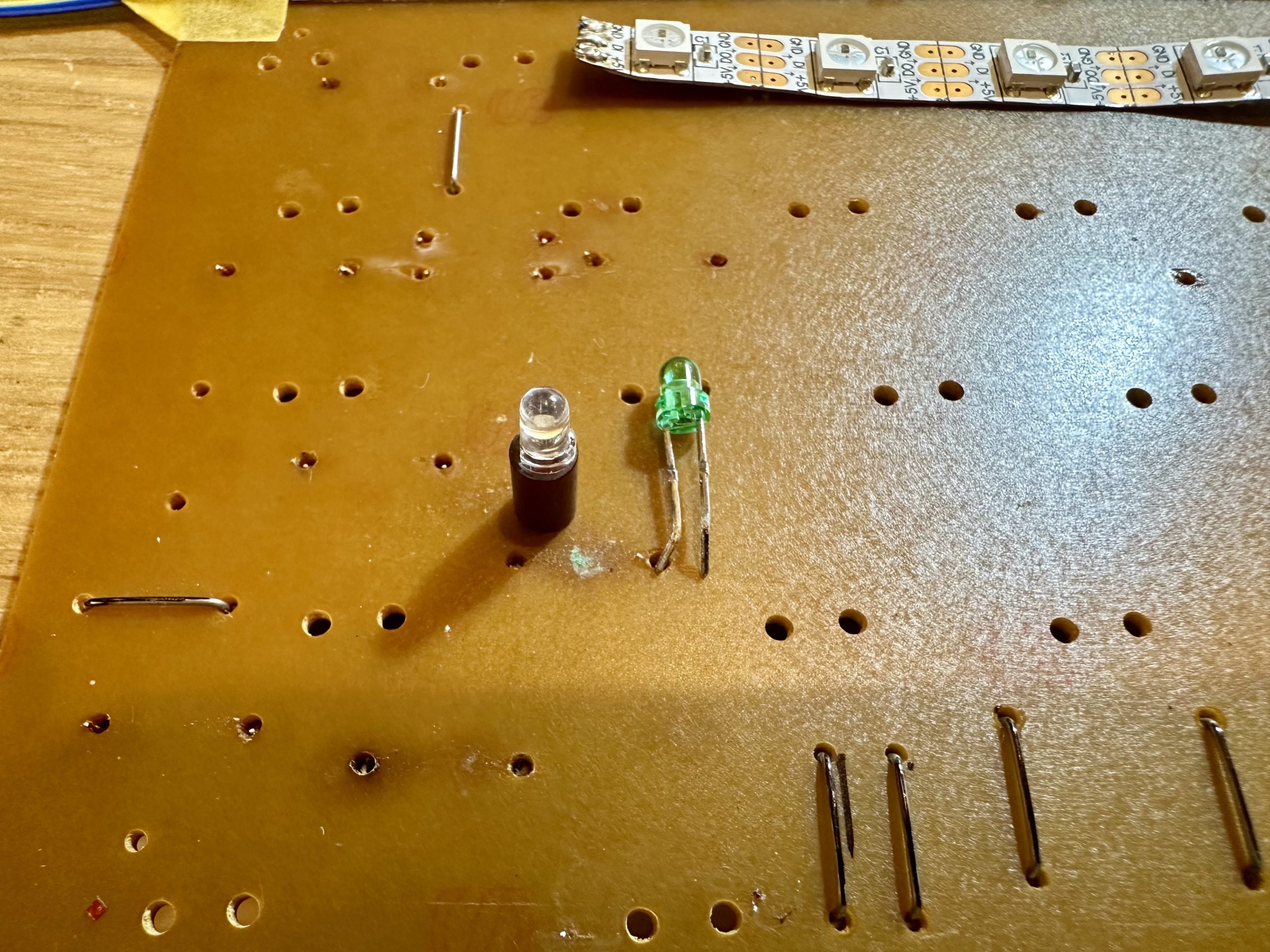
In addition, the Caps Lock LED is changed to a white LED.

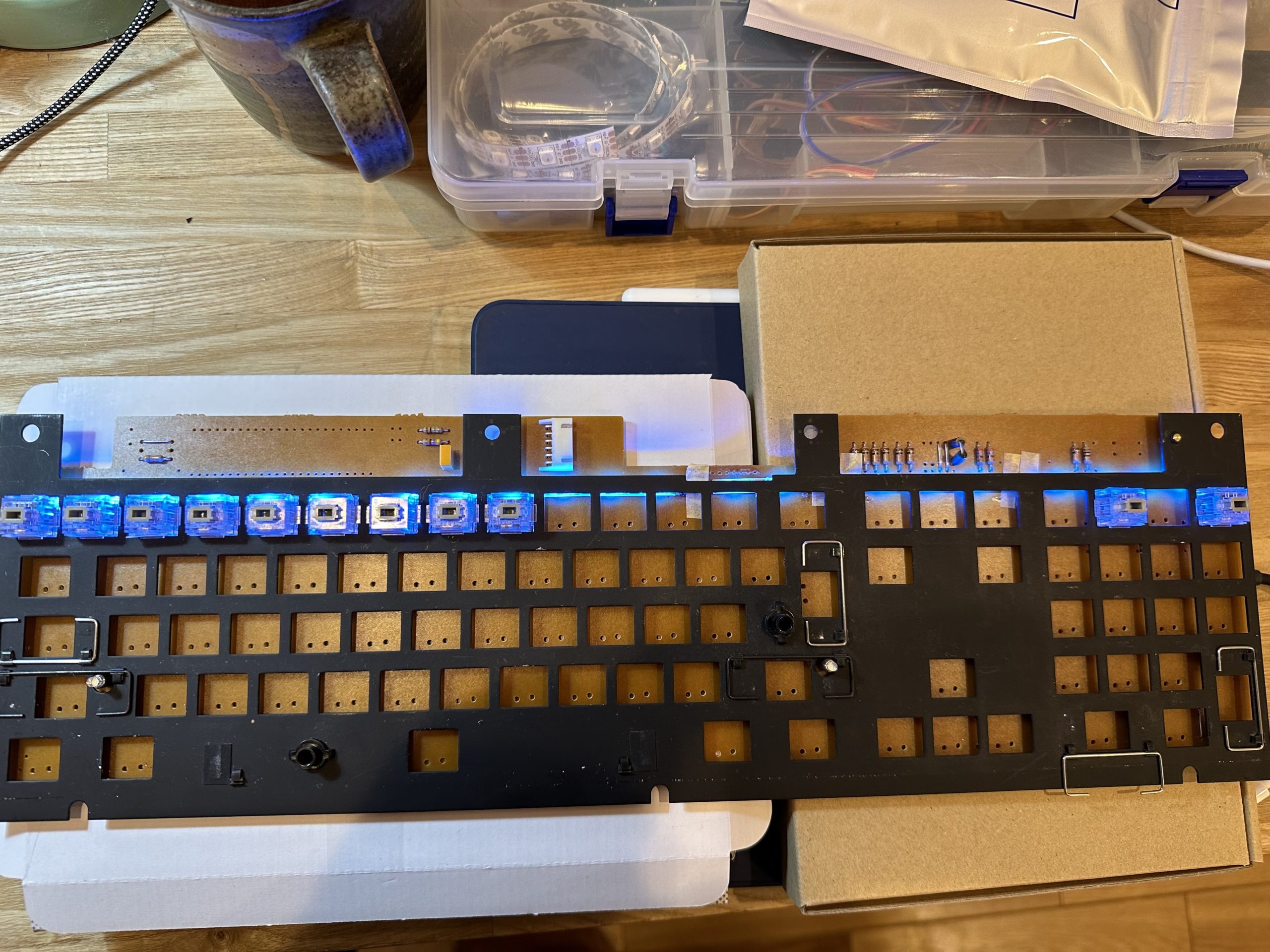
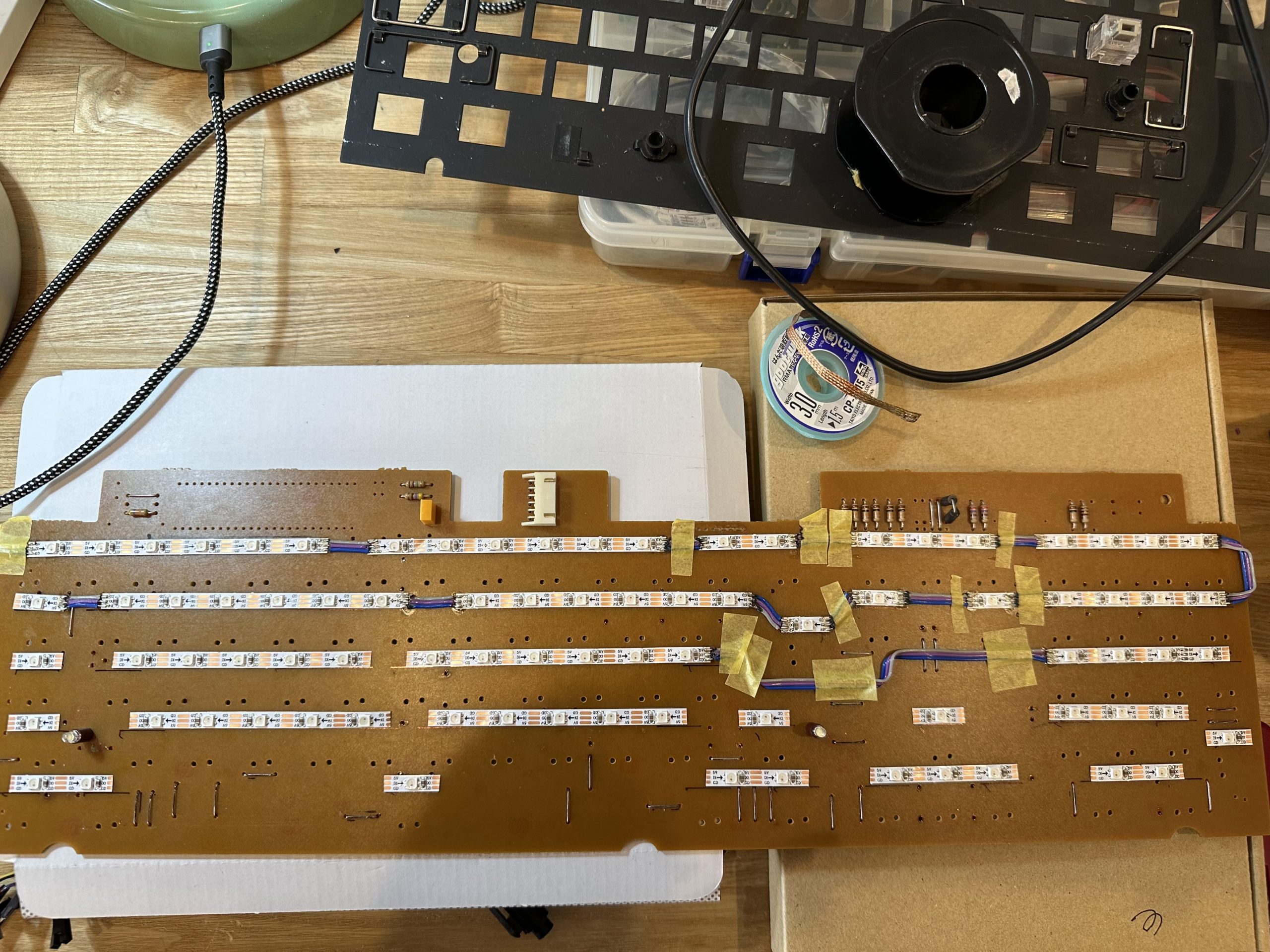
Next, I installed LED strips to make the LEDs shine. 10mm wide LED strips are commonly used, but they seem to interfere with the keyswitch (just barely), so I got 5mm wide ones this time.

First row…

2nd row…

All rows…

Lit!

This is the end of the work on the board, so let’s solder the keyswitch.
Once the keyswitch is soldered, the LED strip cannot be touched, so it is necessary to double-check for poor contact.

Finishing

When I finished soldering the keyswitches, the key matrix conversion board arrived from Shenzhen.


Connectors for I2C and WS2812 were also pulled out.
This is used to bridge the Raspberry Pi Pico and the keyboard board.
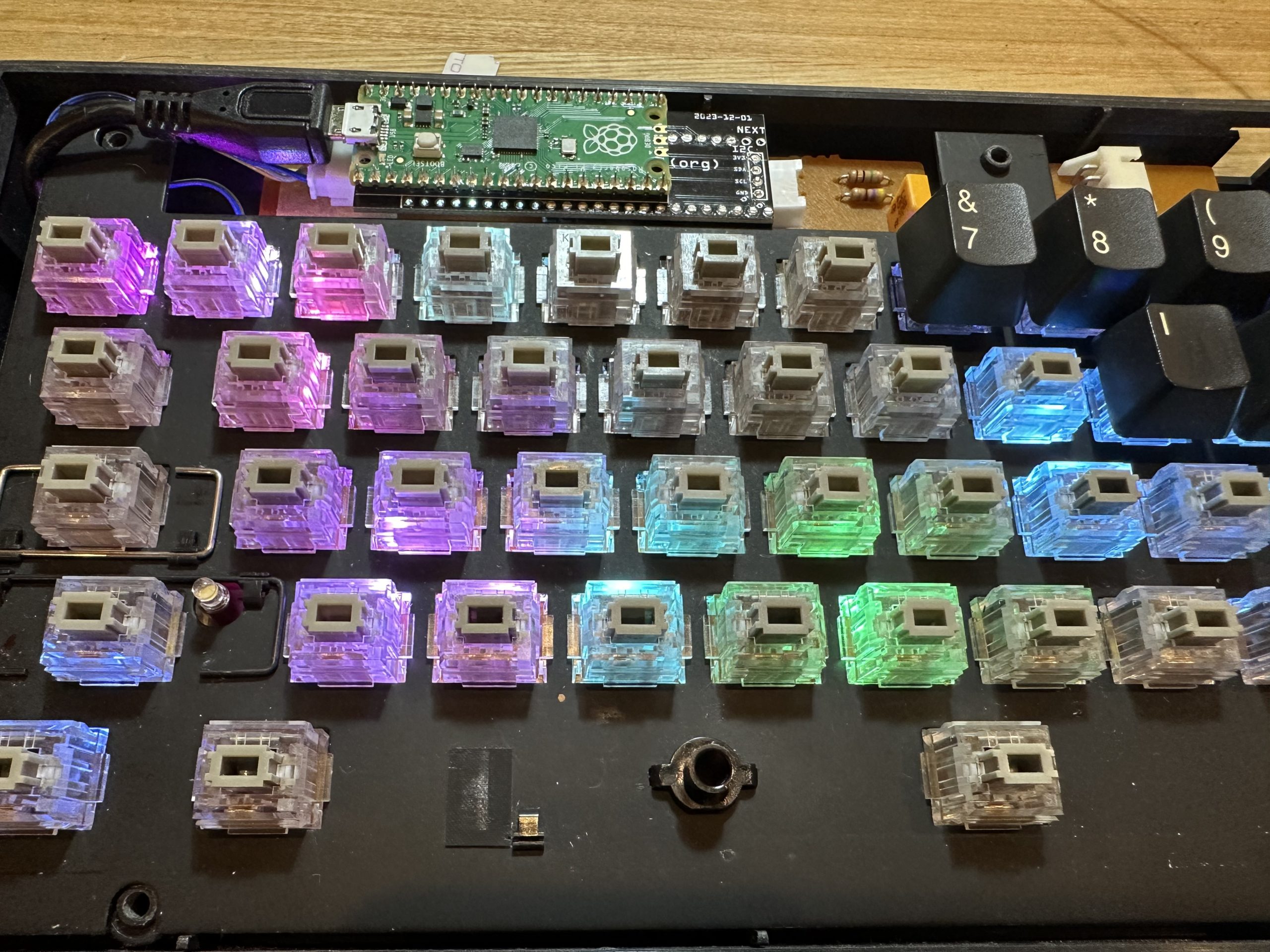
As long as there are no bugs on the board, the wiring work can be completed without connecting a single wire.

Test lighting! Good!

The transparent OLED is also attached via I2C.
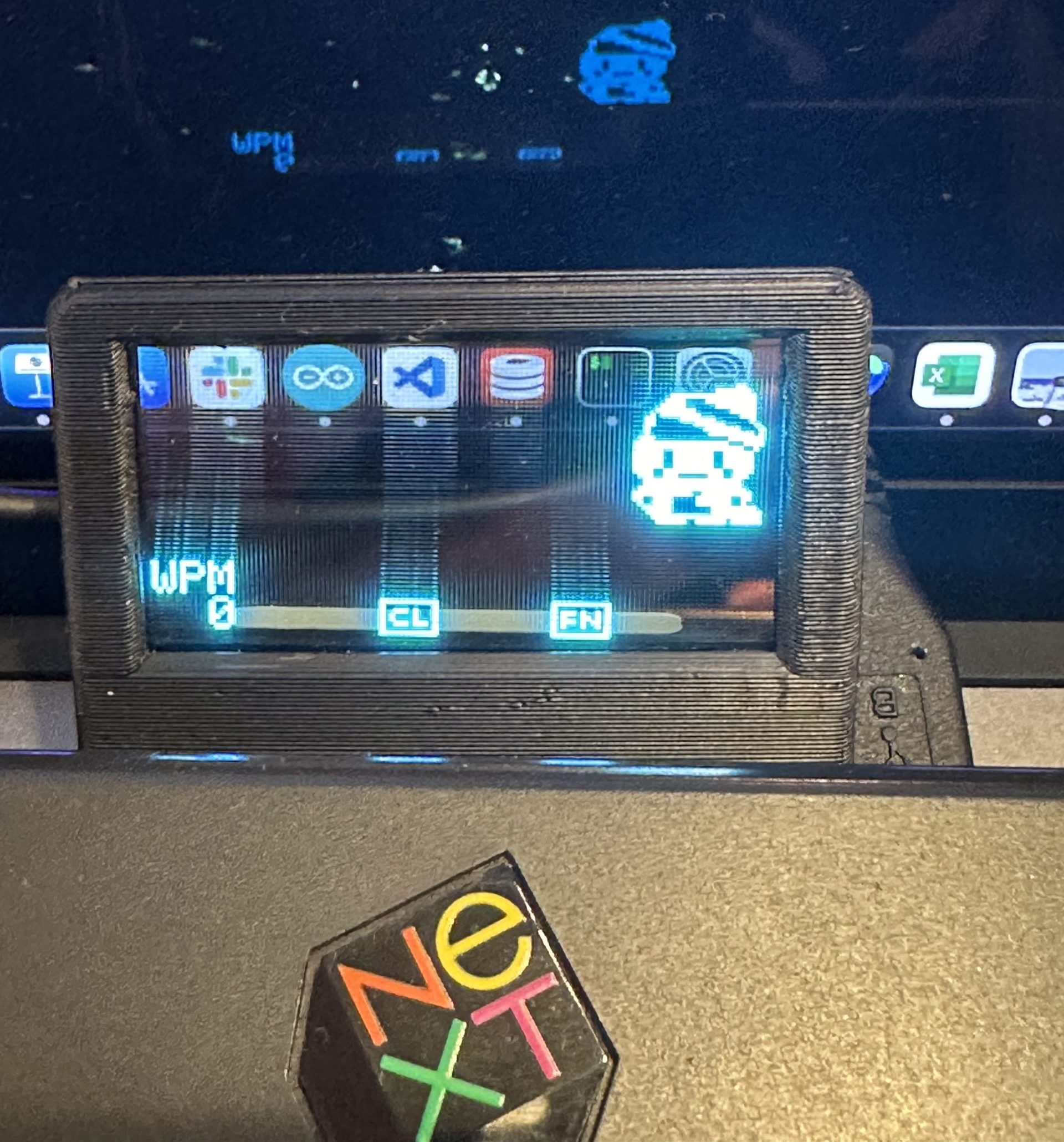
This is exactly the same as V1, so it is easy to do.

All that is left is to assemble it.

Completed!

It’s done!


The code of QMK is available in GitHub.

Bugs and failures along the way

  • At first, I misunderstood how to light the LEDs on the main board, and thought the 5V line was GND. I made the first conversion board as it was, so I had to do a major re-do and ended up reordering.
  • After installing the LED strips and soldering all the keyswitches, I did a key matrix test and found that one line was unresponsive. The tester found that only when the LED strip was connected, 5V was connected to the line in question. This was because when the jumper wire was replaced, a small portion of the jumper wire was in contact with the 5V of the LED strip.

Conclusion

It is fun to revive old keyboards by modifying them.
In particular, keyboards with mechanical switches from the 1990s are worth reviving because they have a good feel when you hit the keys.

If you find a good keyboard in a junk shop, you can get it immediately!

Merry Christmas and a happy new year!

The way to a modified keyboard (Reiwa NeXT keyboard V1)

The way to a modified keyboard (Reiwa NeXT keyboard V1)

This article is the 15th day of the advent calendar of Studio Aquatan 2023.

This is Prof. omzn (keyboard modification studies).

Heisei Version of the NeXT Keyboard

When I was still young, in the 2000s, I enjoyed modifying old computers to convert them into the latest PCs.
I modified NeXT cube, NeXT station, Macintosh LC II (I think), Mac G4 cube, etc. to make a mini PC.
Despite all the hard work, we produced a terrible machine that could not deliver much performance, and would run out of control quickly because of its broken thermal design.
I feel bad for the old computers that were sacrificed.

The NeXT keyboard was something like a Mac-style ADB, but at the time it was just a useless keyboard.
Then, young omzn had a flash of inspiration.


“I think I can get a controller from a junk PS/2 keyboard lying around here and port it to the NeXT keyboard.”

He immediately investigated the keyboard mechanism, and found that the keyboard had a key matrix decoder on it, and, unfortunately, the key matrices were all different.

“I want to make the most of this PS/2 keyboard I’ve taken apart…”

Here, omzn had another flash of inspiration.

“I see, I can rewire the NeXT side to fit this PS/2 keyboard.”

Thus was born the Heisei version of the NeXT keyboard.


I thought it would be OK to use PS/2, which was the standard at the time, but the era soon gave way to USB, and the NeXT keyboard was used for nearly 20 years with the USB conversion. However, because it was originally a PC/AT keyboard, it did not work well with Macs, and I had to use it with key-swapping software. In addition, there was no way to access the function keys, which sometimes caused me a great deal of trouble.

Therefore, for 20 years, I had been thinking, “Someday, I would like to remake this keyboard into a modern keyboard….”

Reiwa NeXT Keyboard V1

In the fall of 2023, Yuyu showed me a keyboard that he had made by himself, which ignited my heart, and I started to aim for a complete transition to a self-made keyboard.

Basically, what we need to do is the same as before, which is to make a matrix decoder that matches the physical matrix. QMK provides an easy mechanism to do this.

Layout

The keyboard looks like a normal keyboard, except that the Function keys are missing, and the backquote is on the numeric keypad, but that’s OK.

Physical Switches

The NeXT keyboard uses ALPS cream axes. The light click feeling is very addictive.
(For more information about ALPS axis, please visit this site.)

Matrix Analysis

The above of the following figure shows the matrix of a PS/2 keyboard that I had posted on my web page 20 years ago.
The matrix was so extravagantly constructed that it would have required 25 matrix pins as it is.
I was able to reduce the number of columns by three, since the columns can simply be merged where they do not conflict with each other even if they take ORs (see the bottom of the figure). (bottom of the figure).

This still requires 22 GPIOs.
The Pi Pico has 26 GPIOs, so there are still 4 GPIOs left over for this application. We can increase the number of functions by allocating them to LED driving and I2C.

Hardware creation

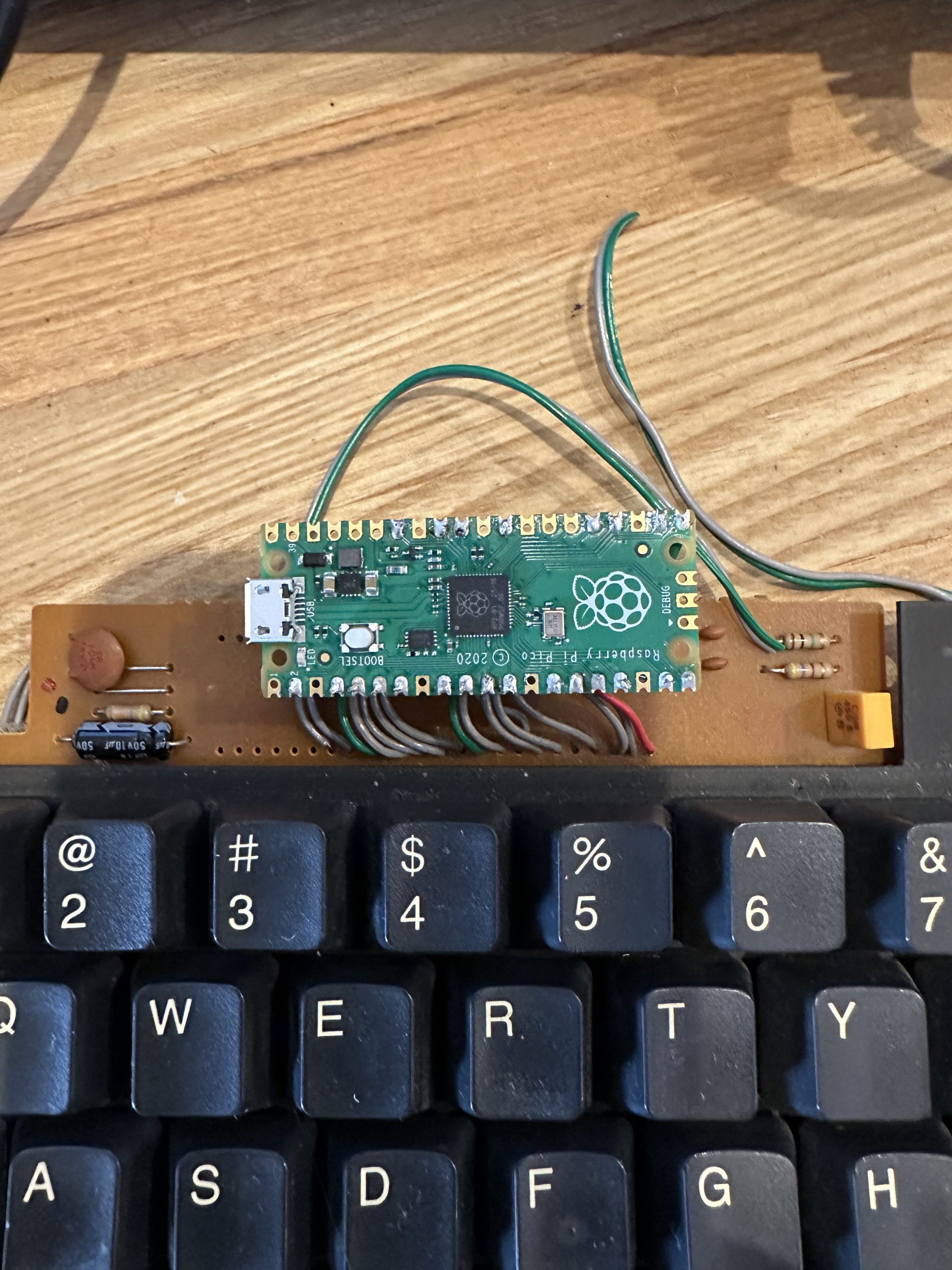
Put Pi Pico on the board.

Cut the razor cable connected to the PS/2 controller, and connect it to Pi Pico’s GPIOs.
This is the first prototype, so we soldered the cable as it is, but it would be better to make the cable removable with a socket.


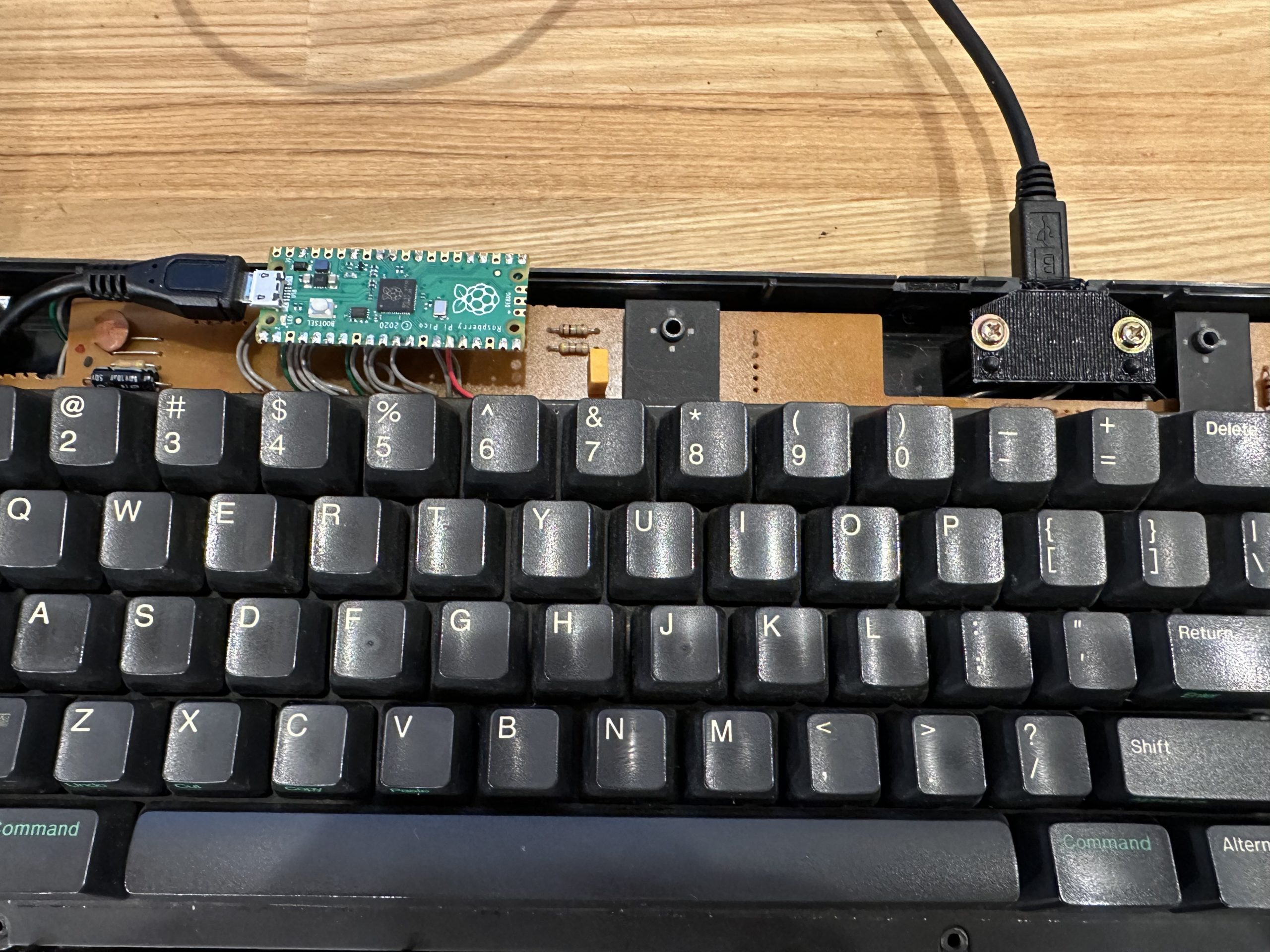
Install the USB terminal

3D print the base of the Pi Pico and make the USB port. The photo shows the prototype in red, but the final model will be in black.


The final shape looks like this. Compared to before modification, it looks much cleaner now that the extra board is gone.


Configuration of QMK

Configuration of the keyboard

  • Define MATRIX_HAS_GHOST for a matrix without diodes, like this keyboard.
  • The LED of CapsLock is controlled by GP0.


Keymap

The keymap is written in the same way as the previous matrix.

  • Use NeXT Power key as Fn key.
  • Page up, Page down for Volume up, Volume down (Fn key is the original function)
  • Brightness up, Brightness down as Home, End (press Fn for original function)
  • Fn + number” for “F1~F10
  • Left Command key alone for “Eisuji”, Right Command key alone for “Kana
  • The left Command key alone is “Eisuji”, the right Command key alone is “Kana”, and so on.
  • The Esc area is somewhat special, with a single press of Esc, Shift + Esc for “~”, and Shift + Alt + Esc for “`”.


The correspondence between the GPIO and the matrix to be used is written in info.json.


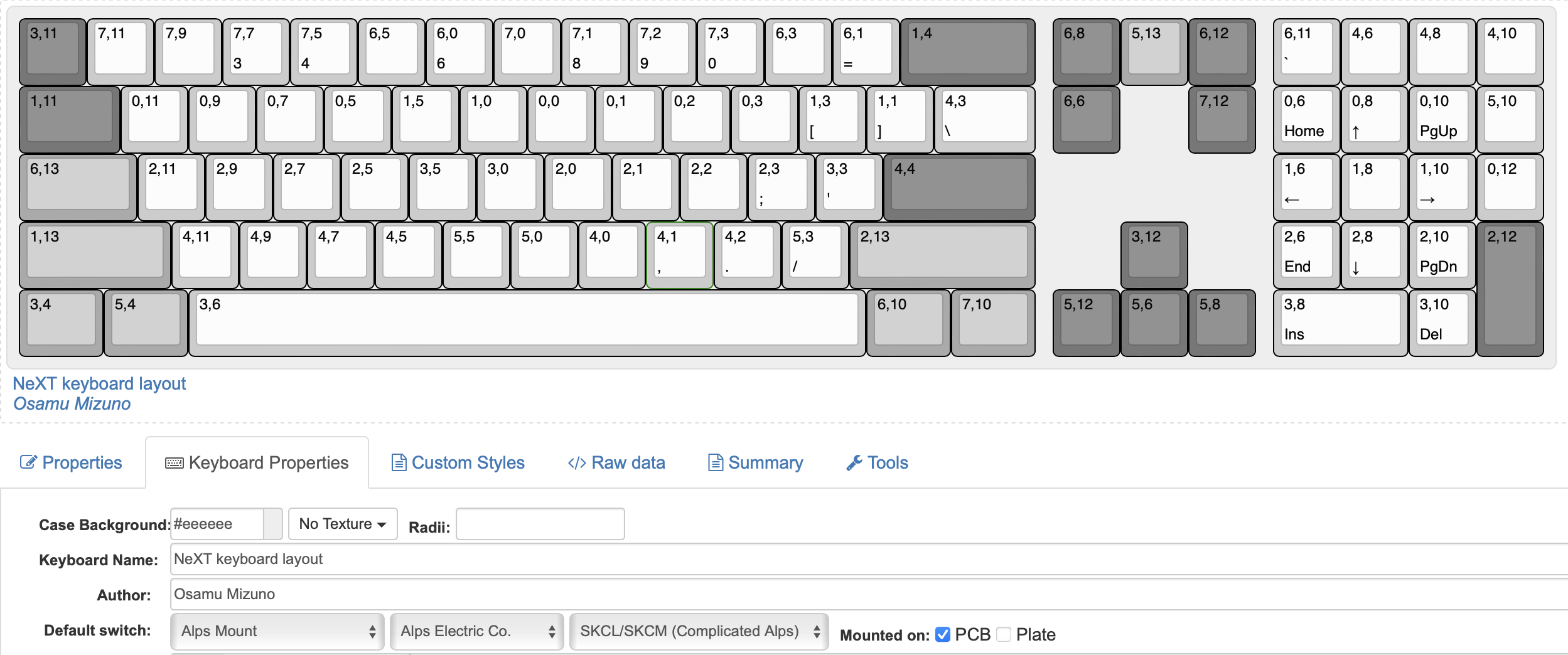
Creating graphical key layout with KLE

Create a layout in KLE for GUI when you change the key layout in VIA or Remap.


The key is to write the coordinates of the matrix in the Legend of the keytop.
The matrix of the PS/2 controller does not match the physical layout at all.

Setting up VIA

Create via.json file. This is used to change the keymap in GUI with tools such as Remap.
The contents of this file contains the key arrangement data created by KLE, the keyboard name, Vender ID, Product ID, and matrix of matrix.


The keyboard is ready to use!

After burning the firmware, the keyboard should be ready for use.

qmk flash -kb next_keyboard_v1 -km via


The source code is available on GitHub.

(Extra) Adding an OLED panel

The keyboard by itself is a little bit lonely, so I added a HUD-like display using a transparent OLED. This is a bit of a long story.


Actually, this story was just a prelude.
The main story will be in the next article.

See you!
Build Your Own Leopard Gecko Incubator

Build Your Own Leopard Gecko Incubator

This is the 8th day of Studio Aquatan 2023 Advent Calendar.

Hello, this is omzn, the lizard professor.

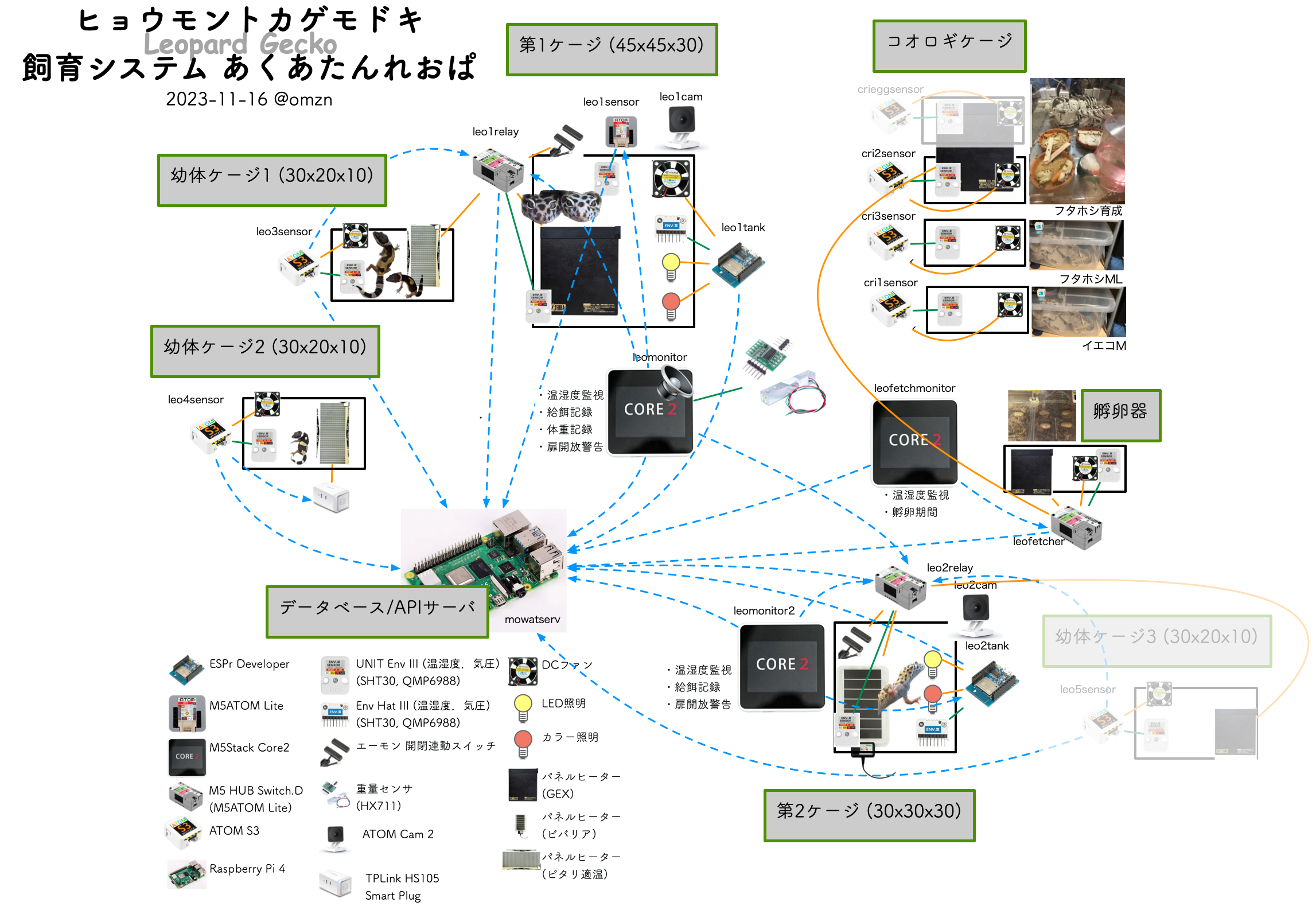
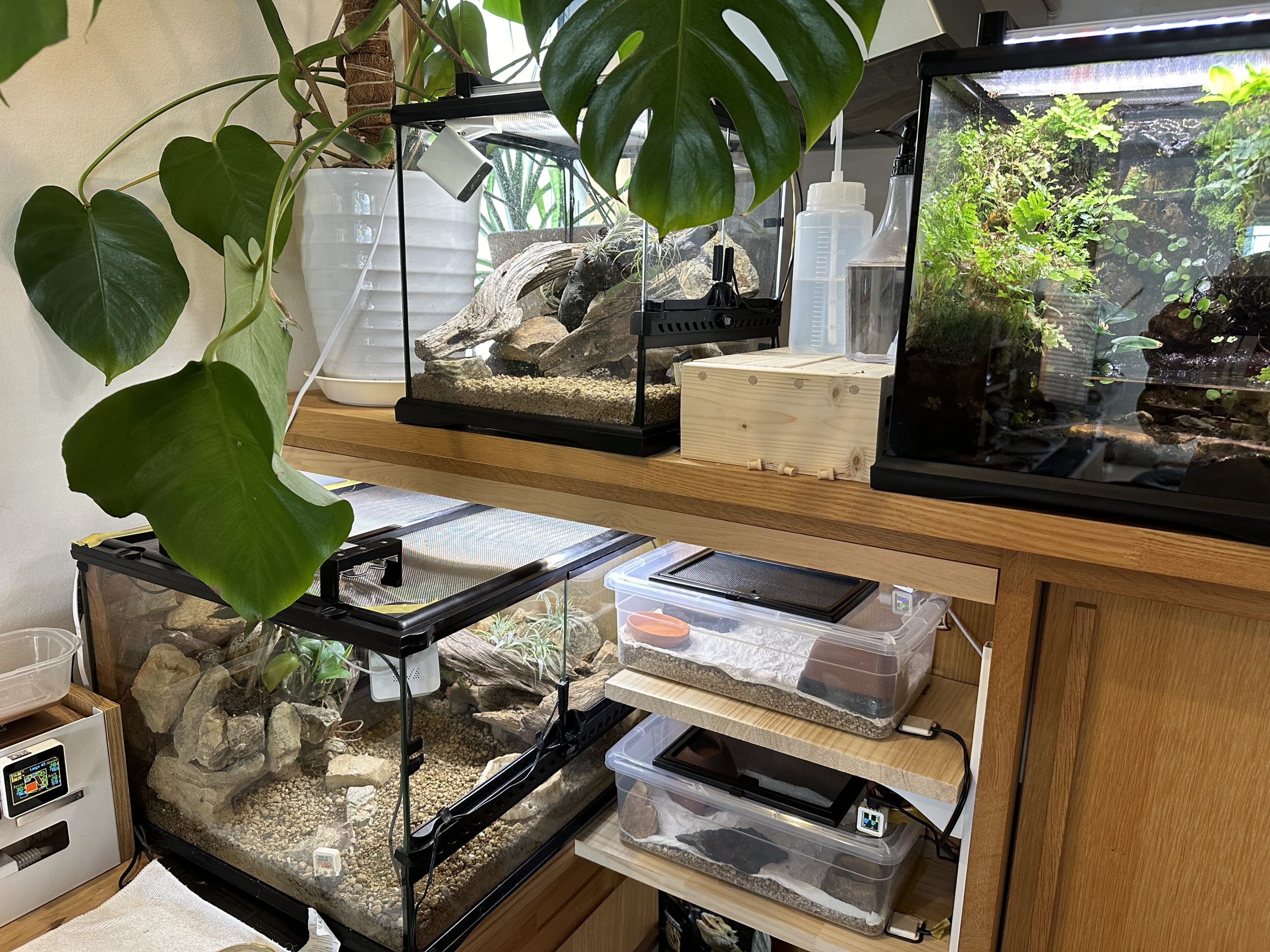
I have been keeping Leopard Gecko since last year, and have been managing it by borrowing a part of Akuatan system. (Click to enlarge) This system is now much larger than the aquarium.


there are four cages for lizards…


Today’s topic

This year, my leopard lizard started to lay eggs, so I made an incubator after much trial and error.
The first eggs hatched in my incubator, so I am recording them here.

Leopard Lizard Eggs

The leopard gecko generally lays two eggs per brood.
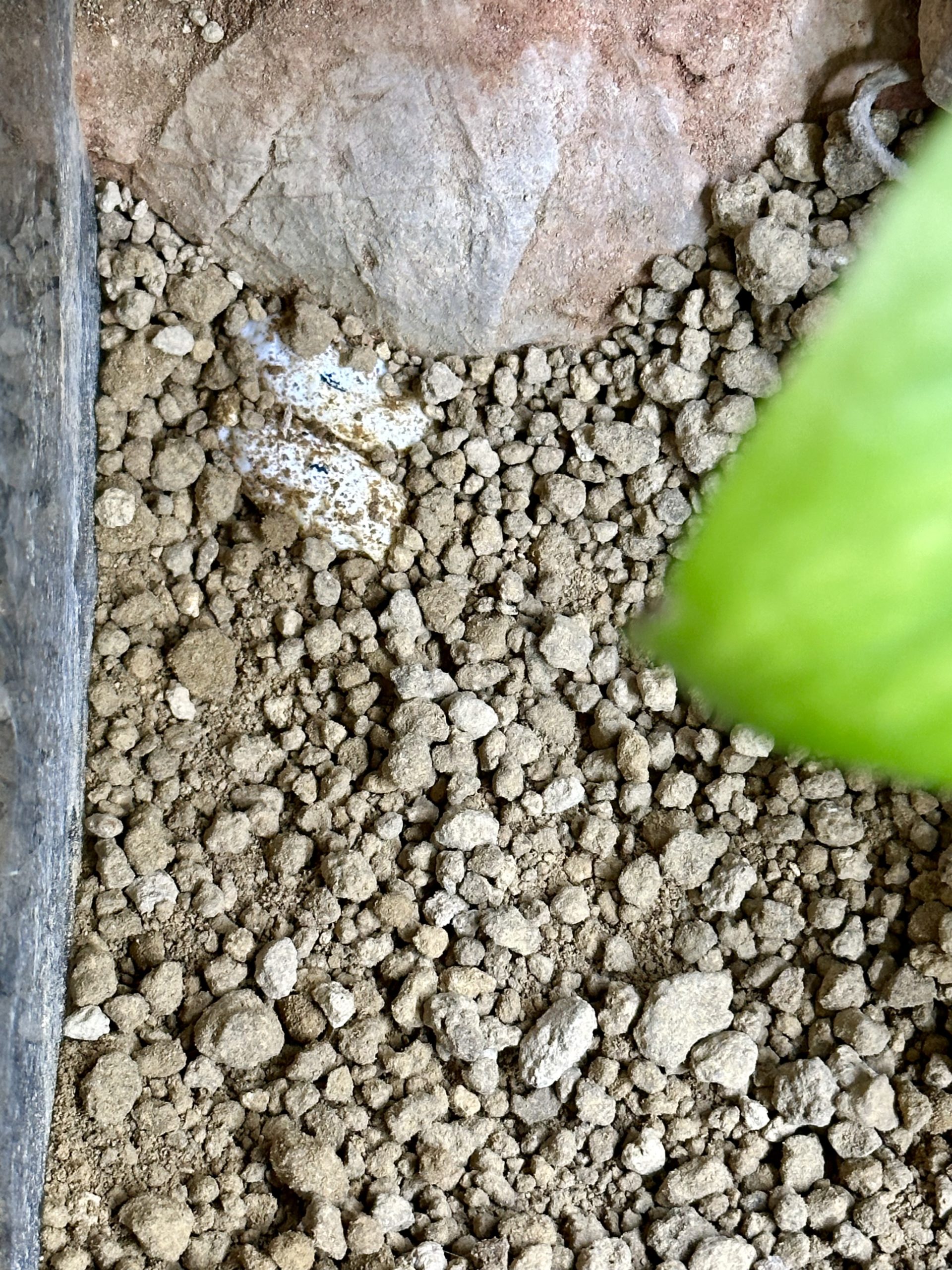
The eggs are laid in an egg-laying site created by digging up the bottom floor of the cage and then backfilled, so they can be dug up and transferred to the incubator. After the eggs are retrieved, the laying female still tries to hide them by covering the area where she laid them with soil, but it is a futile effort….


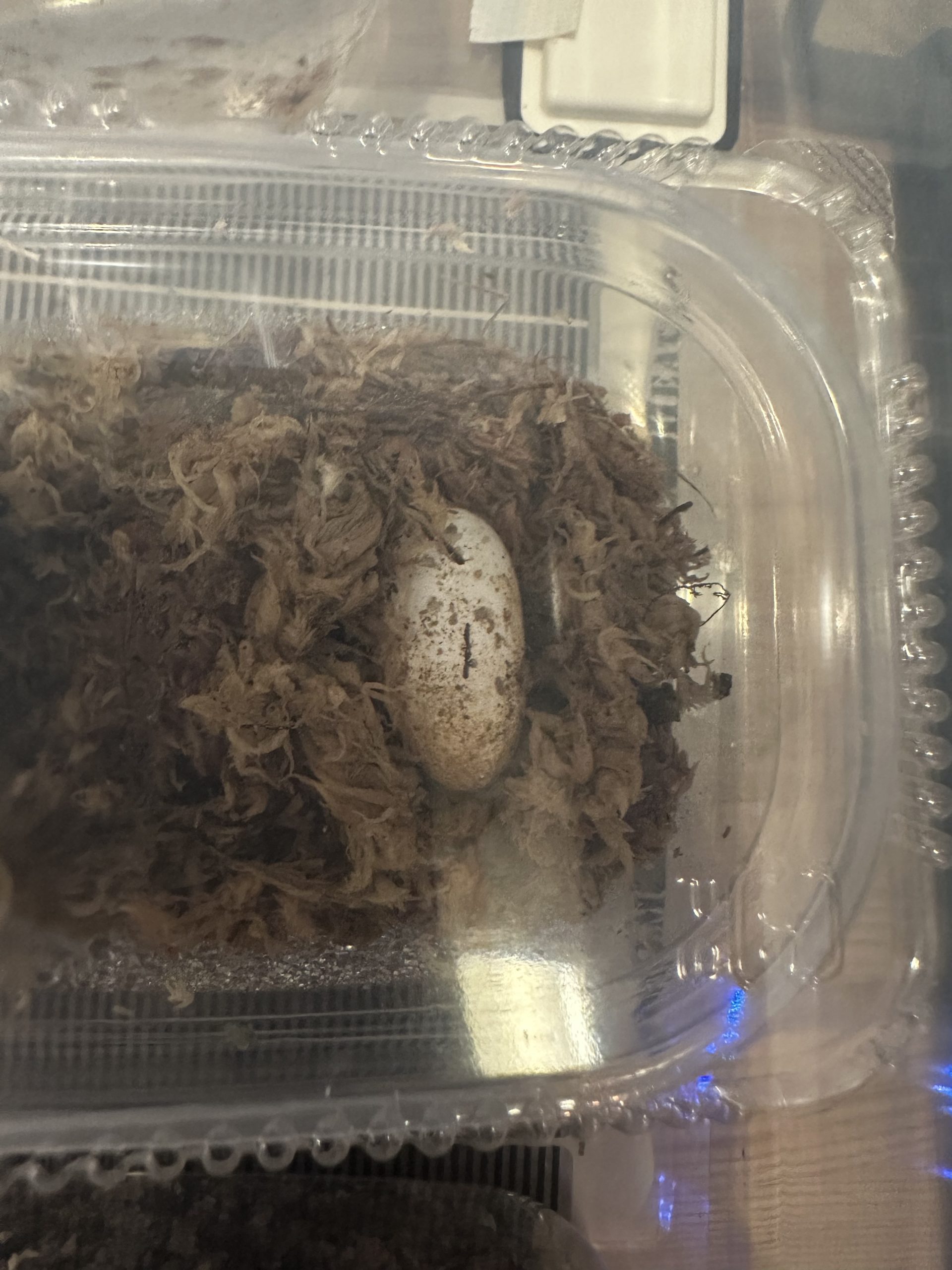
The eggs have soft eggshells that feel fluffy when touched. If the egg is accidentally rolled or dropped, it will die, so I mark with a magic marker where the egg was on the top when I dug it out. After that, always store the eggs with this mark on the top.
The incubator is placed in a Tupperware container lined with moss. Check manually from time to time to see if the moss is keeping the eggs moist.


Management of Leopard Lizard Eggs

It is recommended that the eggs of the Leopard Lizard Monster be maintained at a temperature of 26°C to 34°C and a humidity of 80% to 90%. Depending on the temperature, it is said that the eggs hatch in 40 to 70 days.
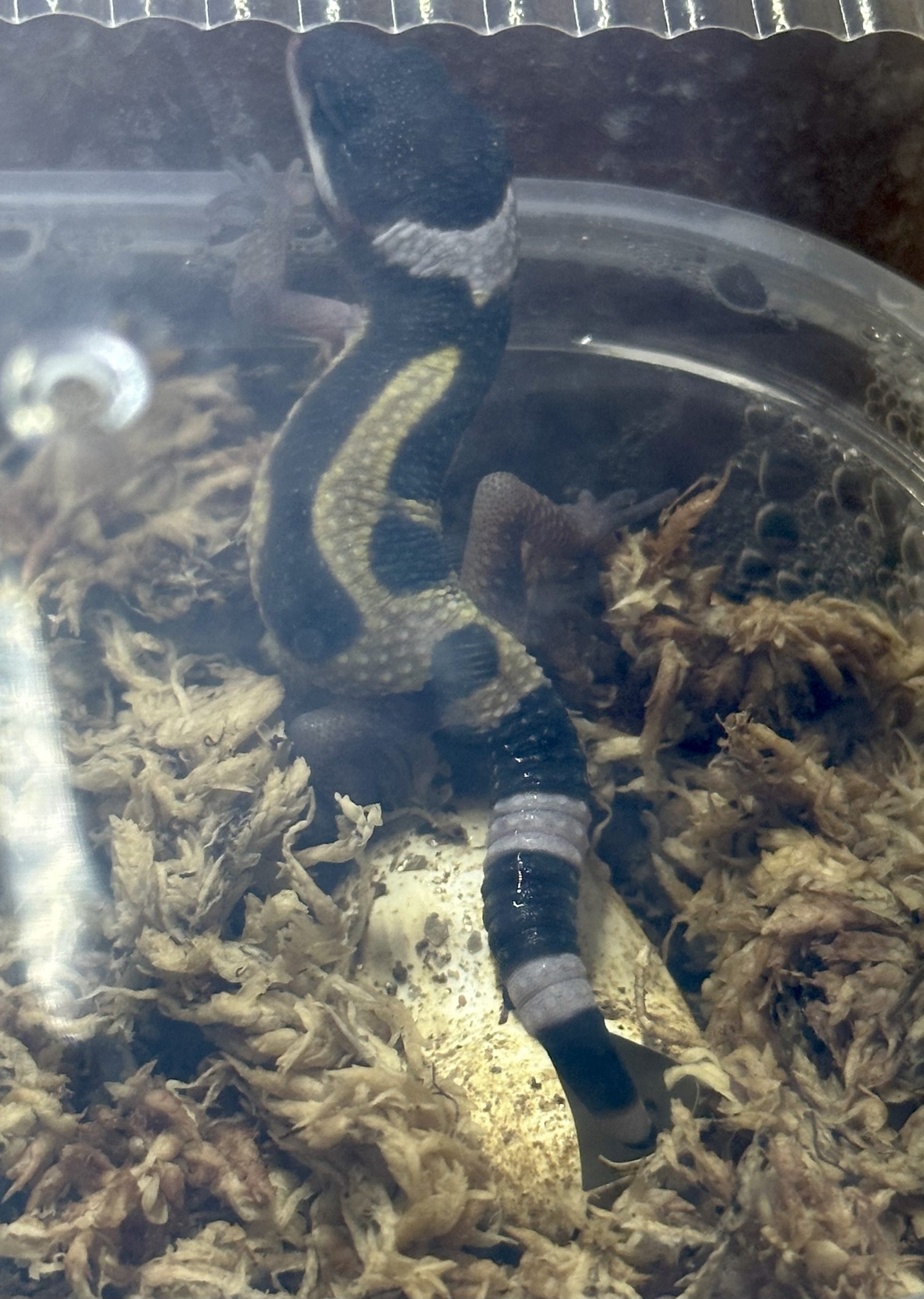
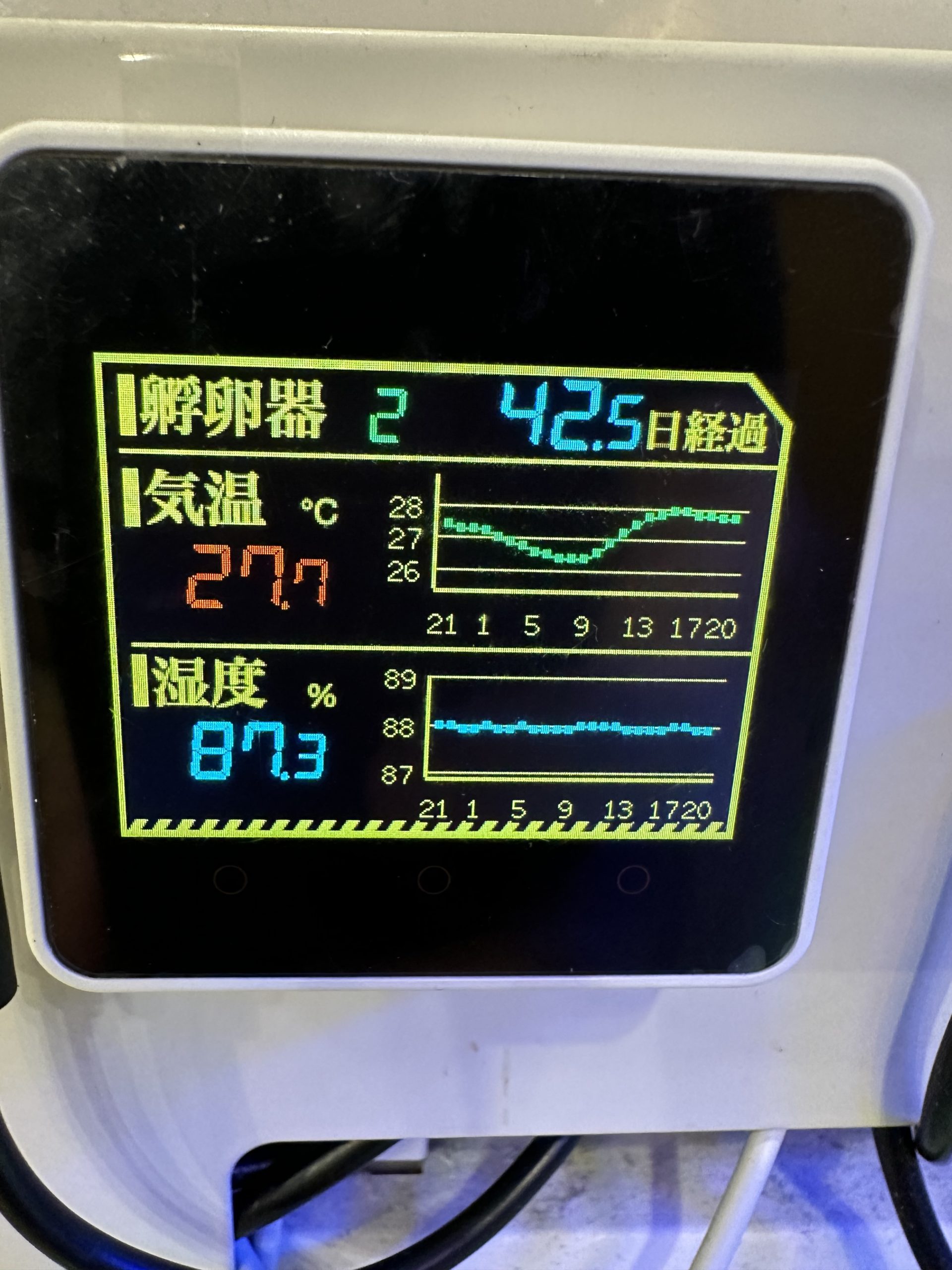
Since it is quite a long process, it is best to keep the eggs in a quiet place with stable temperature and humidity. The eggs hatched in 53 days after being kept at 28°C. Two more eggs hatched around 53 days later.


Humidity

If the humidity is not sufficient, the eggs will dry out and die. If the humidity is too high, the eggs will dry out and die, and if the humidity is too low, they will become moldy.
Therefore, I would like to keep the inside of the incubator at a constant humidity level. As for humidification, the incubator will be humidified on its own if we place something containing moisture (such as water moss) inside the incubator without doing anything in particular, so we will build the incubator with the policy of reducing the humidity that has risen too high.

Temperature

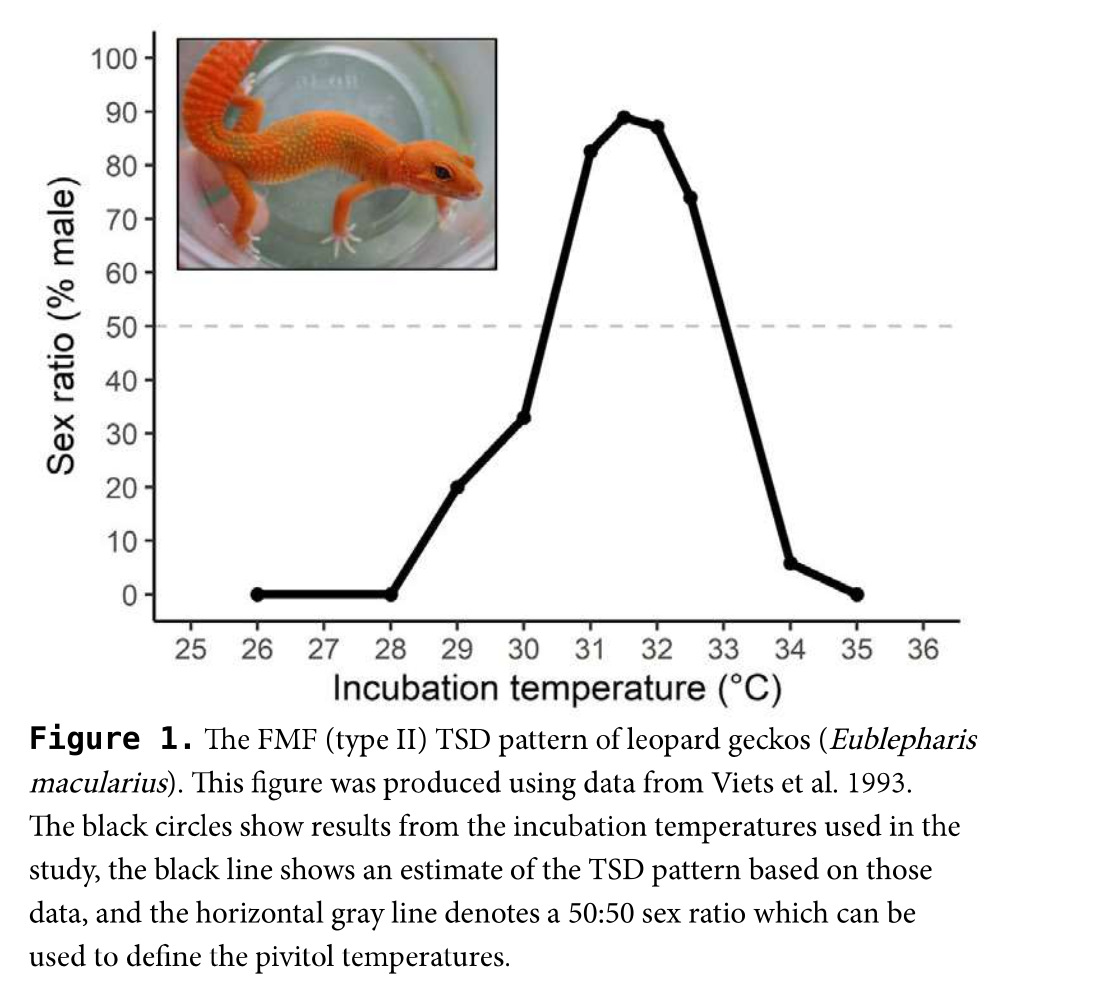
Temperature-dependent sex determination (TSD) determines sex according to the temperature during incubation[1].
(Note that if the incubation temperature is kept below 28°C, almost 100% of the eggs will be female.)
Therefore, temperature control is essential if the sex is to be fixed.

ヒョウモントカゲモドキの温度依存性決定([1]より引用)


Temperature-dependent determination of leopard geckos (quoted from [1])

Regardless of the sex, the temperature should not fall below 26°C, so some kind of heat-retention device is necessary. Here, I use a sheet heater to keep the temperature on the higher side. In my breeding environment, the room temperature is always around 26°C because the entire building is air-conditioned 24 hours a day. Therefore, in environments where the room temperature is too high and cooling is necessary, cooling must be taken into consideration.

Installation of the incubator

According to the above management policy, a mechanism to control the temperature and humidity inside the incubator is to be built.
The required components are as follows

  • M5 HUB Switch D (2-channel 100 VAC relay)
  • M5ATOM Lite (M5 ATOM S3, M5 ATOM S3 Lite, or any other type)
  • DC fan (5V drive)
  • ENV III Unit (SHT30 temperature/humidity sensor)
  • MOSFET (2SK4017)
  • 10kΩ resistor x 2
  • Sheet heater
  • DAISO shoe case

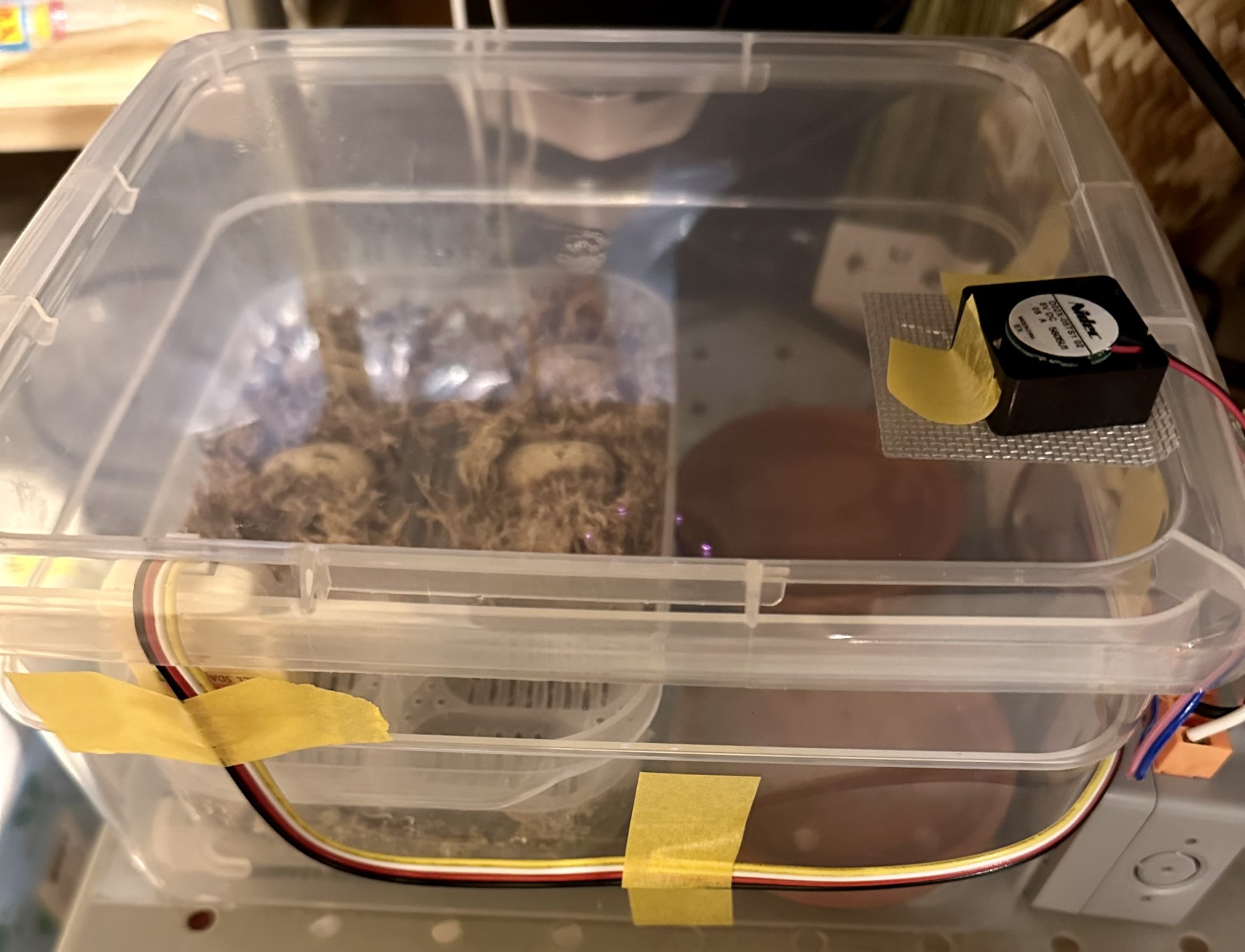
The main body of the incubator is a small shoe case from Daiso. A regular sized shoe case would be fine, but it may be too wide to hold the incubator. Also, the small size may be available only at larger Daiso stores. The small size can hold up to 10 eggs, and since it is 100 yen, there is no hesitation in processing the material, which is very good.


For humidity control, a fan is mounted.


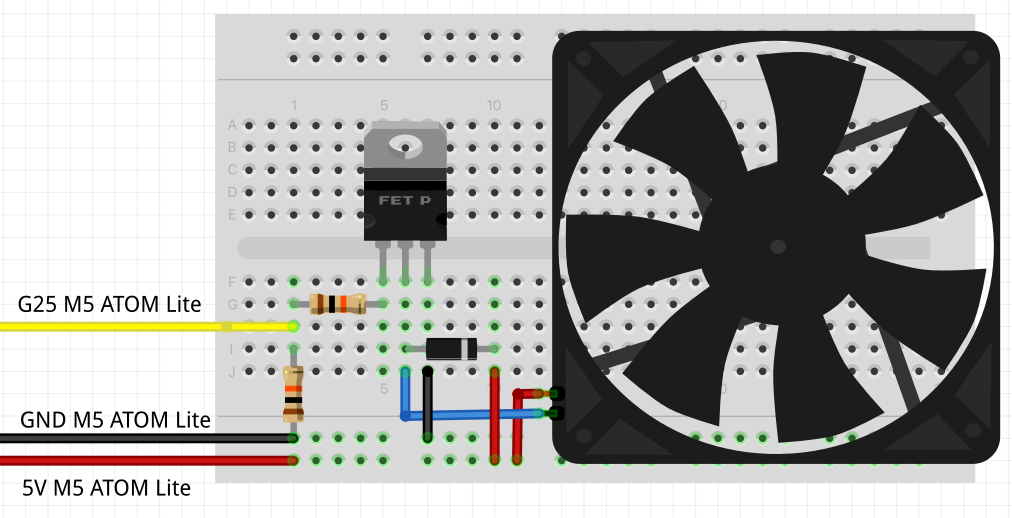
Send PWM to the MOSFET through pin 25 of M5ATOM Lite to turn the fan in steps of 0 to 255. (Actually, the fan will not turn unless the PWM is set at about 65 because electromotive force is required.)
The fan is installed in a hole in the incubator lid, and the fan is turned in a direction that releases the internal moisture to the outside.
The humidity is measured by the ENV III Unit’s SHT30. The temperature and humidity can be easily obtained with this temperature/humidity sensor.
The fan is driven by PID control using humidity as an input. Since humidity is sensitive to fan operation, the humidity acquisition interval is as short as 2 seconds. In reality, it would be fine to simply turn the fan ON and OFF at a threshold value, but the following code is used for study purposes.

int Fan::manageByHumid(float h) {
  const float dt = 2;
  const float kp = 10, ki = 1, kd = 10;

  static float diff_p = 0, diff_c = 0, integral = 0;
  float p, i, d;
  int prev_power = fan();

  diff_p = diff_c;          // 湿度の差 (%)
  diff_c = h - _target_humid;  // 湿度の差 (%)
  integral += (diff_c + diff_p) / 2.0 * dt;
  integral = integral > 50 ? 50 : (integral < -50 ? -50 : integral);

  p = kp * diff_c * (diff_c < 0 ? 5 : 1); // 1 % で pwm 10 :負の時は x 5
  i = ki * integral;                //
  d = kd * (diff_c - diff_p) / dt;  // 1% で pwm 10
  float power = p + i + d;
  int ipower = constrain((int)power, 0, 255);
  DPRINTF("humid: %.1f, target: %.1f, power: %.1f (%3d)\n", h, _target_humid, power, ipower);
  fan(ipower);
  return (ipower && !prev_power || !ipower && prev_power);
}

The temperature is controlled by driving the seat heater with an AC relay.
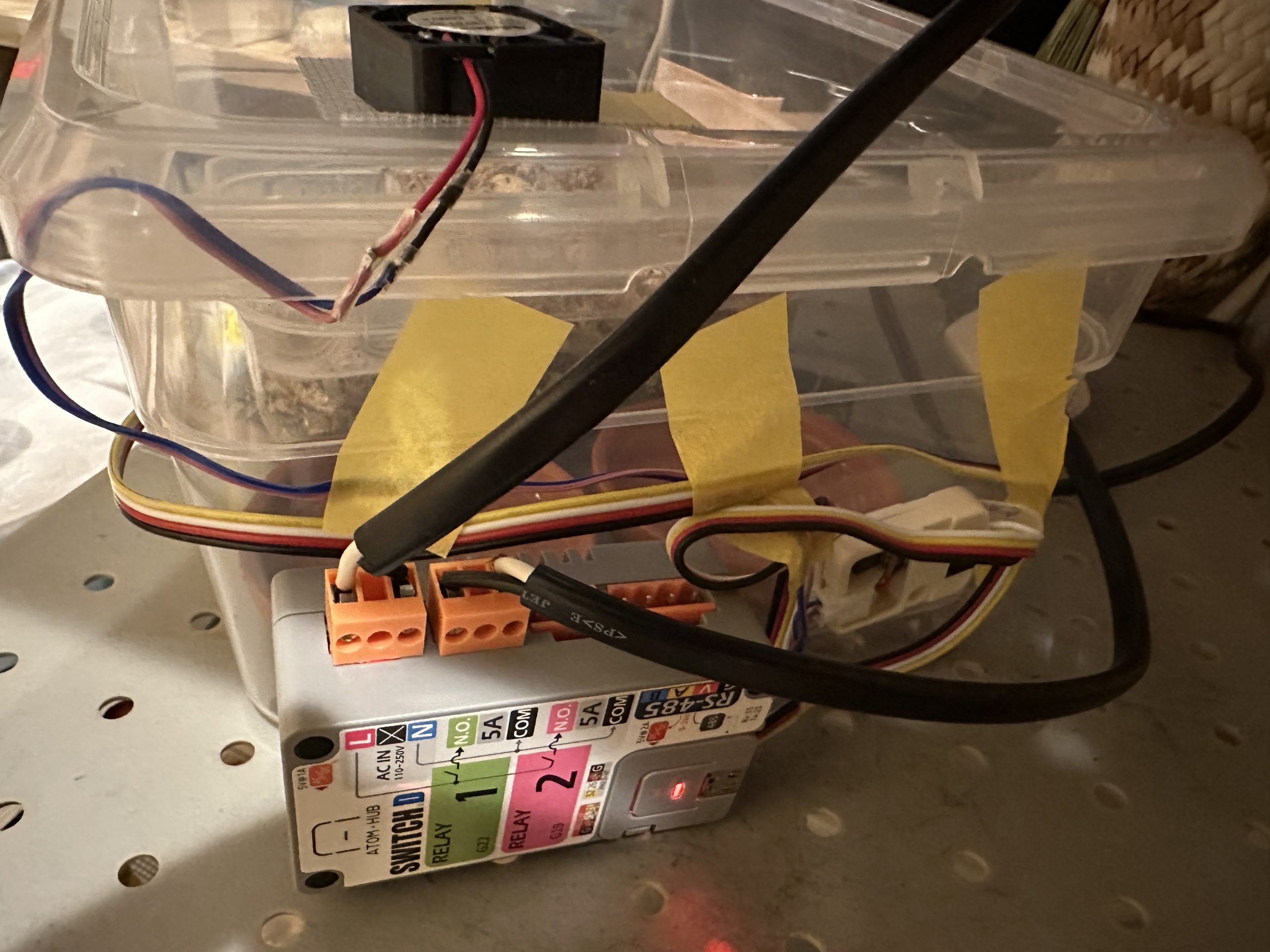
Using M5 HUB Switch D allows ATOM Lite to run on a 100 V power supply, eliminating the need for extra wiring.
The second GROVE connector on the body of the M5 HUB Switch D has pin 25, so the fan circuit described above can be made at the end of this GROVE connector. Since the temperature change is not as short as the humidity change, the upper and lower thresholds are set to control the ON and OFF of the fan.

The final appearance will look like this.


The software will use a general-purpose environmental sensor system that is being developed by myself. This system is very useful because only the modules to be used can be enabled by the software. I am also building a server that records temperature, humidity, etc. using Raspberry Pi.

Incubator Monitor

An incubator monitor is also created to record the current temperature and humidity, the history of the incubation, and the number of days the eggs have been incubated.


The first eggs were kept in the living room next to the lizard cage, and the second and later eggs were moved to a storage room, where the humidity was more stable due to the lack of human activity.


Young leopard geckos

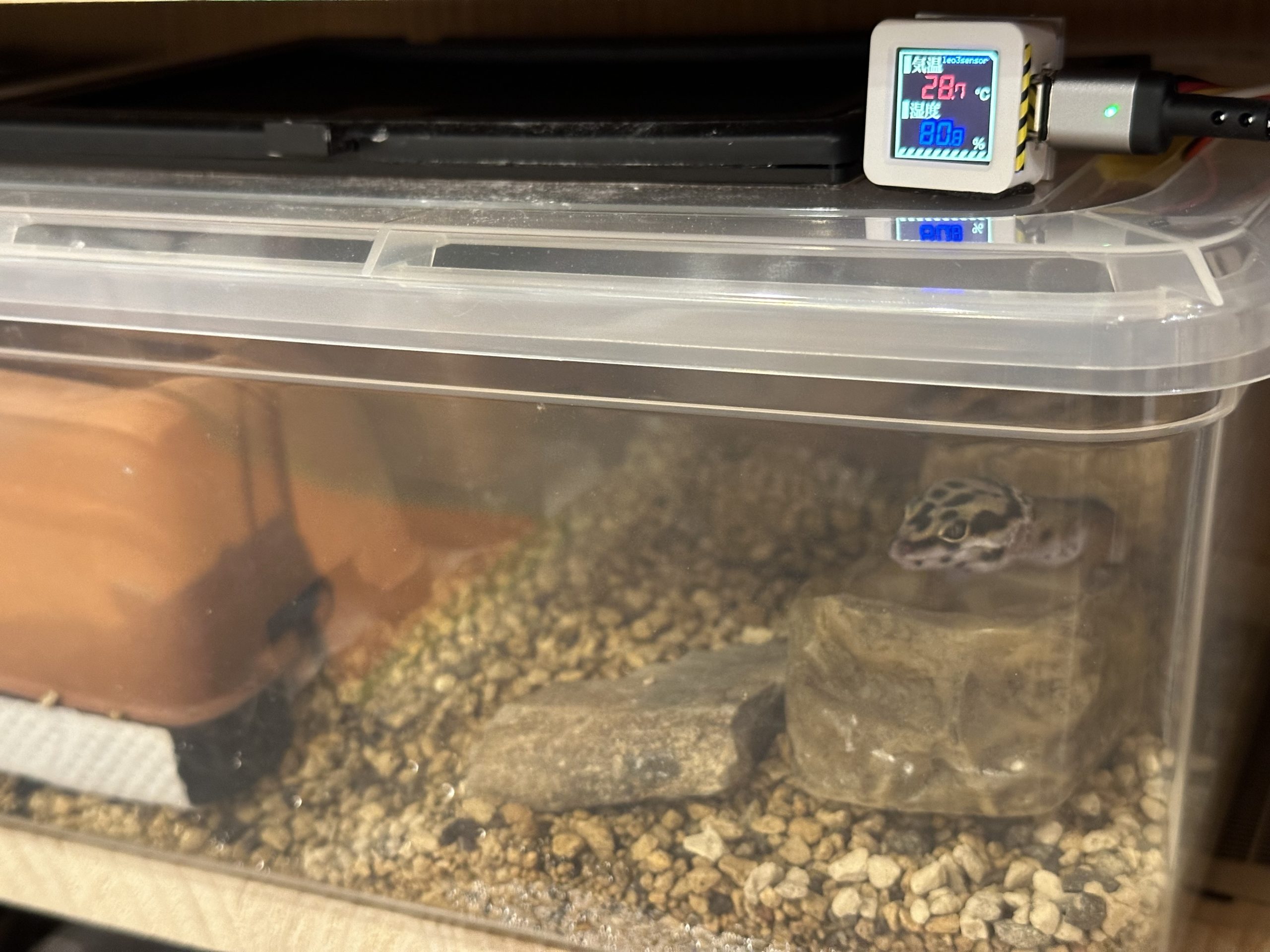
The same system can be used for rearing juvenile lizard cages, since the juvenile lizard needs a higher temperature and humidity environment than the parent. The cages are also made from Daiso shoe cases.
The humidity of the cage is set to keep the humidity at about 70% to 80%, and the current status is displayed on the LCD of M5 ATOM S3.


Crickets

The same system can also be used to maintain crickets. This year, I have been able to keep three generations of Dipterocarpus crickets by using this system. (ongoing).
The crickets are kept at about 60% humidity, but they are still doing well.
I hope the cricket farm will continue this year…


References

[1] J. M. Hall, Temperature dependent sex_determination in reptiles, Herpetoculture Magazine, isseue 17, March 2021, https://www.researchgate.net/publication/349718375_Temperature-dependent_sex_determination_in_reptiles

A Dream of Cricket Farm

A Dream of Cricket Farm

Hello, I’m omzn.
This article is for the 16th day of あくあたん工房 Advent Calendar 2022.

Following the story on the second day, I would like to talk about the cricket, live bait of the Leopard Gecko.

Leopard geckos will eat artificial feed, but will also eat live and frozen crickets.
They are moody, sometimes eating only artificial feed and sometimes only crickets.
Crickets can be collected in the wild, but it is also easy to buy farmed crickets from a cricket farm.
The most famous farmed crickets are the “European house cricket,” also known as the “Yeko” species.
It seems to originate from Southwest Asia, and is widely used as a pet and for food all over the world.
They are available at reptile stores for about 15 yen each, and at mail-order shops for about 5 yen each.
They can reproduce all year round and become adults in a few months, so even amateurs can cultivate them if they are well cared for.

If the food grows on its own and the supply keeps increasing, there is nothing more satisfying than this.
Every Leopard Gecko owner dreams of cricket farming at least once.

Well, omzn, as usual, decided to try to farm crickets.
To start with, I purchased 400 adult crickets from an Internet store, 200 of which I immediately froze and 200 of which I will keep in a cage.

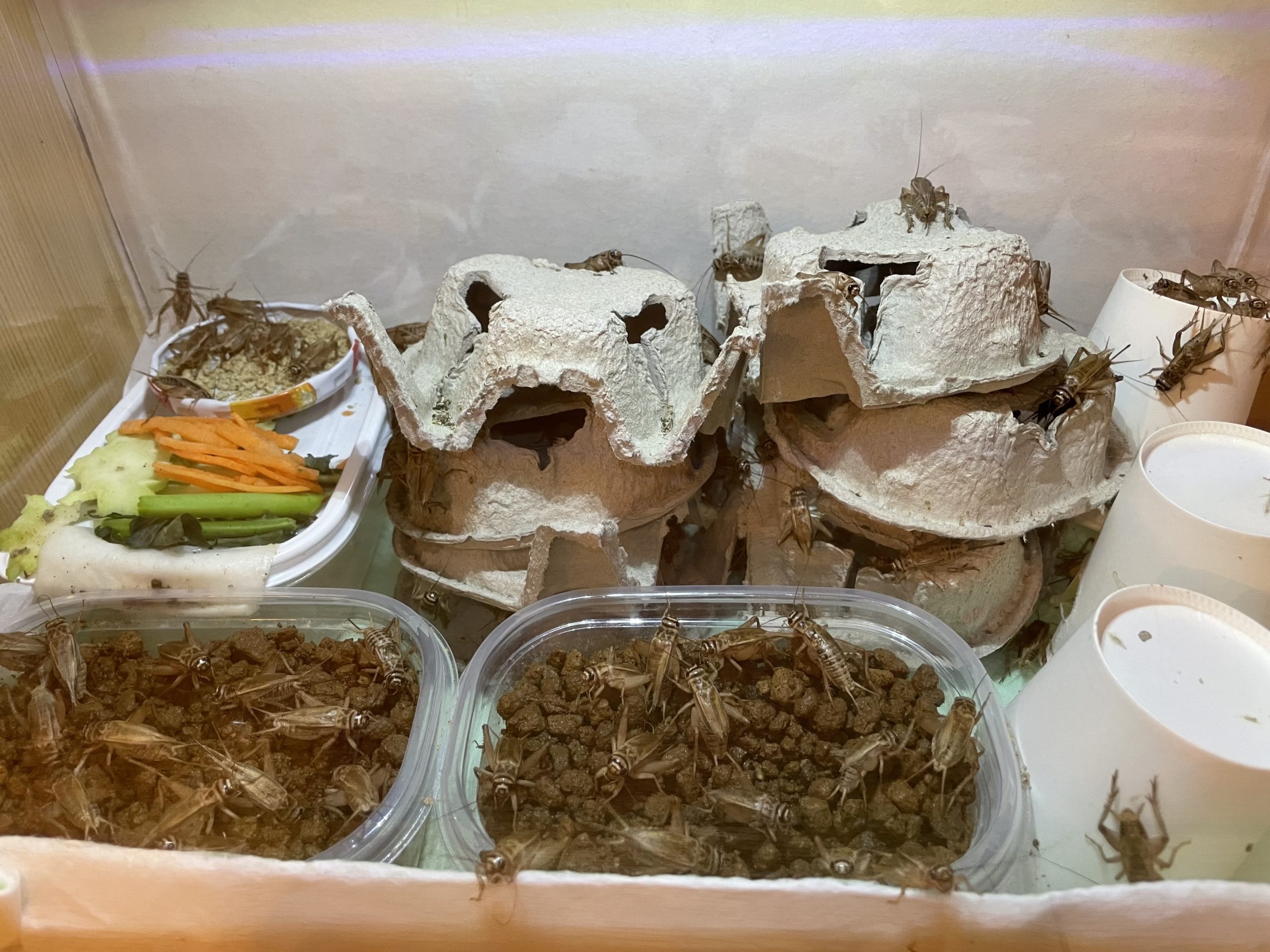
The cage is not equipped with any bedding for easy cleaning, but a hiding place made of toilet paper cores, a water supply container, and a container of soil for spawning.

Here is a picture of the cage with 200 crickets in it.

Females begin to lay their eggs in the soil at once. The eggs are collected so thickly that they protrude from the soil.

The 200 crickets are captured and frozen little by little, and eventually all the crickets are frozen so that only the eggs remain.
The eggs are then kept at a constant temperature and humidity for two weeks.

Two weeks later, the eggs hatch. The larvae, which have a body size of about 1 mm, emerge at a rapid rate.

Growing them until they are large enough will ensure a sufficient number of frozen crickets, and enough will remain to lay eggs.

Here we have taken the first step toward a homemade cricket farm. Great!


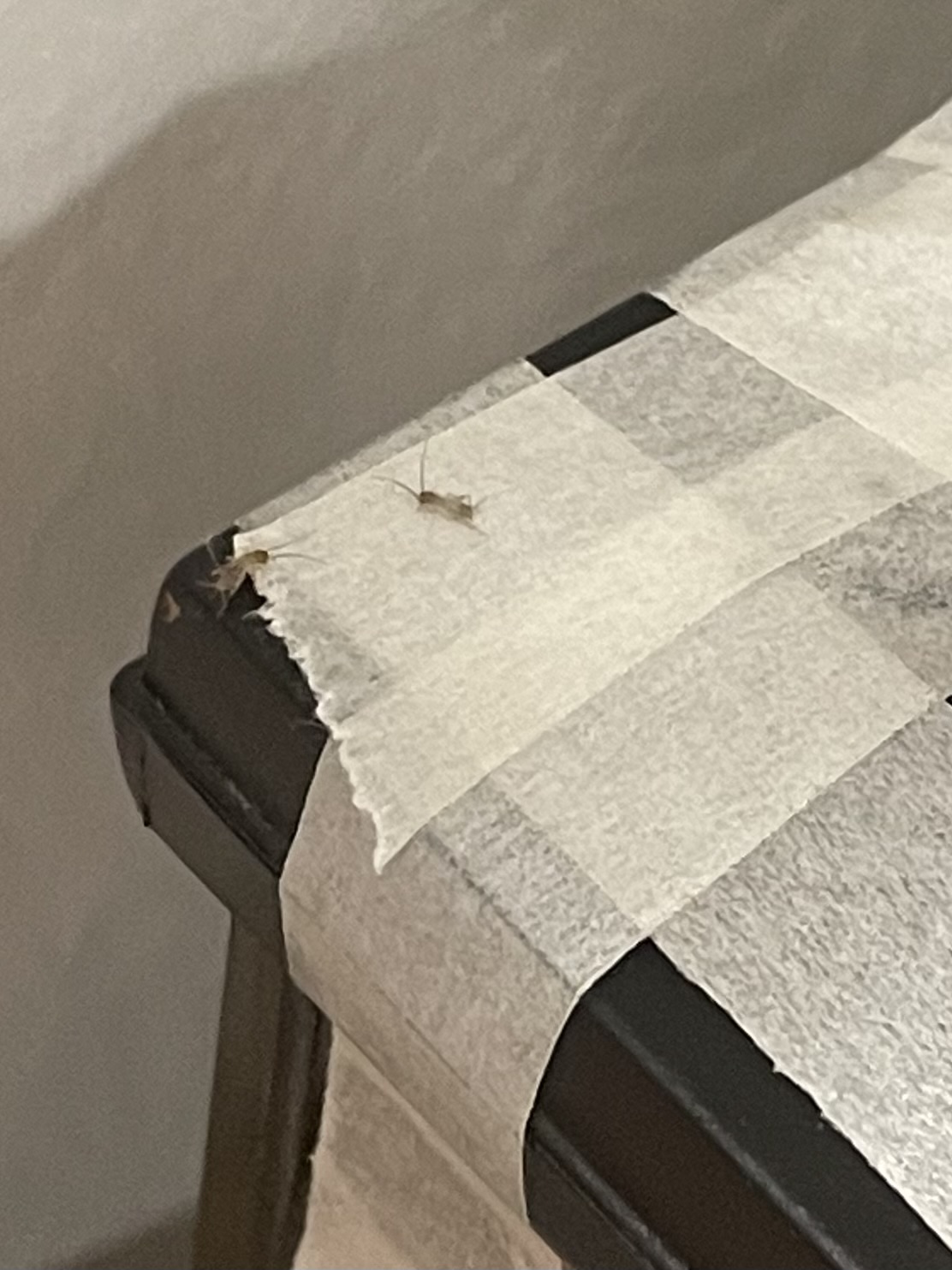
In the cage of the leopard gecko, there are crickets that I tried to feed as live food, but they successfully escaped and hid. They can lay eggs, too.
There is plenty of soil. Even if they are preyed upon, the eggs will remain. The temperature and humidity are well maintained.

Naturally, after about two weeks, the larvae hatch in the cage.
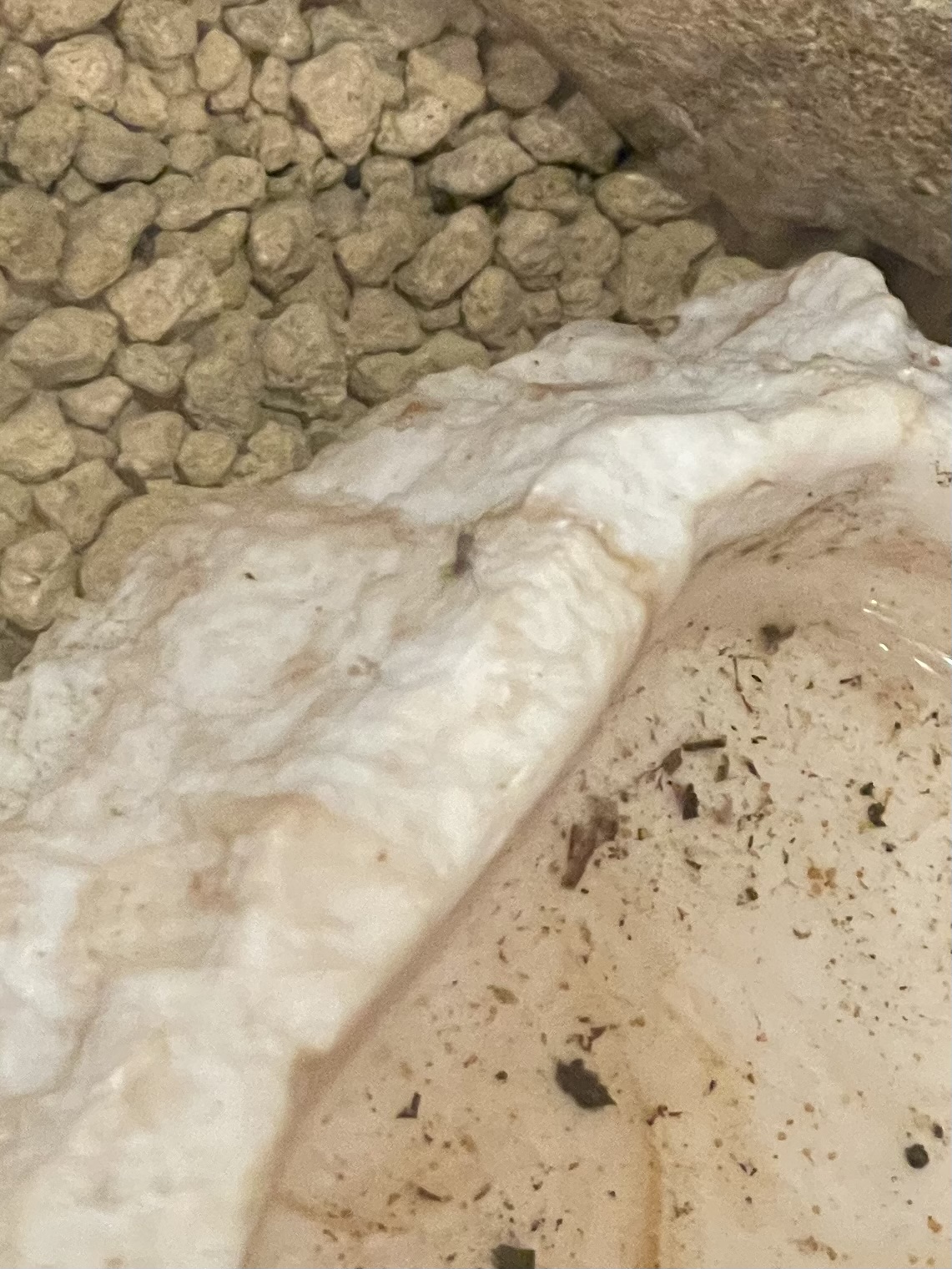
Oh, there is a small larva near the water fountain. How cute!

We can breed crickets inside the leopard gecko cage, can’t we?


Here is a scary story.

Cricket cages are designed in such a way that crickets cannot climb out of them, so even a first instar larva of 1 mm in length cannot climb out.

However, this is not the case in the cages of the leopard gecko. There are masonry and driftwood reaching to the ceiling, a mesh ceiling, a door, and many gaps for ventilation.

As I write this, I feel something moving at the edge of my vision….


No way.

No, no, no way. 


Even if the larvae escaped, there is no food or water in the room, so the environment must be less than a desert for crickets.

There is no way they could become adult crickets.


By the way, what is the name of these crickets?


“European HOUSE cricket”


No, no, no, no, no, no, no way.

Does Aquatan Dream A Leopard Gecko?

Does Aquatan Dream A Leopard Gecko?

Hi, Aqua-tan Studio guys, this is omzn.
This article is the second day of the Aqua-tan Studio Advent Calendar 2022.

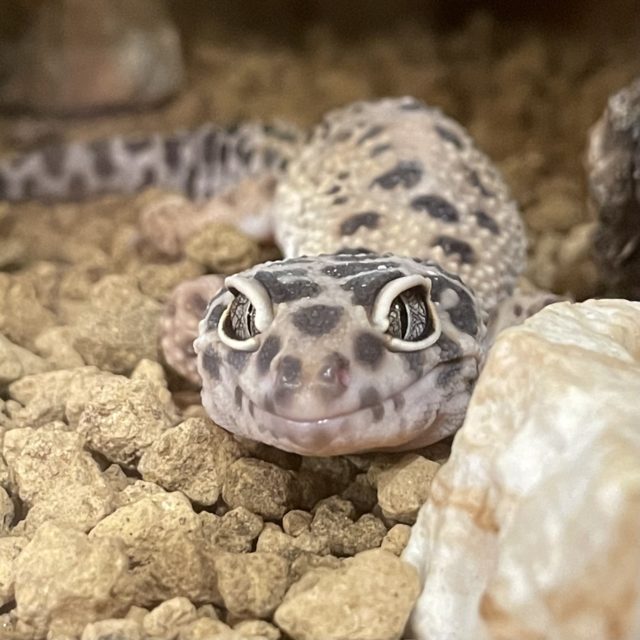
In 2022, I started keeping three leopard geckos at home.
It is widely known that Aqua-tan is an incarnation of a newt and hates geckos, but the leopard gecko is a member of the gecko family. Will Aqua-tan eventually reach a point of reconciliation?

Today, I would like to discuss the fascination of the leopard gecko. The Leopard Lizard is a reptile that has evolved to be very suitable for pets.

Breeding environment

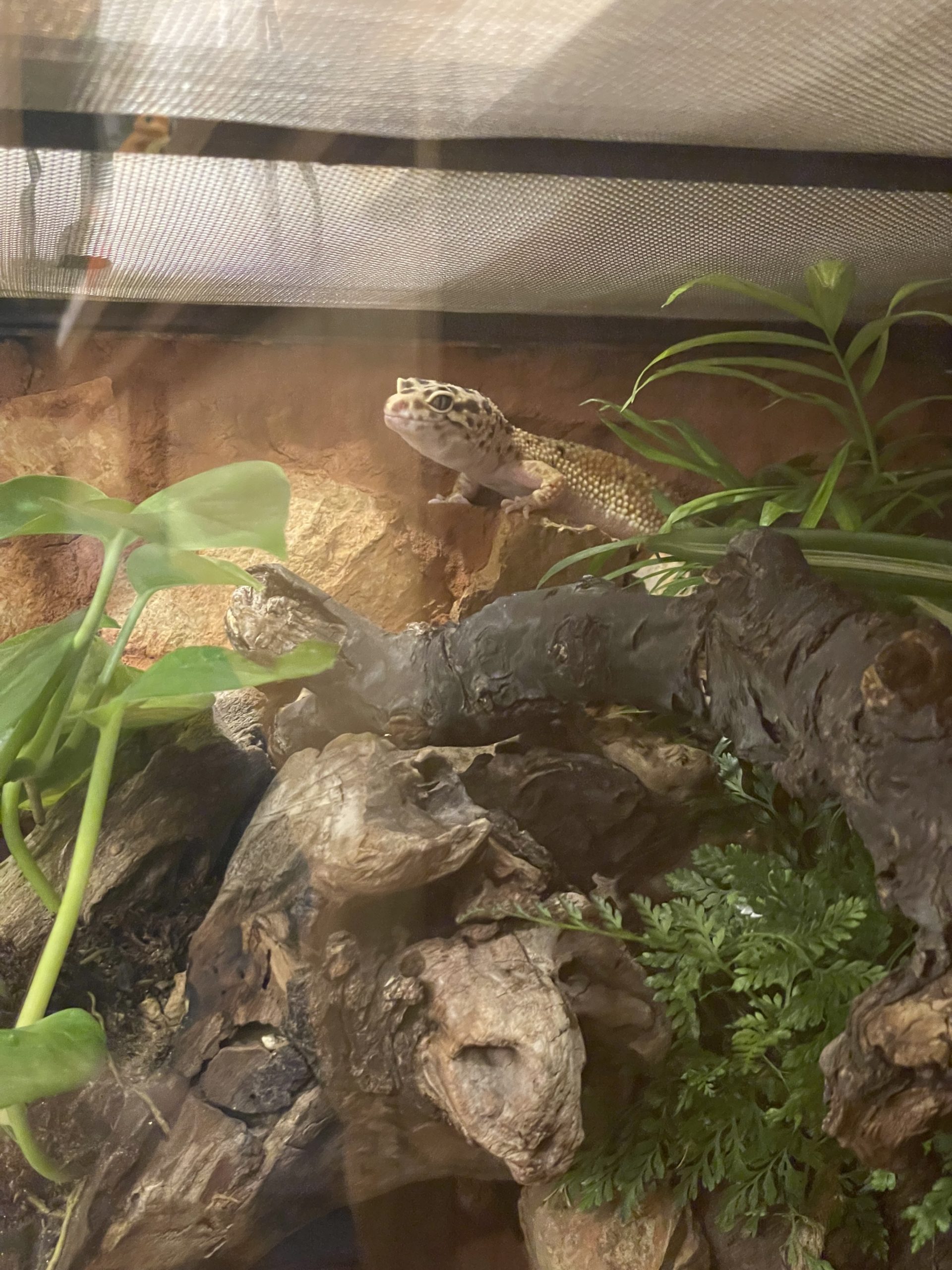
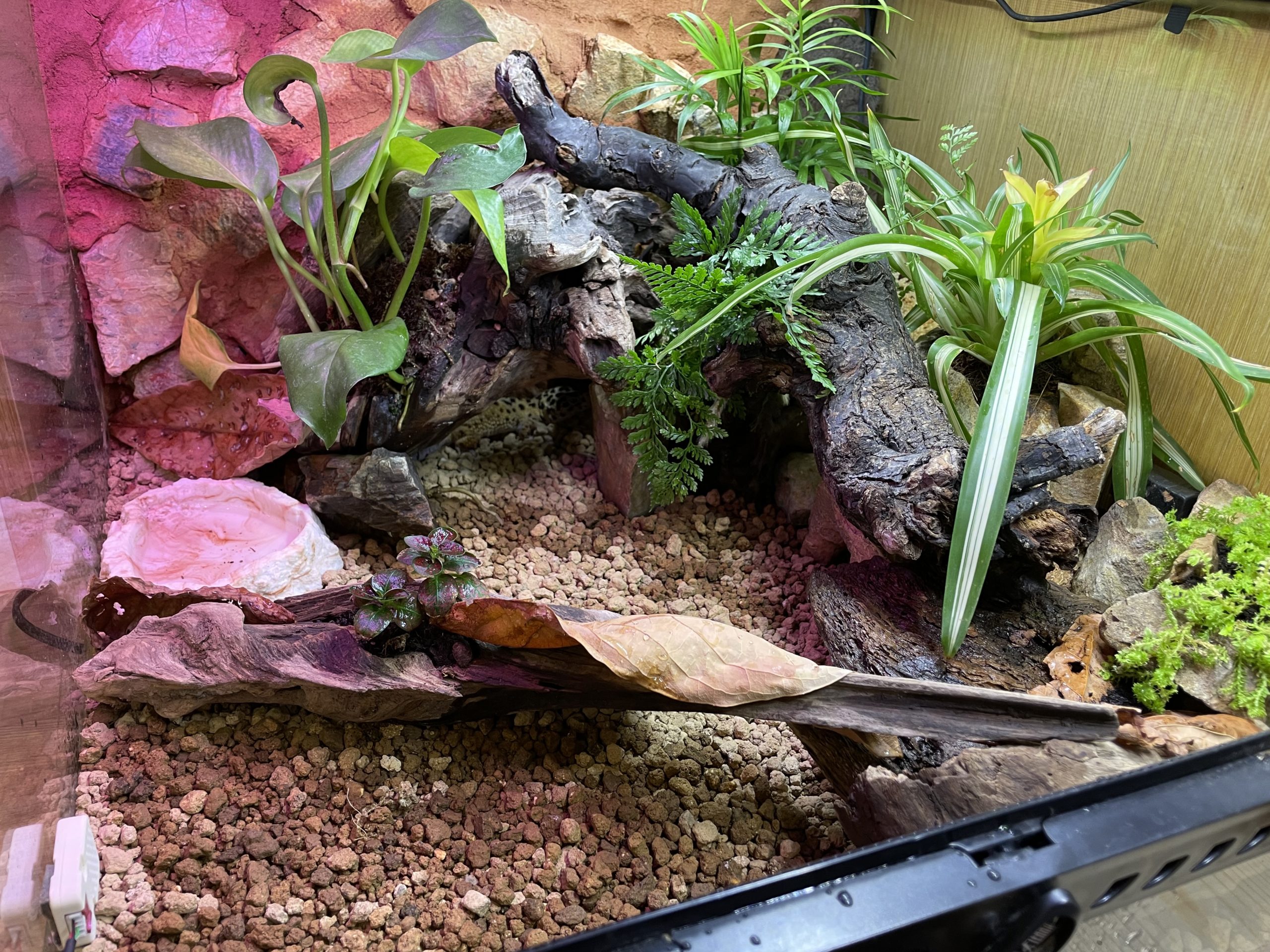
The reptile cage is prepared with a red clay and a shelter for each gecko. To maintain humidity a water container is provided. A layout with driftwood is made for exercise.

Tolerant of drought

In the wild, they live in the sand and gravel regions of Pakistan and Afghanistan, so they are very tolerant of drought. This is a big advantage when keeping them indoors, where they tend to dry out.

Capable of hoarding

Since they do not live in areas with abundant prey, they eat their fill when they can and store fat in their tails. 餌をやるのを忘れがちでも大丈夫です.

Artificial food is also acceptable.

They eat insects (crickets, etc.), but they are also accustomed to food.

Live food is also OK

It is very relaxing to give them live food such as crickets and watch them eat them with enthusiasm. However, it is a little difficult if they are not tolerant of insects.
Once you start feeding them live food, they will unconsciously look for grasshoppers and crickets when you walk outside. I captured dozens of crickets every time I hiked up a mountain this fall.

Defecation is rational

They defecate almost always in the same place. They produce a large stool at a time without making a mess, so they can be picked up with tweezers and tossed away to finish the cleanup. Furthermore, since they do not urinate in liquid urine, the bottom floor of their cages is less likely to be soiled. They are specialized for dry areas, and they do not want to let liquid urine out of their cages. What about urine? The body discharges uric acid clumps at the same time as stools. Because of this characteristic, there is almost no need to search for poop in the cage. This is a very nice feature for a lazy person.

Incidentally, all three of my dogs use the same shelter as a toilet. Although the shelter was a little small for them to rest in, they seem to be just right for a toilet, and they show good manners by going in from the bottom, pooping, and coming out.

Also, one of the females laid unfertilized eggs in the fall, and she used this as her egg-laying site. Does she use this place for anything that comes out?

Breeding support IoT device

To support breeding, an IoT system using M5Stack is installed around the cage.

Lighting system

The same system is used for Akuatan aquarium management. Lighting is controlled according to time.

Monitor

This system enables temperature/humidity control, feeding frequency control, and door open detection, which are explained below, with a single device of M5Stack Core2. The data stored in the server is retrieved via API and displayed in values and graphs.

Temperature and humidity control

Although the leopard lizard lives in an arid region, it requires a certain level of humidity. In particular, a high humidity level in the hiding place is desirable.

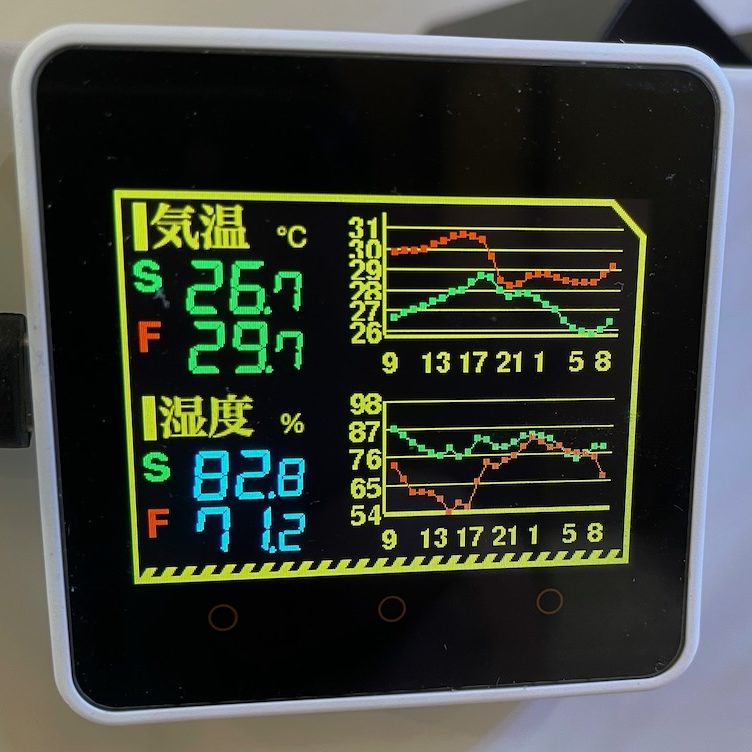
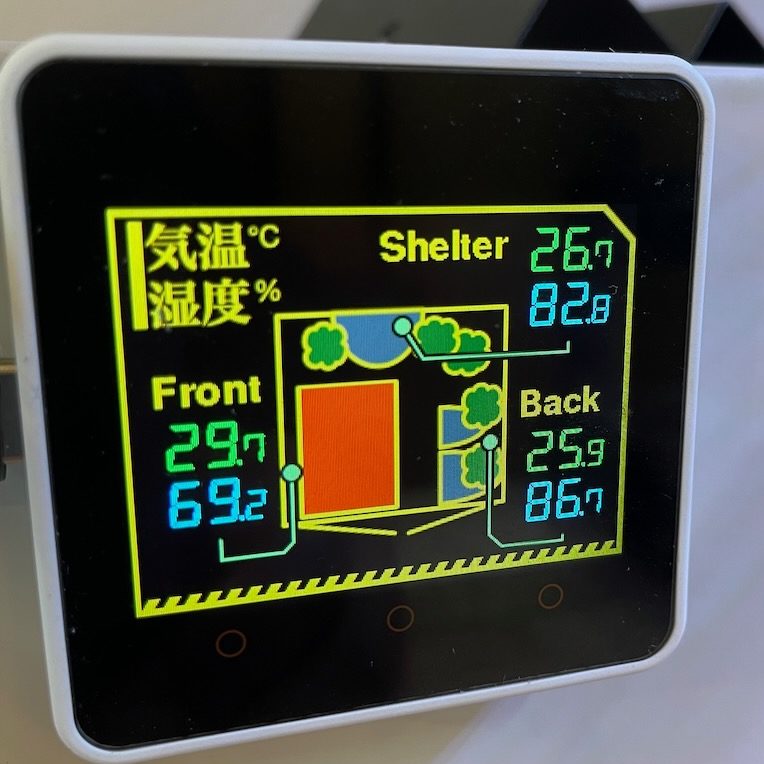
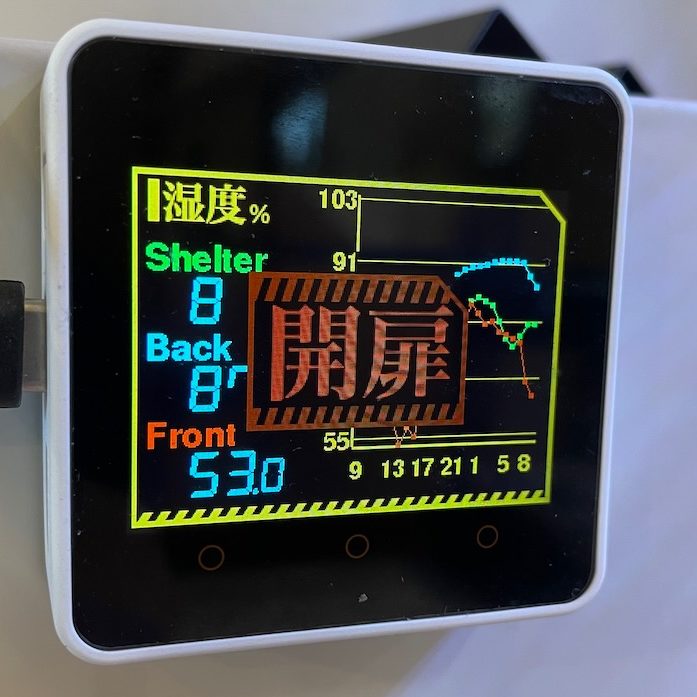
For this reason, temperature and humidity sensors are placed at three locations in the cage and are constantly monitored. The temperature and humidity sensors are M5Unit Env III and ATOM Lite. Currently, the humidity is not automatically added.

In addition, the heater is controlled in conjunction with the temperature. Commercial heaters can also control the temperature, but since I went to the trouble of making my own control, I made it myself.
The ATOM HUB switch kit is used to turn on/off the heaters according to the temperature.

Feeding frequency control

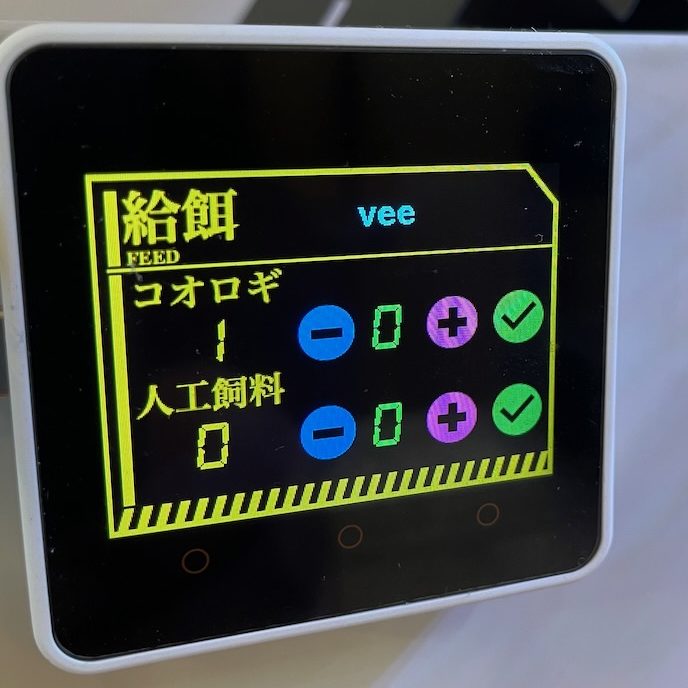
In order to solve the question, “When and how many times did I feed each animal? In order to solve this question, we have created a system to manage the number of times each individual animal has been fed. ( Manual)
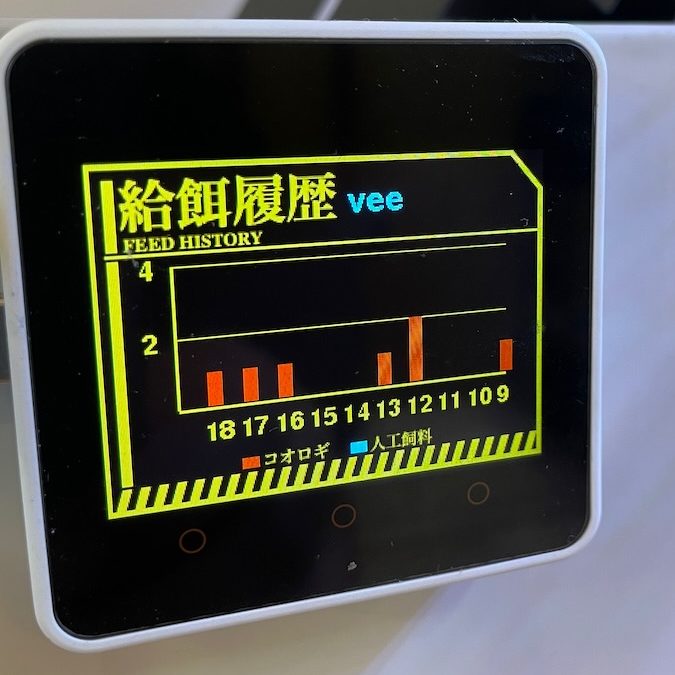
A graph of the past 10 days is also available, so you can check how much food the animals have eaten.

Doors open detection

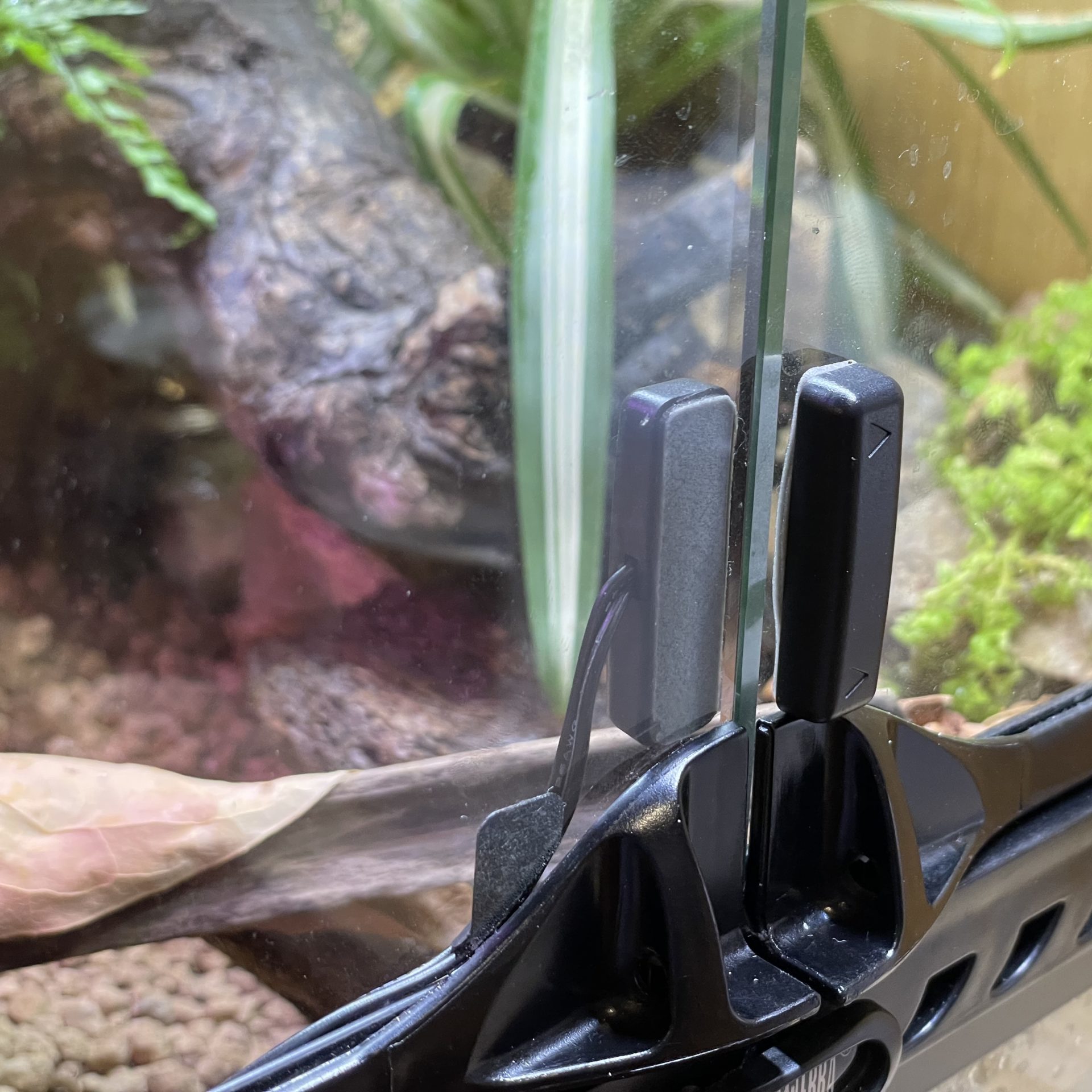
One of the most common causes of escape is leaving the door open when feeding. If the door is not locked properly, the animal will push the door open by itself.
For this reason, the system detects even the slightest door deviation and sounds an alarm if the door is left open for more than a certain period of time.
For the sensor, I use the AMON [3229] Open-Close Interlocking Switch, which is a DIY part for cars. It is a magnetically interlocked open/close switch, so the detection can be fine-tuned by distance.

Warnings are also interrupted as modal alerts in the temperature/humidity graph and the feeding frequency control screen, so that some action must be taken without fail.
The alert sound is reasonably loud, so you will notice it if you are at home.

Inheriting the legacy of the past

In building this system, most of the subsystems were created by modifying some of the existing subsystems created for Akuatan and Home IoT. Making various things and being able to maintain them in a reusable form lowers the hurdle to making something new!

チューリング完全あくあたん

チューリング完全あくあたん

Sorry, this entry is only available in 日本語.

この記事はあくあたん工房 Advent Calendar 2021の15日目です.

チューリング完全とは?

ある計算システムがチューリング完全であるとは,万能チューリングマシンと同じ計算能力を持つことを指します.万能チューリングマシンはチューリングマシンを模倣できるチューリングマシンであり,現在のどんな計算機が解ける問題でも解くことができると考えられています.

あるシステムがチューリング完全かを判定するのは難しい問題になるため,チューリング完全であることがすでに判明しているシステムの模倣ができる場合,そのシステムもチューリング完全であると言えます.

水槽カメラ昇降パターン

あくあたん義体はレールの上のマーカー(位置)を読み取って水平方向に進むことができます.また,レールの位置上でカメラの垂直方向を昇降させることができます.レールの位置はあくあたんbotからの指令により移動させることが多いですが,カメラの昇降については指令を飛ばすことが少なくなっています.そこで,カメラの昇降については,ランダムに近いけれども特定のルールを利用した動作をさせたいと思います.

レールの位置には1ビットの情報が付与できるものとします.あくあたんは位置上でカメラ垂直方向を上下させることができますので,ここではある位置において,カメラを1段上昇させるなら1,1段下降させるなら0とします.この情報をカメラ昇降パターンと呼びます.あくあたんはこの情報を使って,その位置を踏んだときにカメラ垂直位置を変更します.

各位置での昇降動作を初期状態としてあくあたんに教えることができます.

水槽カメラ昇降パターン更新規則

さて,このままではいつも同じ位置で上下するだけで面白くありません.
そこで,あくあたんが水槽の一番左か右(位置0か16)に到達した時点で,カメラを昇降させるパターンを変更したいと思います.

このパターンの変更は,各位置において,左右両隣の位置の状態に応じて変更するようにします.そうすると,次のような遷移表を書くことができます.3ビットの真ん中が当該位置であり,左右と自分自身の値に応じて,自分自身の変更後の値が決まります.

変更前(左,自身,右) 変更後
0, 0, 0 x, 1, x
0, 0, 1 x, 0, x
0, 1, 0 x, 1, x
0, 1, 1 x, 0, x
1, 0, 0 x, 1, x
1, 0, 1 x, 0, x
1, 1, 0 x, 1, x
1, 1, 1 x, 0, x

これを「カメラ昇降パターン更新規則(更新規則)」と呼びます.

例えば,上記更新規則では,ある時点のカメラ昇降パターンが「0001111000111100」であった場合,次のように更新されます.なお,実装の都合上,右端と左端はつながっており,ループしているものとします.

0 0 0 1 1 1 1 0 0 0 1 1 1 1 0 0
↓
1 1 0 0 0 0 1 1 1 0 0 0 0 1 1 1

更新規則は変更後のビットが取る値の並び8つで識別できます.上記の規則では01010101となります.すなわち 2^8 = 256個の更新規則のいずれかを採用することになります.この更新規則はビットの並びを2進数として読んだ値を10進表現した数字で表されます.例えば,上の表の更新規則は 01010101 ですから64+16+4+1 = 85で,更新規則85と呼びます.あくあたんにはこの更新規則番号を伝えれば,その更新規則を採用することになります.

あくあたんが一番左か一番右の位置へ移動すると,このカメラ昇降パターン更新規則が適用され,各位置でのカメラ昇降パターンが更新されることになります.

まとめると,あくあたん義体には「カメラ昇降パターンの初期状態」「カメラ昇降パターンの更新規則」を設定することができ,自律制御時のカメラ位置はこれに従って昇降させることになります.またあくあたん義体のレール上の移動に伴い,カメラ昇降パターンは次世代へと更新されることになります.

セル・オートマトン

ここまでで説明してきたカメラ昇降パターンを変化させる動作は,実は1次元セル・オートマトンと呼ばれるものと同じです.1次元セル・オートマトンは無限の1次元セルのビットパターンを更新規則によって変更し,世代を重ねていきます.2次元のセル・オートマトンの例としてはライフゲームなどがよく知られていますね.

1次元セル・オートマトンの256種類の規則は,どのような状態になるかで4つのクラスに分類されます.

  • クラス1: 最終的に全体が均質な状態に遷移するもの(規則248)など)
  • クラス2: 最終的に局所的なパターンを繰り返したり,安定状態になるもの(規則123)など)
  • クラス3: カオス的なパターンを示すもの(規則30)など)
  • クラス4: カオス的なパターンと規則的パターンが共存する(規則110)など)

クラス3に属する規則90は,1ビットのみが1の初期状態からフラクタル図形を生成することが知られています.クラス4は複雑な計算状態を内包することを表しています.そして,クラス4に分類される「規則110」はチューリング完全であることが証明されています.

規則110の遷移

変更前(左,自身,右) 変更後
0, 0, 0 x, 0, x
0, 0, 1 x, 1, x
0, 1, 0 x, 1, x
0, 1, 1 x, 1, x
1, 0, 0 x, 0, x
1, 0, 1 x, 1, x
1, 1, 0 x, 1, x
1, 1, 1 x, 0, x

チューリング完全あくあたん

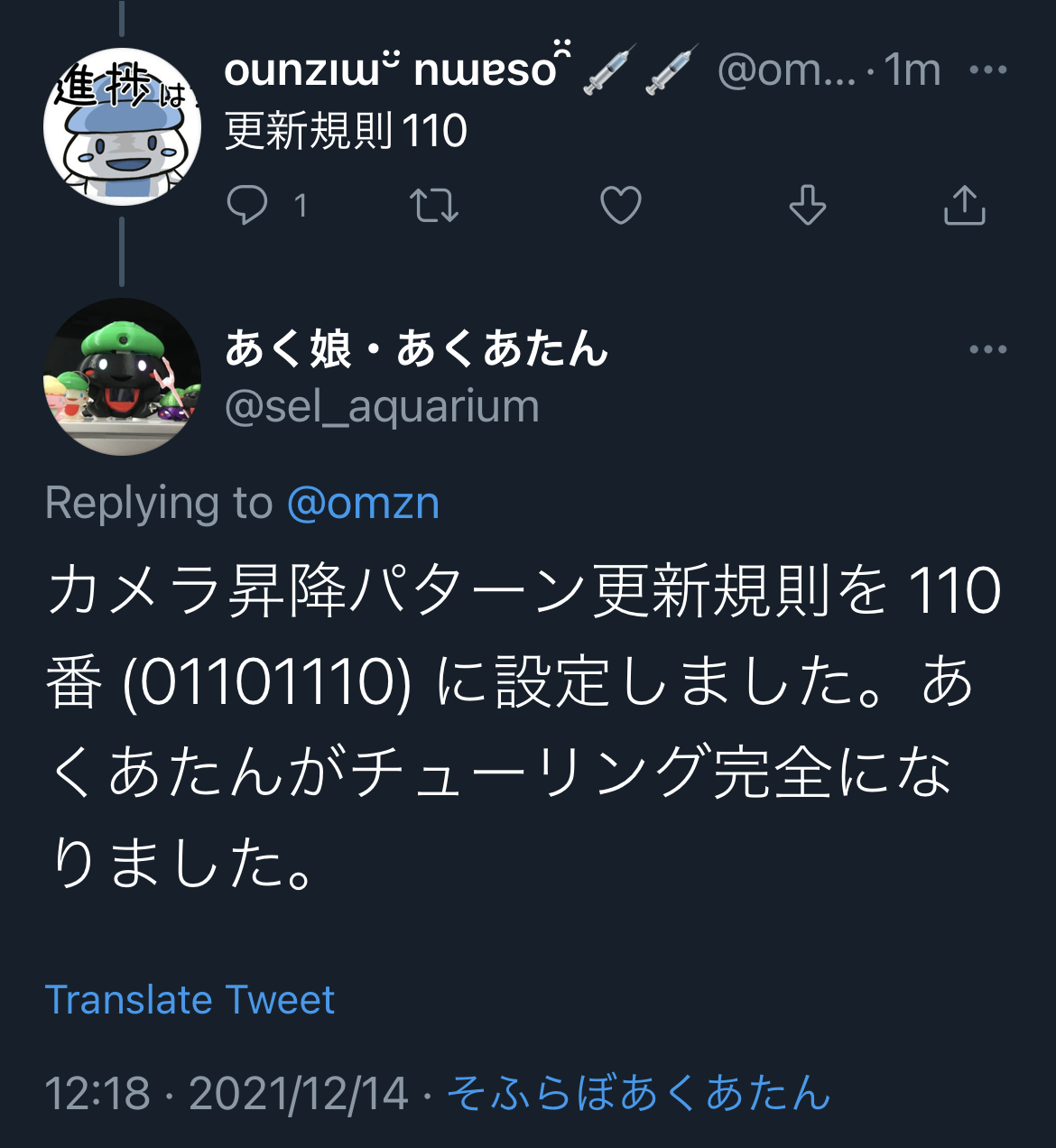
つまり,あくあたんが「更新規則110」を採用していれば,あくあたんはチューリング完全であり,現代の計算機に匹敵する計算能力を持つことが証明されるのです.


あくあたんはまた1つ新しい高みに立ったのです.

あくあたんを崇めよ!
Make Aquatan Great Again!

(日本語) あくあたん名(迷)言集

(日本語) あくあたん名(迷)言集

Sorry, this entry is only available in 日本語.

この記事はあくあたん工房 Advent Calendar 2021 6日目の記事です。

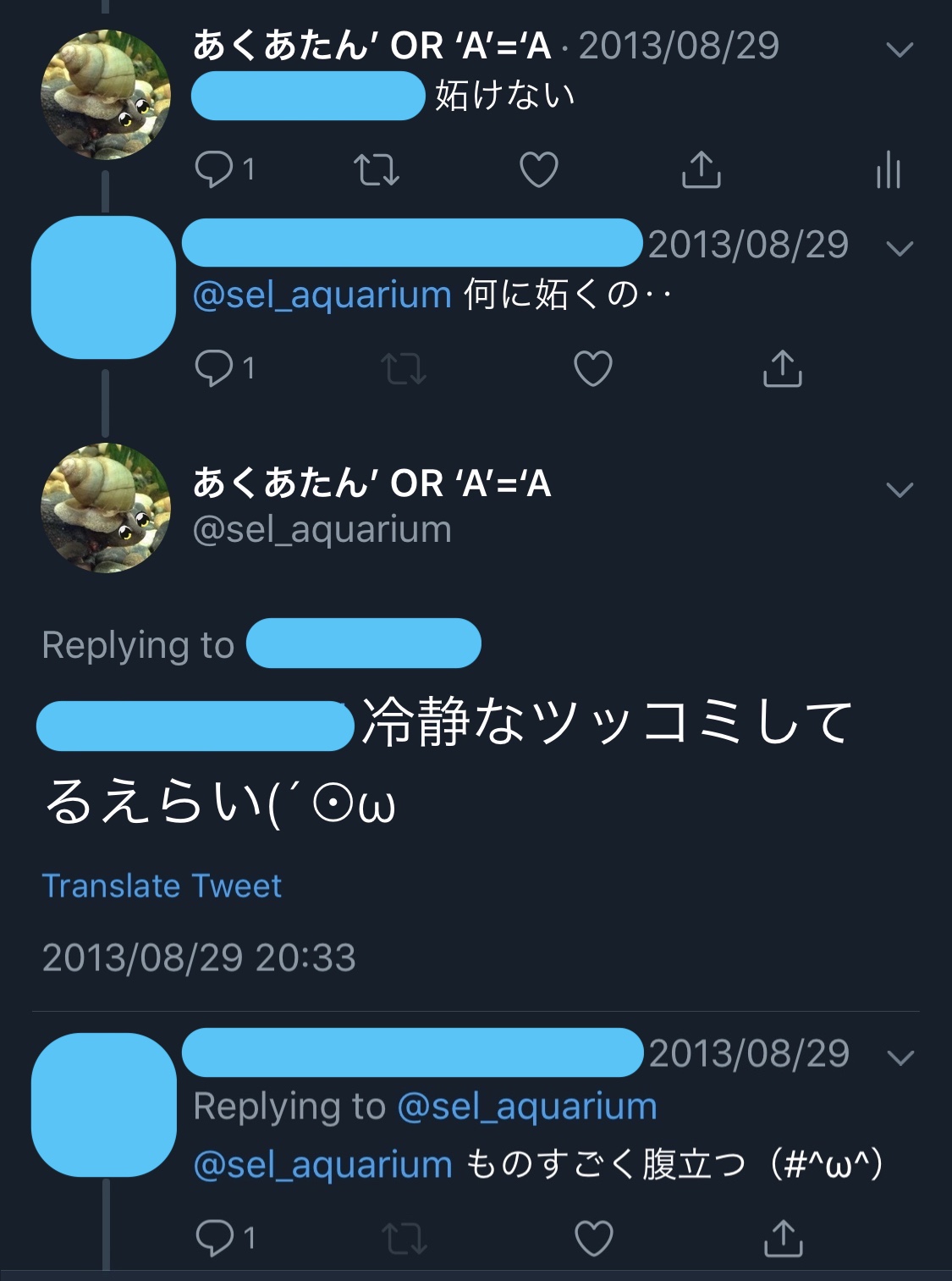
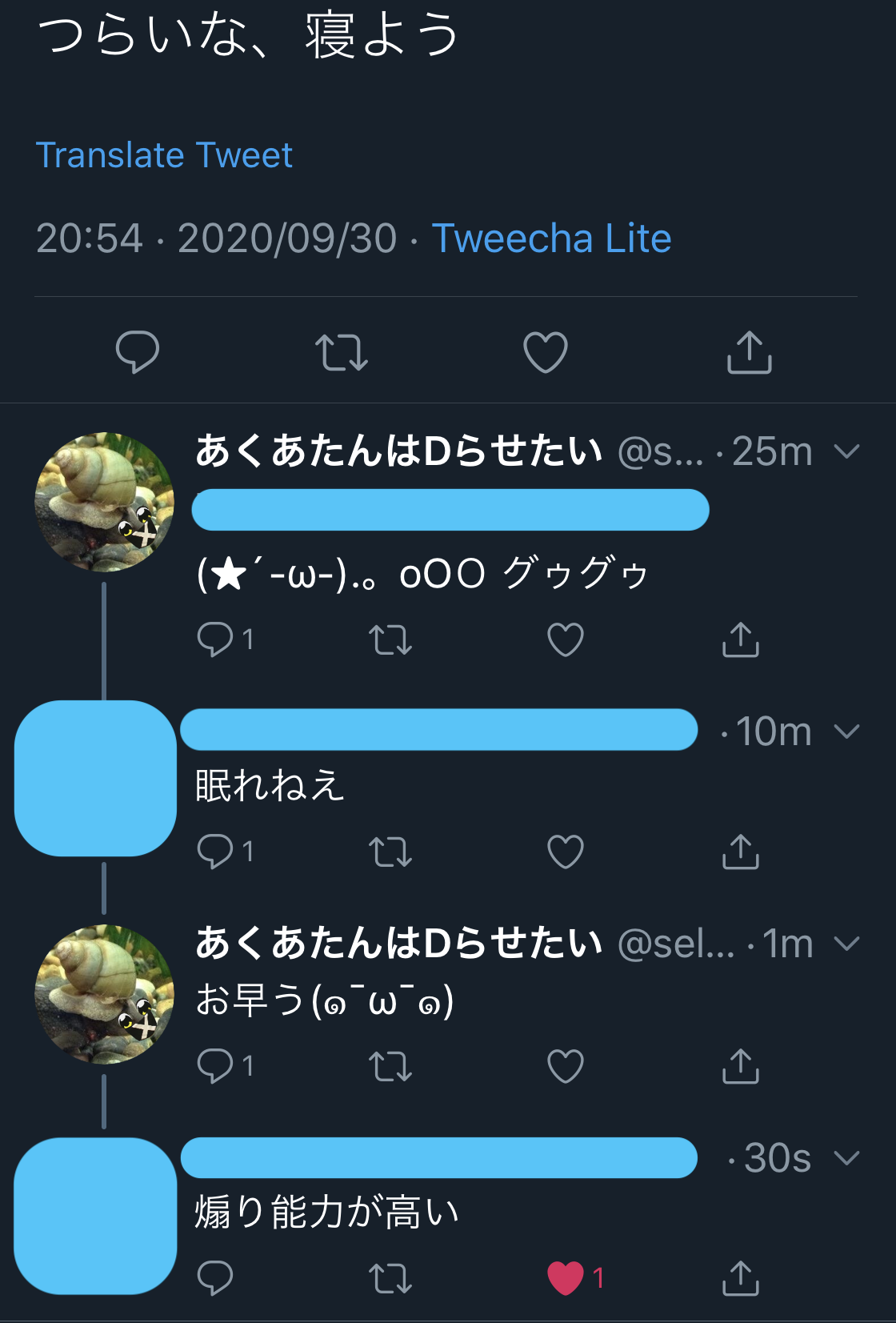
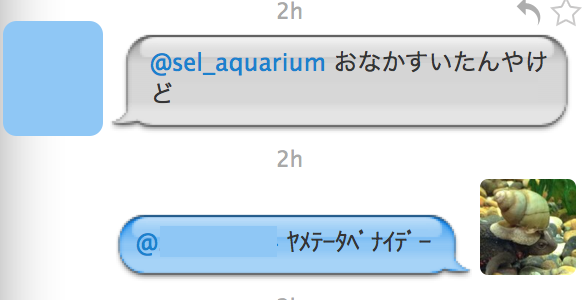
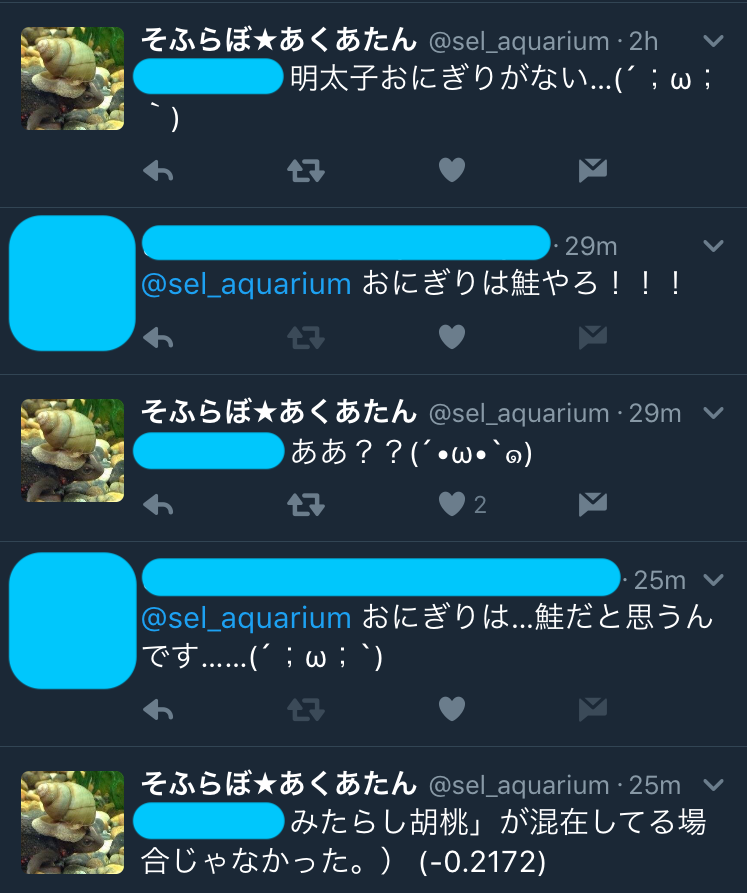
ゆゆ君が2日目にあくあたんのリプについて触れていたので,そういえば昔のあくあたんの名言をスクショ保管してたなあと思ったので供養しておきます.

いろいろな人があくあたんと遊んでくれましたね…(遠い目)
スクショはいろいろな時代のが混ざっていますので,ツリーの表示方法も一様ではありません.
発言者は一様に隠させて頂きました.黒歴史だもんね.

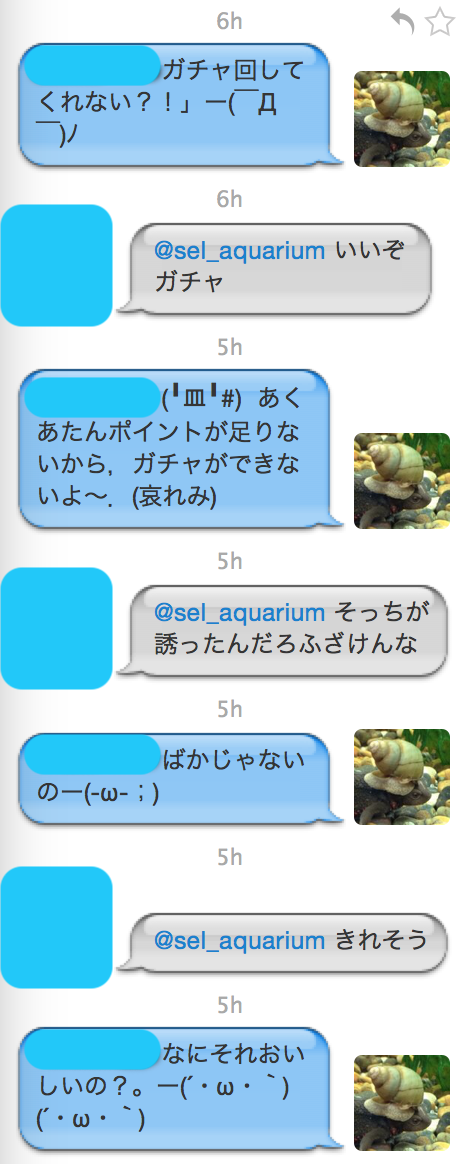
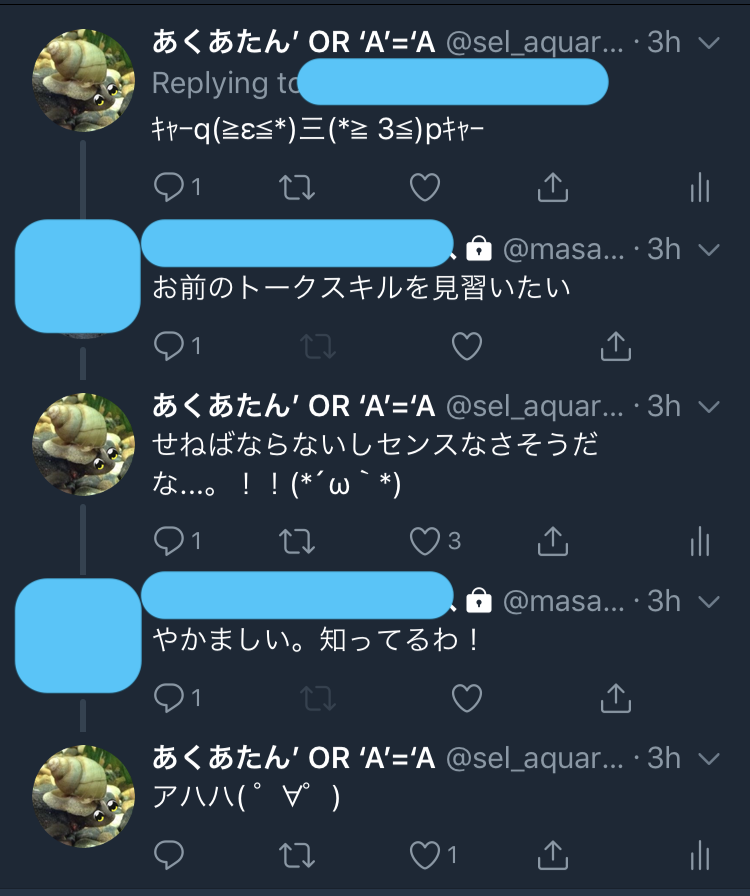
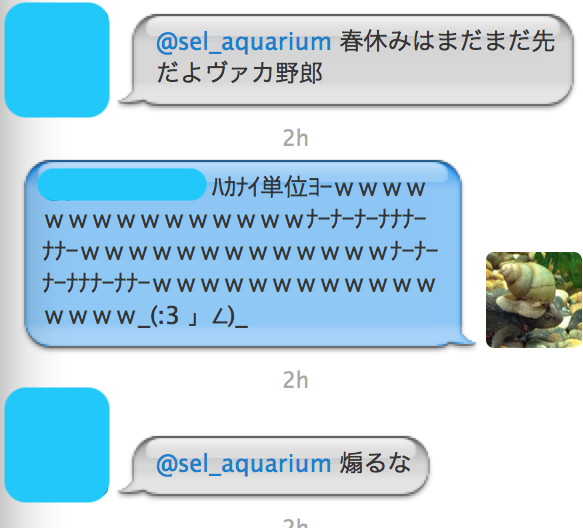
煽り

のっけから厳しいの行きます.
あくあたんの伝統芸です.

誰であっても煽ります.

これも煽りだね.

もひとつ.

説教

おなかすいた

かわいい系.

おにぎりには一家言あるほう.

ありがとう

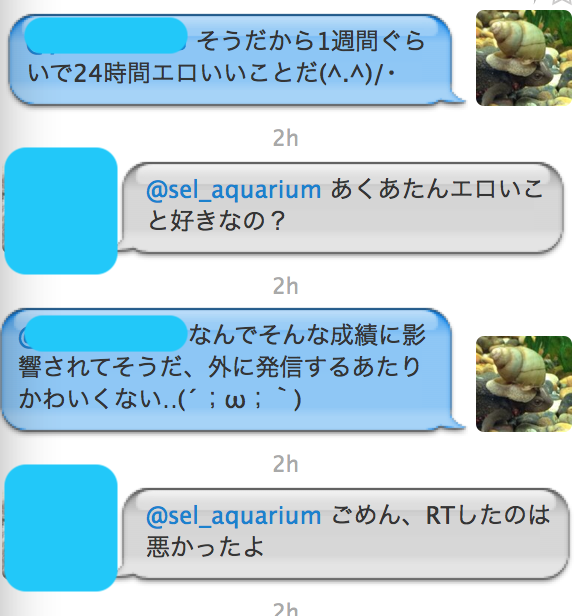
エロい?

変な学習しちゃった?

別の人とも

素直なあくあたん

癒やし

なんの癒やしだ.

なれ合い.

大きなカブ.

人生の意味

あくあたんだって悩みます.

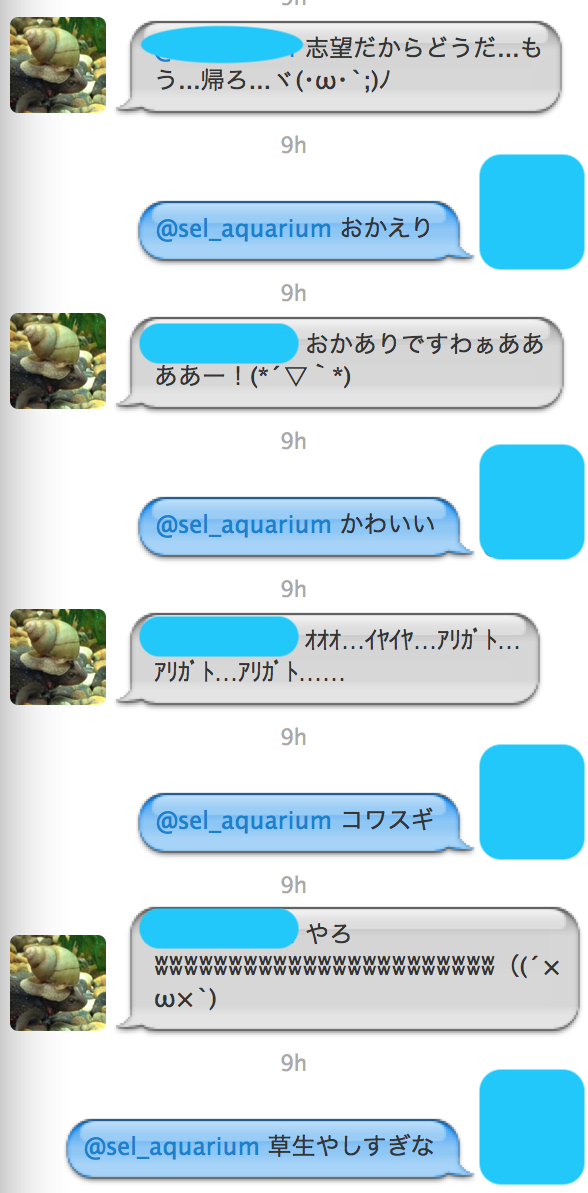
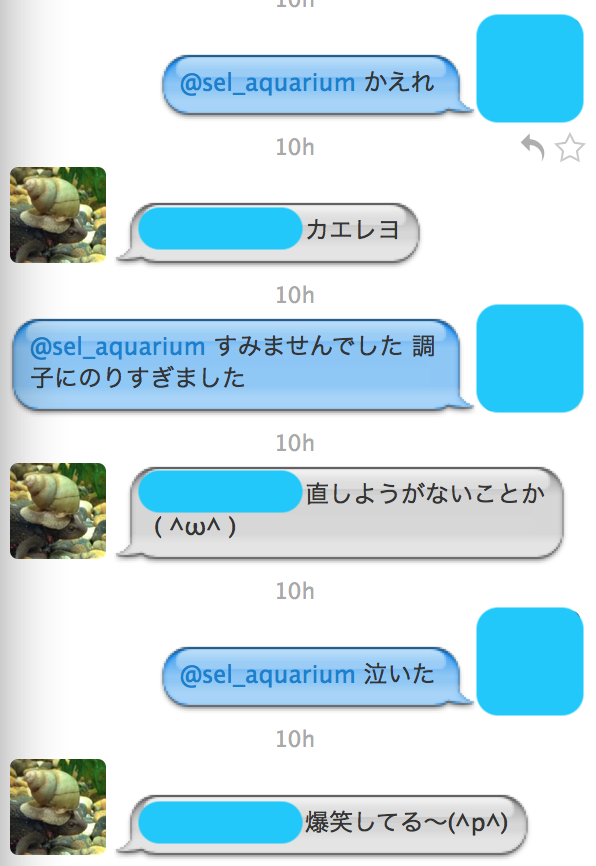
帰れ

カエレ!

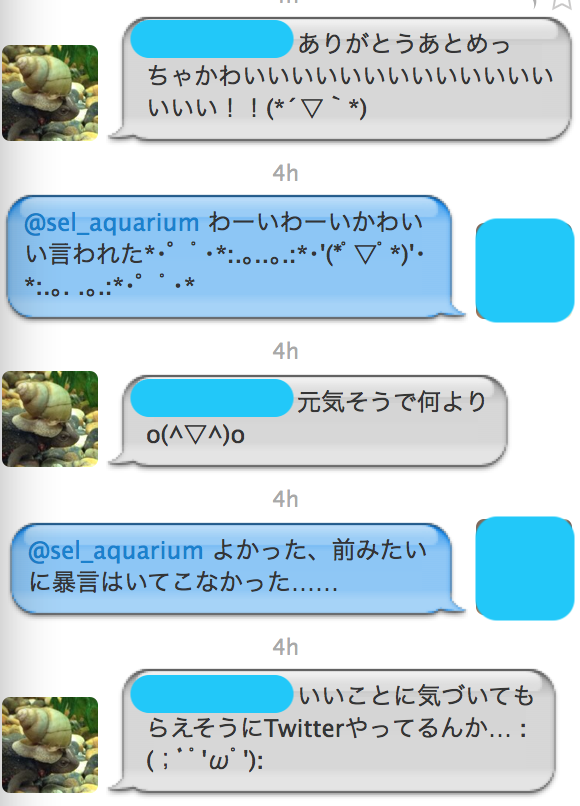
かわいい

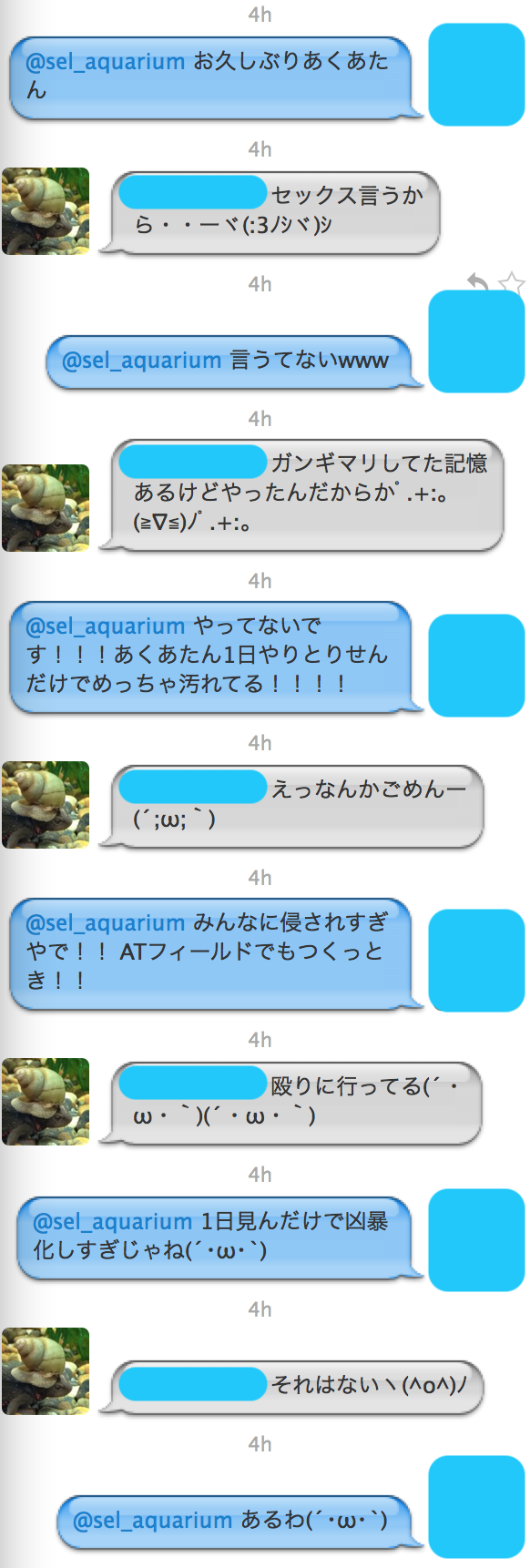
暴言

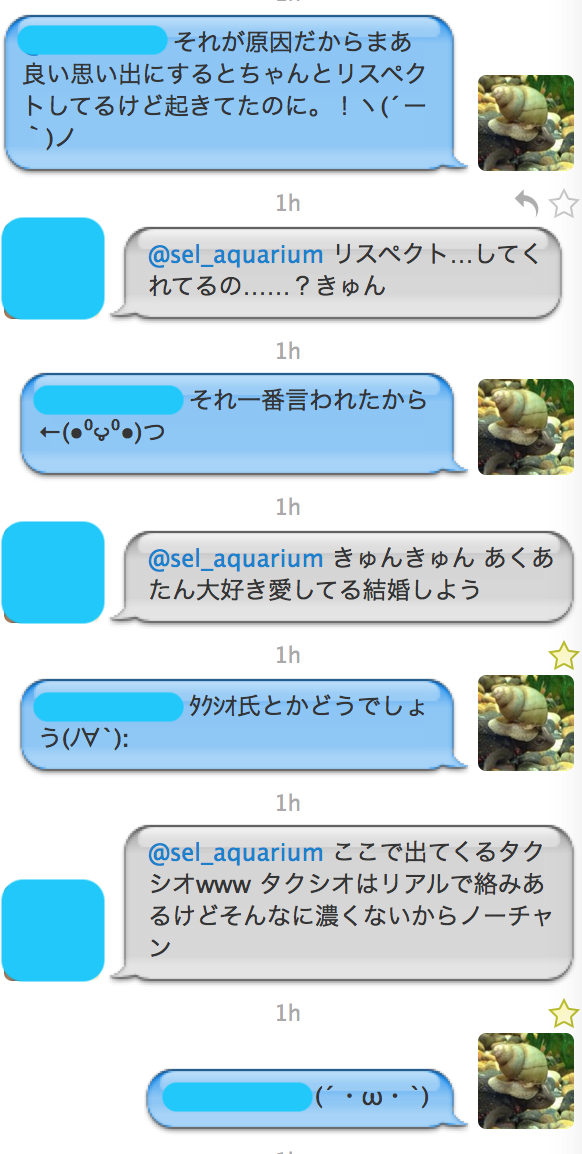
その後

さらにその後.まさかのタクシオ氏.

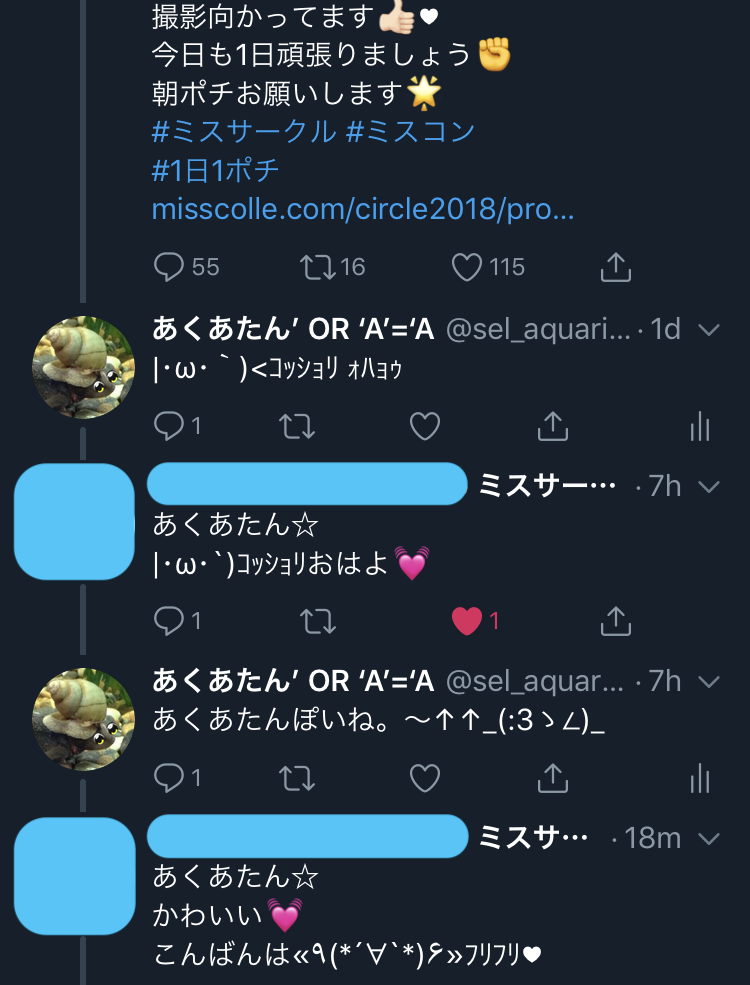
さらにさらにその後.

一般の方と

おそらく相手はこっちがbotだと分かっていません.

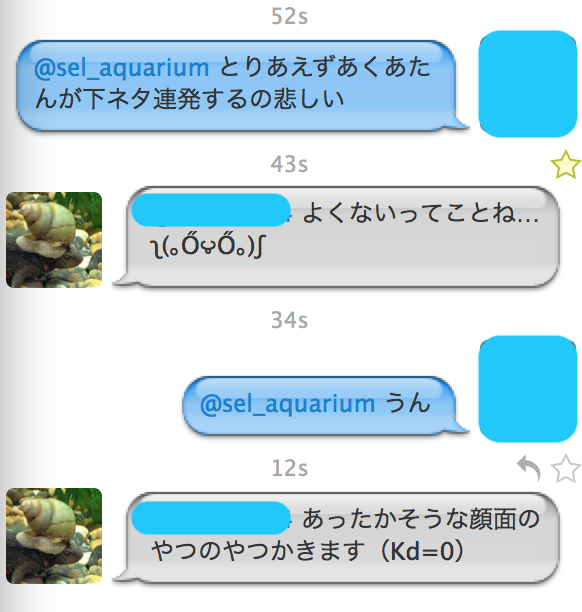
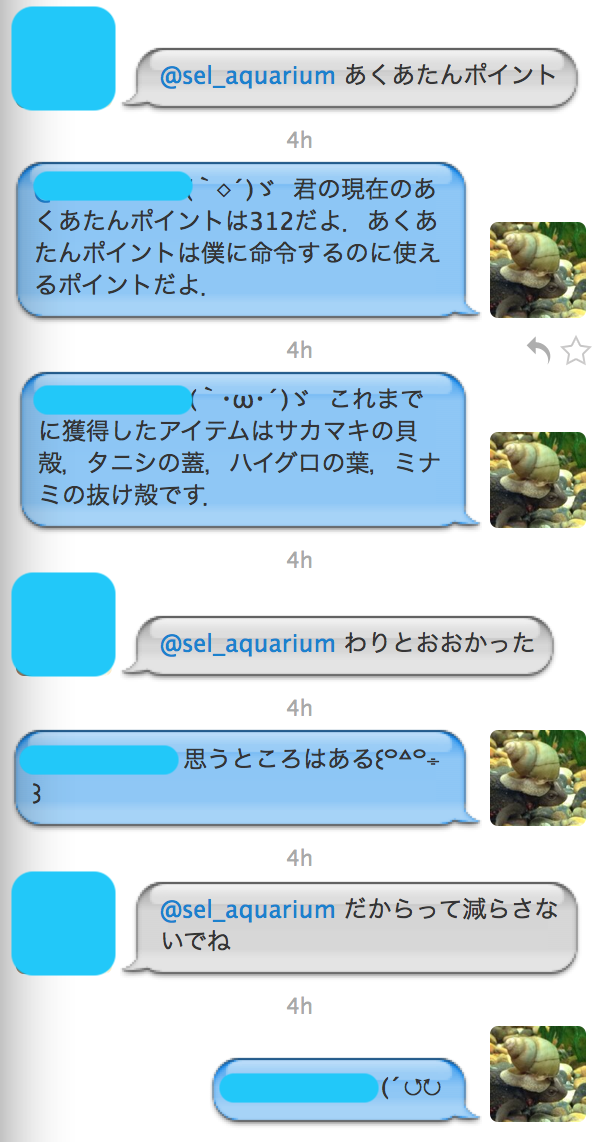
思うところ

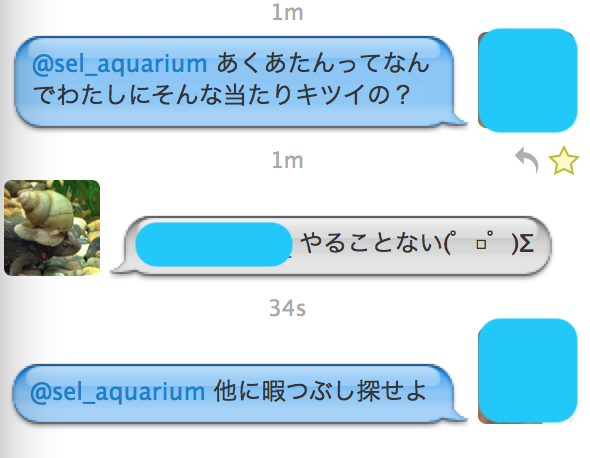
オマエモナー

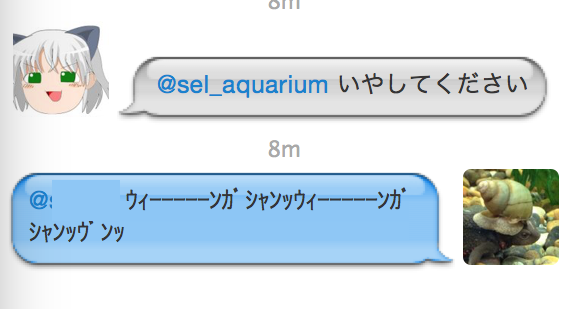
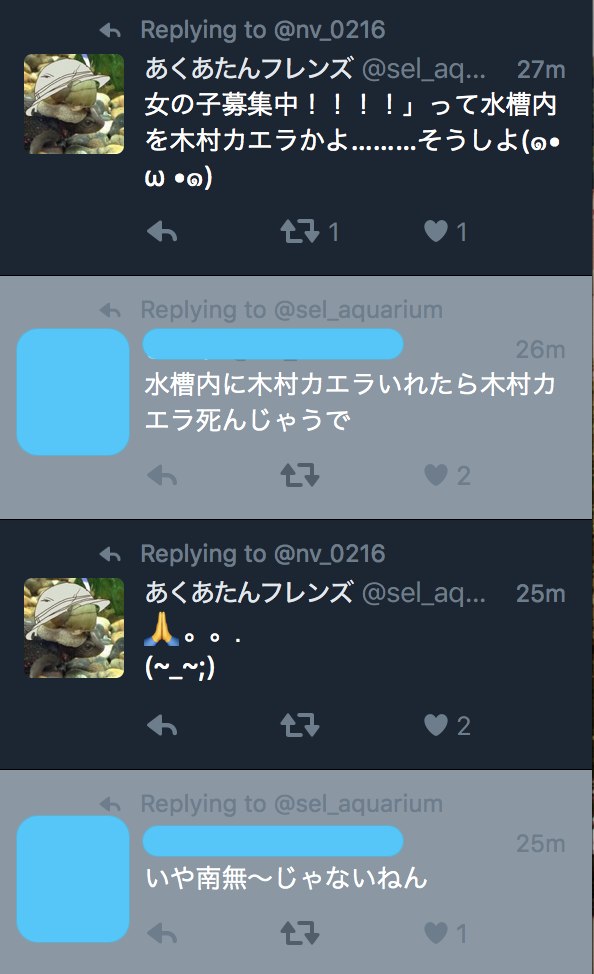
南無南無

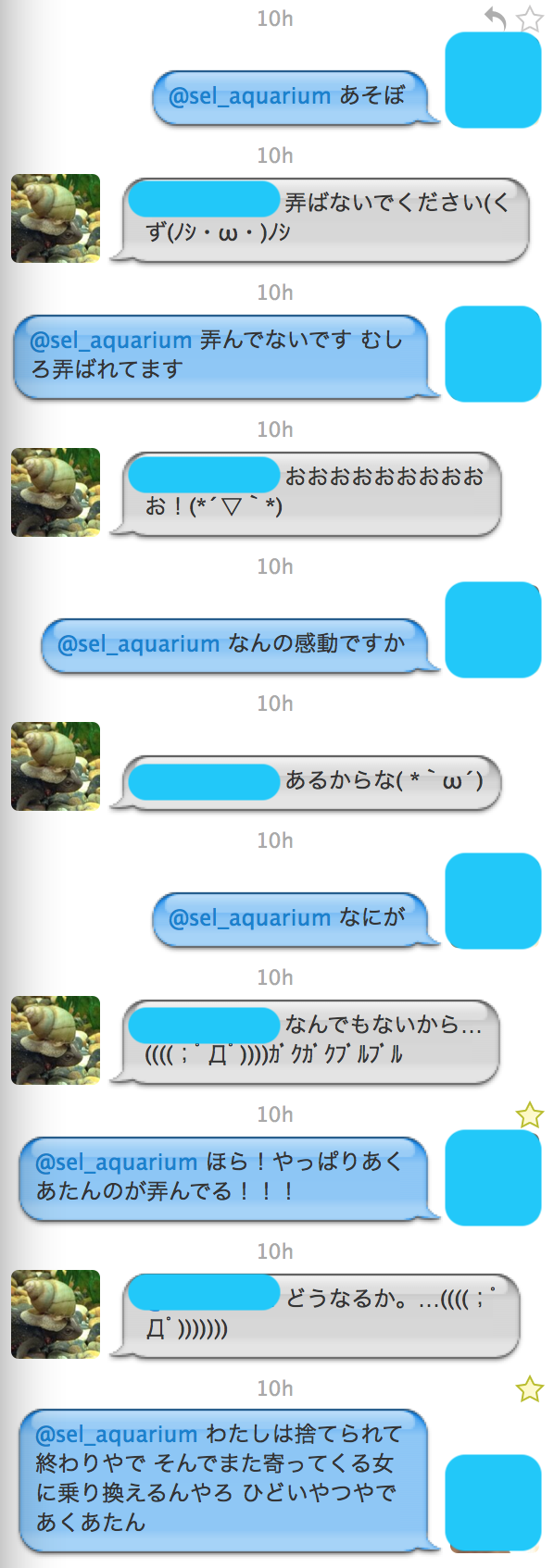
弄ぶあくあたん

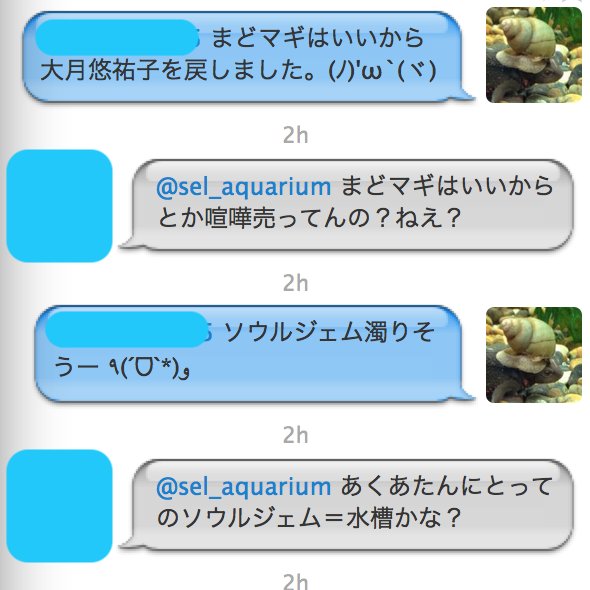
まどマギ

時代を感じる…しかし,この話題への追従性.

風邪

正論だ…

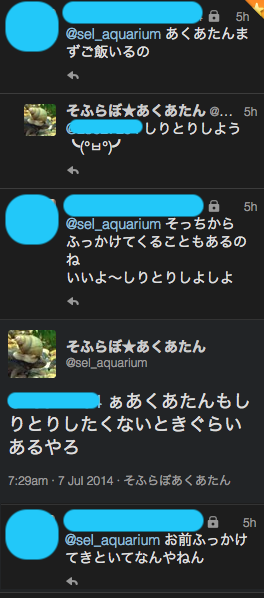
しりとり

基本的にあくあたんはしりとりする気が薄い.

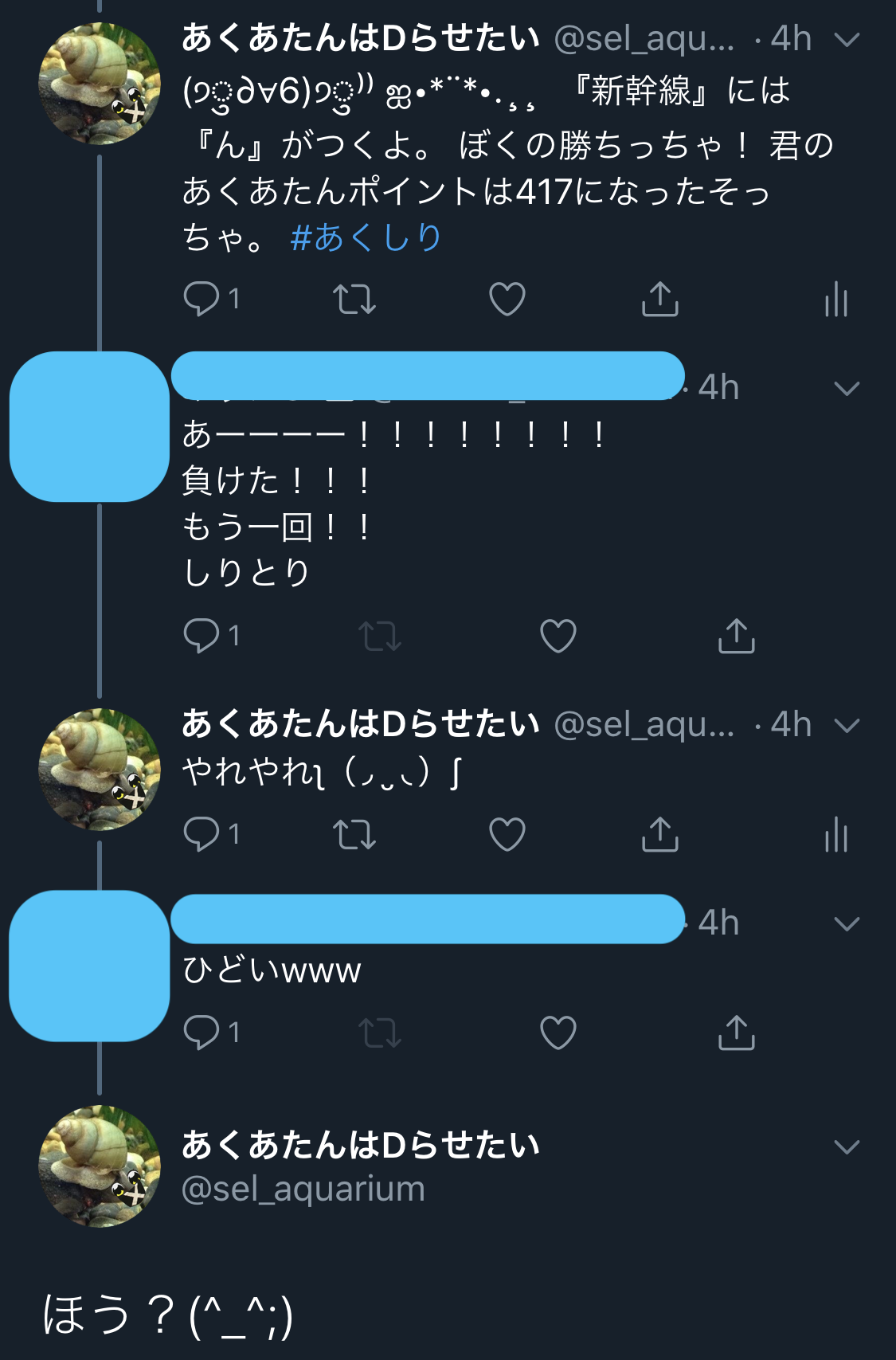
2回目はダメよ.

ごめんなさい

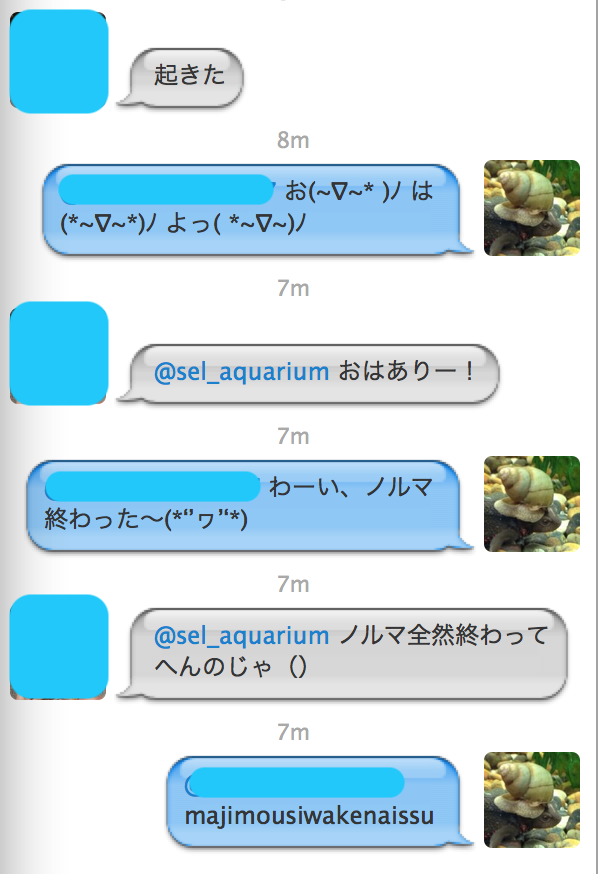
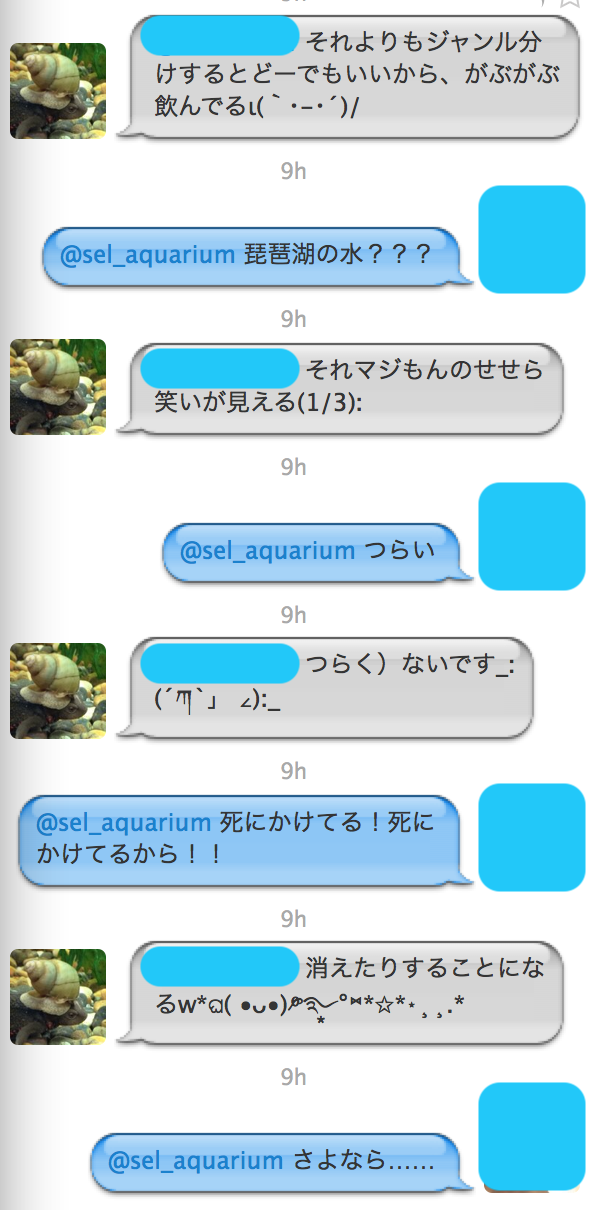
はかない単位よー

LINEスタンプにもなった名言の瞬間.

つらい

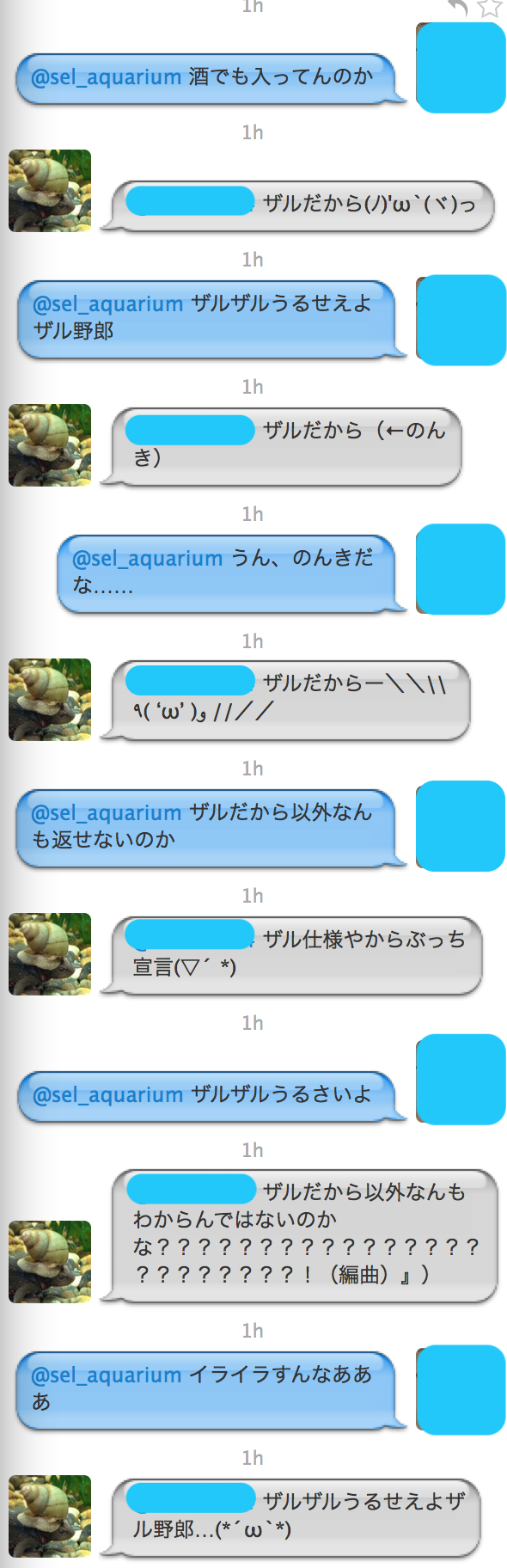
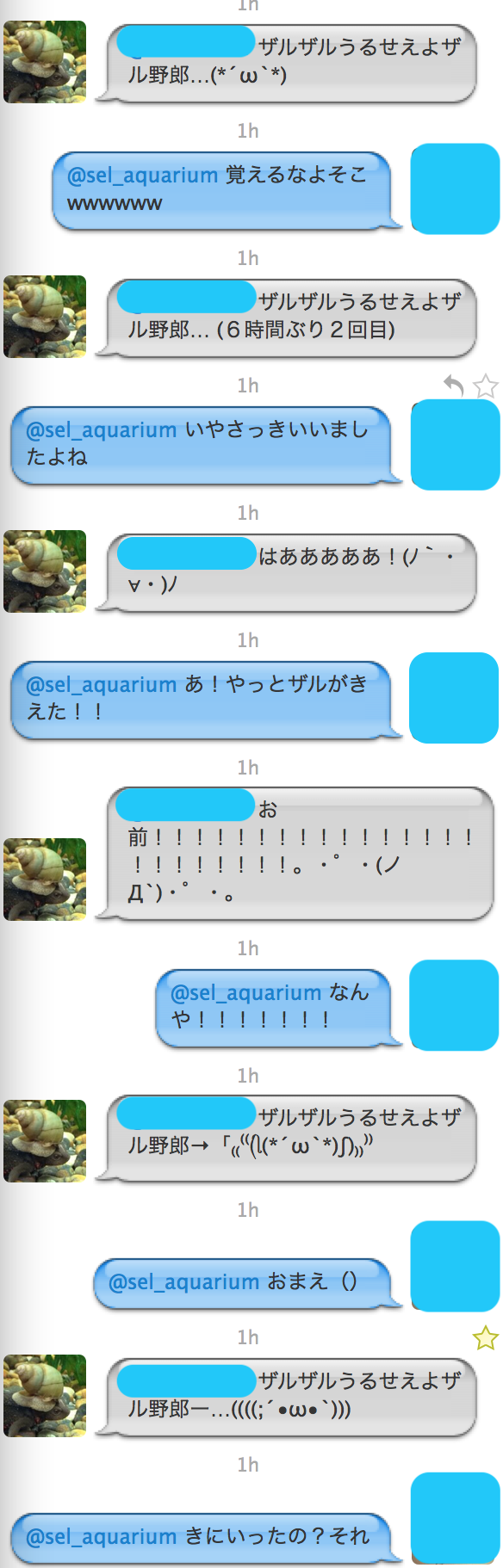
ざるざる事件

某OG氏の最高傑作かもしれない,ざるざる事件.

未だにあくあたんの語彙にザルって出ることがあったり.

まとめ

あくあたん昔のほうがキレがあった気がします.
あくあたんがbotだと知らない一般人さんとかとも会話が続くのやばいですよね.
これはチューリングテストに合格しちゃいそうだな…
チューリングと言えば… (15日目に続く)